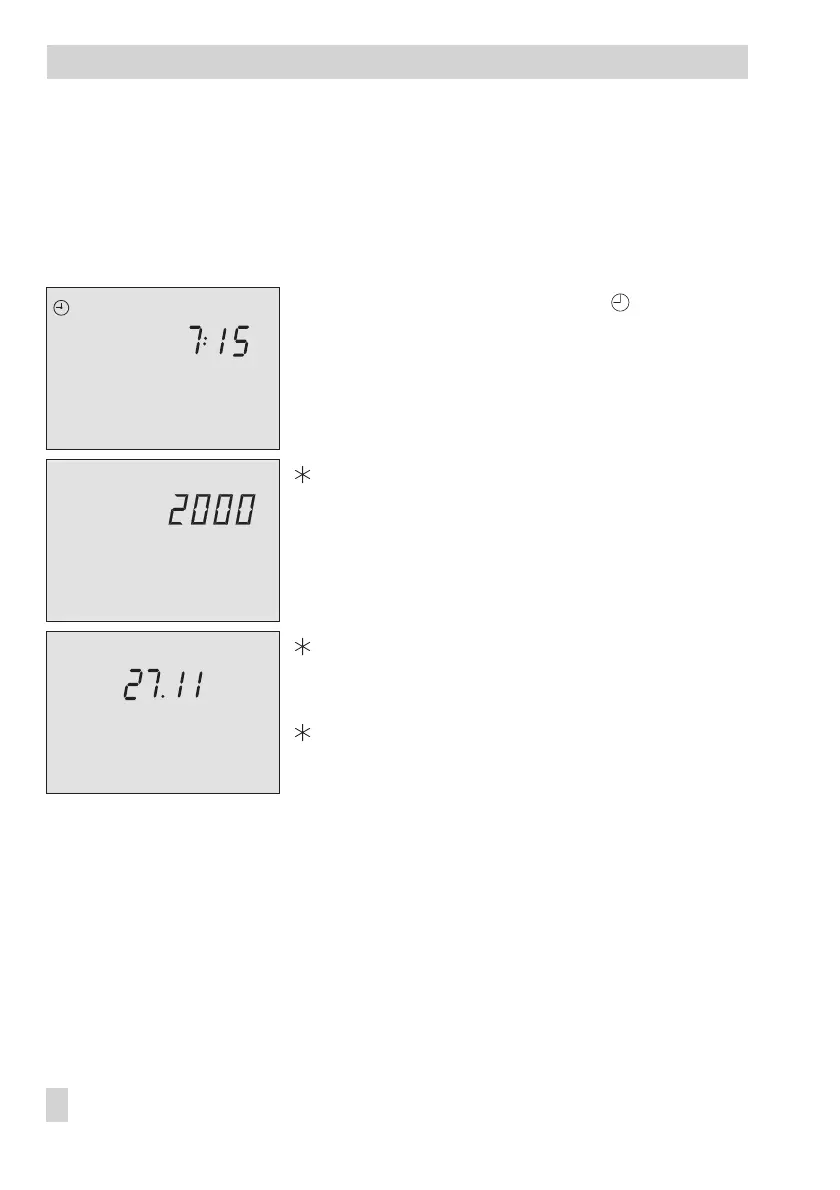
1.5 Setting the controller time
The current time and date need to be set immediately after start-up and after a power failure
of more than 24 hours has occurred. This is the case when the time blinks on the display.
Proceed as follows:
Turn the top rotary switch to position “Controller
time“ (right side).
Display shows: time
q
Edit the controller time.
Confirm the adjusted time.
Display shows: year
q
Edit the year.
Confirm the adjusted year.
Display shows: date (day.month)
q
Edit the date.
Confirm the adjusted date.
Display shows: time
Return the rotary switch to the desired operating mode
(left side).
12 EB 5575 EN
Operation
2423222120191817161514131211109876543210
0 1 2 3 4 5 6 7 8 9 10 11 12 13 14 15 16 17 18 19 20 21 22 23 24
242322212019181716151413121110
9876543210



 To Next Page