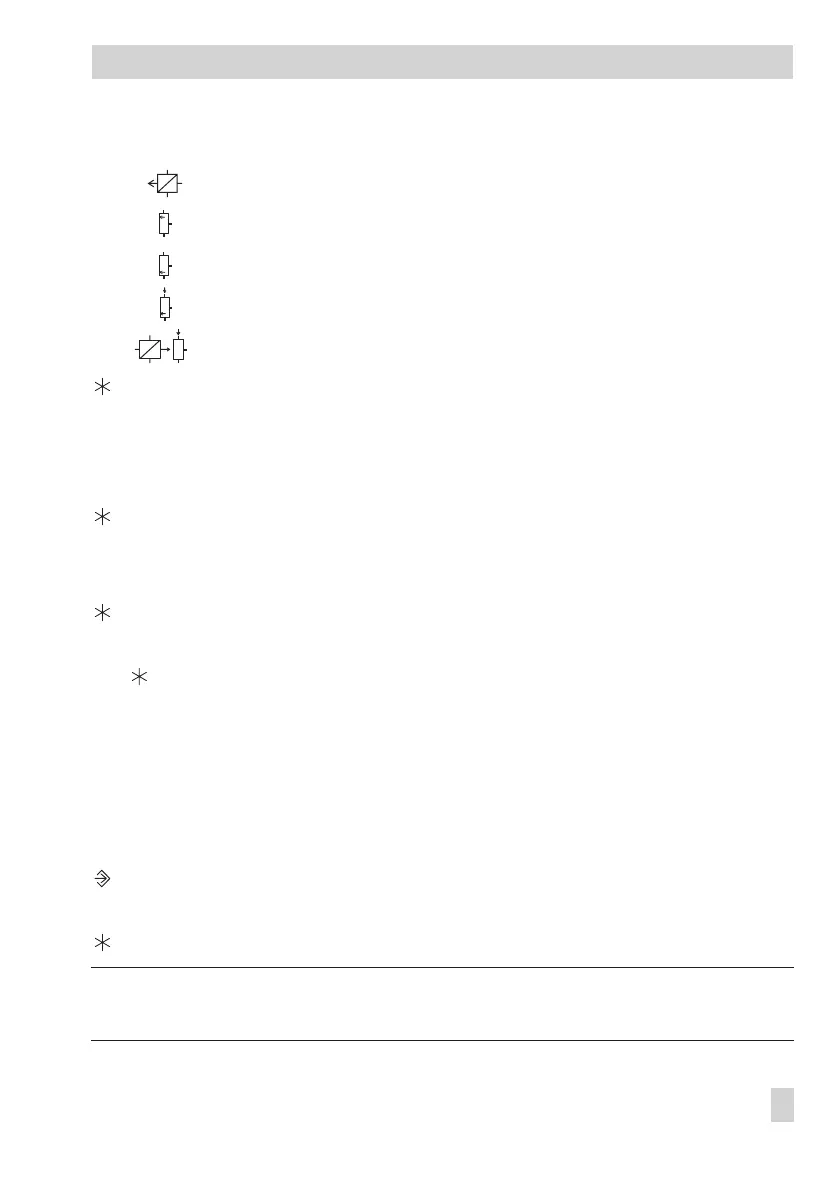
Return flow sensor RüF
Storage sensor SF1
Storage sensor SF2
Storage sensor SF2 for solar circuit
Flow sensor VF4
Display measured value.
Measured value blinks.
q
Correct measured value.
Read the actual temperature directly from the thermometer at the point of measurement
and enter this value as reference temperature.
Confirm corrected measured value.
Additional sensors are calibrated similarly.
q Select
End
.
Exit configuration level.
q
Select
End
.
q
Return to operating level.
2.5 Resetting to default values
All parameters in parameter levels PA1, PA2 and PA5 adjusted with the rotary switches, ex
-
cept for the maximum flow temperature and the return flow limiting temperature in
PA1/PA2, can be reset to their default values (WE).
Proceed as follows:
Switch to configuration and parameter level.
q
Set key number 1991.
Confirm key number.
Note! Resetting the parameters to their default values generates an “Err 2“ alarm, which is
automatically reset shortly after midnight.
EB 5575 EN 27
Start-up



 To Next Page