EB 6493 EN 7-9
Start-up and conguration at the device
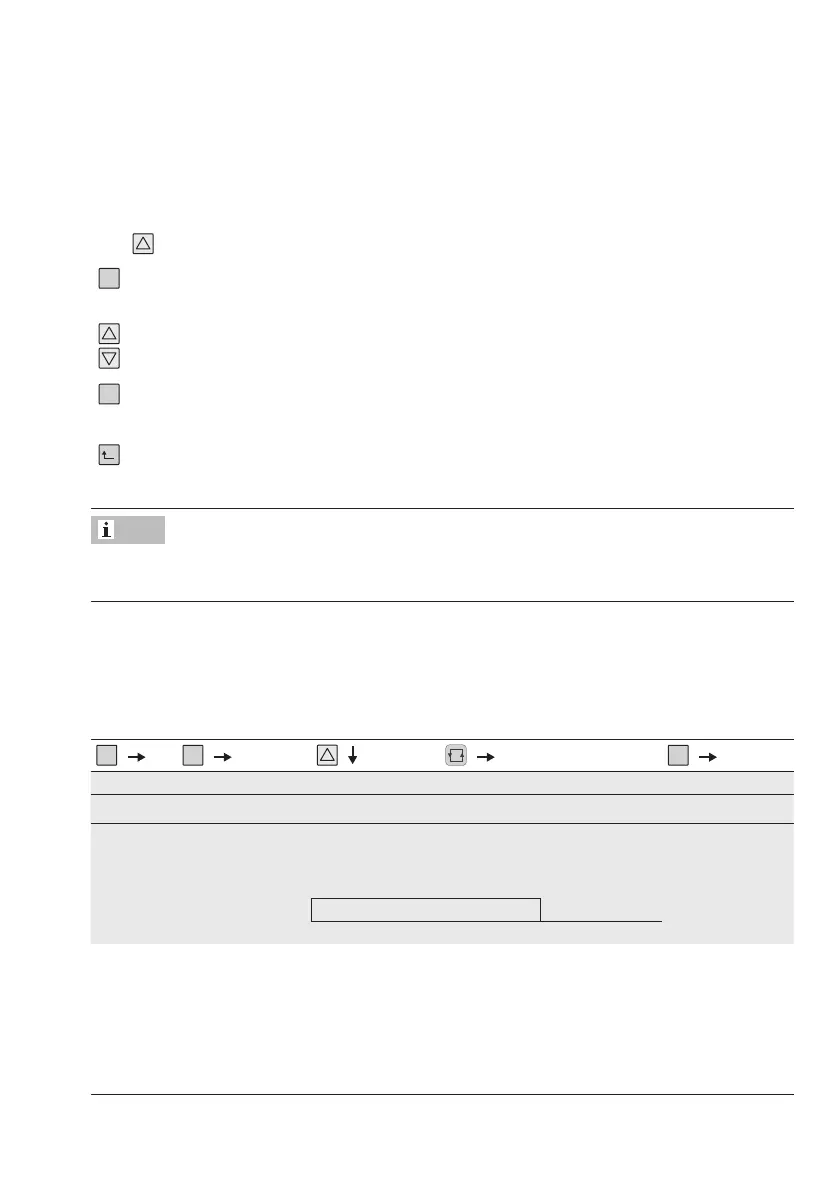
Î Open parameter level.
Reading: code of the rst parameter
If you want to congure a different parameter:
Î Select parameter.
Î Activate editing mode for the parameter.
The code of the function parameter blinks.
Î Set the parameter.
Î Conrm setting.
After setting all parameters:
Î Press until the controller is back in the operating level.
The controller automatically returns to the operating level ve minutes after the last key has
been pressed.
Conguration and parameterization example
The compact controller is to congured to be a PID controller. The associated proportion-
al-action coefcient (KP) is to be set to 1.5. Refer to the overview in AnnexA. This overview
shows that time behavior is dened by the C.PID function in the CNTR menu.
....
..............
or
................................
..............
Menu Function -CO- Setting options
1)
Description of functions Parameters -PA-
Control structure and functions
CNTR C.PID PCP.YP P behavior C.PID/CP.YP
Control algorithm PICP.YP PI behavior C.PID/CP.YP
PdCP.YP PD behavior C.PID/CP.YP
PIdCP.YP PID behavior C.PID/CP.YP
PPICP.YP P²I behavior C.PID/CP.YP
The proportional-action coefcient is set with the KP parameter.
Note



 To Next Page