English - 37
Setup
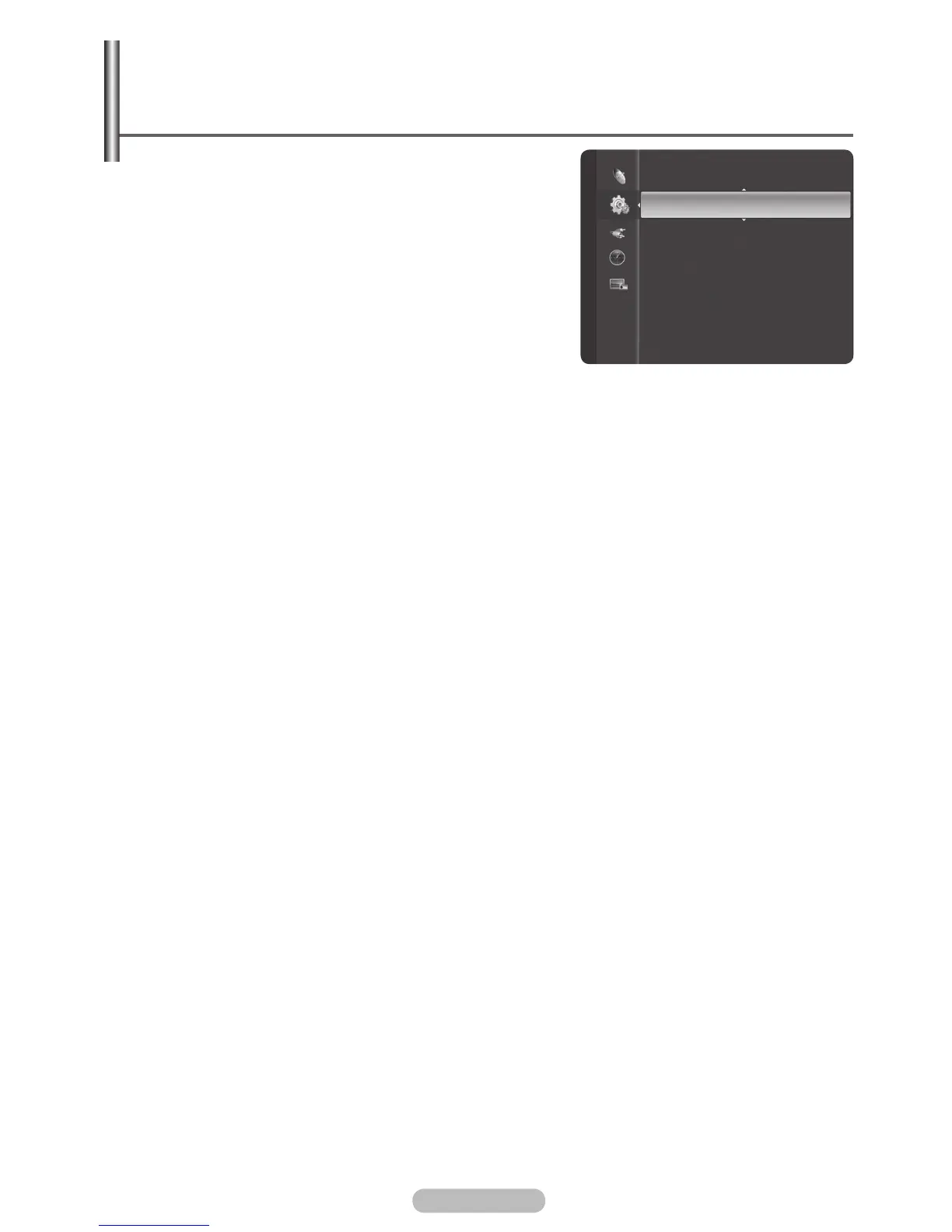
Game Mode : Off
Parental Lock
Menu Transparency : Medium
Energy Saving : Off
PC
Home theatre PC : Off
HDMI Black Level : Normal
Film Mode : Off
Wall-Mount Adjustment
Light Effect : Always
BN68-01314A-00Eng.indd 37 2007-07-26 ¿ÀÈÄ 11:40:34
Menu Transparency / Energy Saving / HDMI Black Level /
Film Mode / Light Effect / Blue Screen / Melody /
Function Help
1 Press the MENU button to display the menu.
2 Press the ▲ or ▼ button to select Setup, then press the
ENTER/OK button.
3 Select the required option by pressing the ▲ or ▼ button,
then press the ENTER/OK button.
Available options: Menu Transparency, Energy Saving,
HDMI Black Level, Film Mode, Light Effect, Blue
Screen, Melody, Function Help
4 When you are satisfied with your setting, press the ENTER/
OK button.
5 Press the EXIT button to exit.
Menu Transparency: High/Medium/Low
Adjusts the transparency of the menu screen.
Energy Saving: Off/Low/Medium/High
This feature adjusts the screen brightness depending on the surrounding lighting conditions.
− Off: Switches off the Energy Saving mode.
− Low: Operates in standard mode regardless of the surrounding illumination.
− Medium: Enters Medium power saving mode regardless of the surrounding illumination.
− High: Enters maximum power saving mode regardless of the surrounding illumination.
HDMI Black Level: Normal/Low
Use this function to adjust the Black Level of the picture while in HDMI mode.
− Normal: The screen gets brighter.
− Low: The screen gets darker.
This function is active only when the externel input connects to HDMI(RGB signals).
Film Mode: On/Off
You can automatically sense and process film signals and adjust the picture for optimum quality.
Film Mode is only available in the TV mode and the External Input modes ( AV, S-Video,
Composite and Component) which support SD level signals (480i, 576i).
Light Effect : Off/In Standby/In Watching TV/Always
You can turn on/off the blue LED on the front of TV according to the situation. Use it for saving power
or when the LED dazzles your eyes.
− Off: The blue LED is always off.
− In Standby: The blue LED lights while in Standby mode and it turns off when your TV is turned on.
− In Watching TV: The blue LED lights when watching TV and it turns off when your TV is turned off.
− Always: The blue LED always lights.
Set the Light Effect to Off to reduce the power consumption.
Blue Screen: On/Off
If no signal is being received or the signal is very weak, a blue screen automatically replaces the
noisy picture background. If you wish to continue viewing the poor picture, you must set the Blue
Screen to Off.
Melody: Off/Low/Medium/High
The TV power on/off melody sound can be adjusted.
Function Help: On/Off
Displays help on the menu functions.
The Function Help default setting is On.
➢
➢
➢
➢



 To Next Page