English - 66
Recording
You can make a recording of a TV program using a recorder.
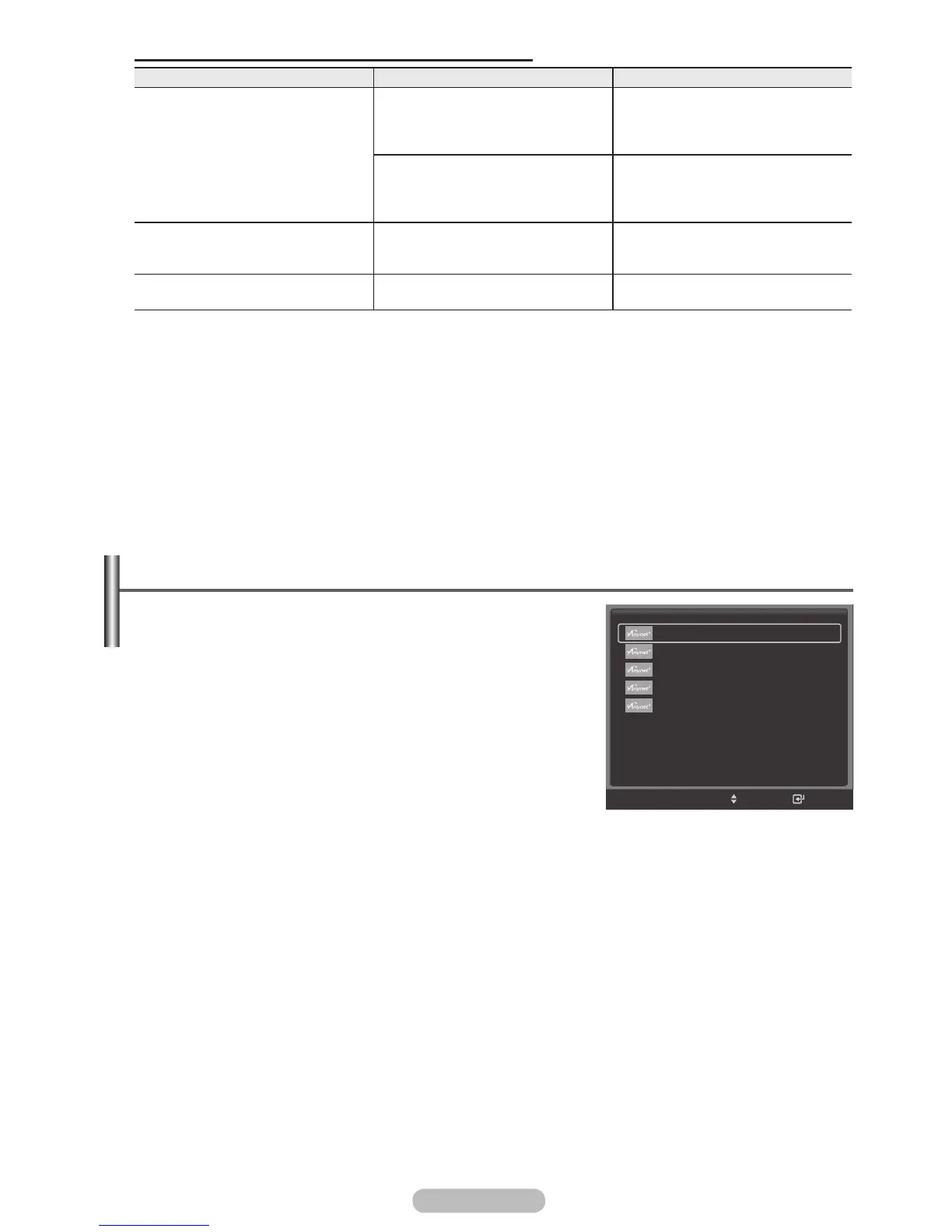
1 Press the Anynet+ button.
2 Press the ▲ or ▼ button to select to Record Immediately and
press the ENTER/OK button.
Recording begins.
When there are more than one recording device
When multiple recording devices are connected, the recording
devices are listed. Press the ▲ or ▼ button to select to a
recording device and press the ENTER/OK button. Recording
begins.
When the recording device is not displayed
Select Device List and press the red button to search devices.
Press the EXIT button to exit.
➢
You can record instantly using the REC button of the TV remote control.
➢
The current TV program is recorded in the Watching TV status. If you are watching video from
another device, the video from the device is recorded.
➢
Before recording, check whether the antenna jack is properly connected to the recording device.
For the antenna connection to the recording device, refer to its user manual.
TV Remote Control Buttons Available in Anynet+ Mode
Device Type Operating Status Available Buttons
Anynet+ Device
After switching to the
device, when the menu of
the corresponding device is
displayed on the screen.
Numeric buttons
▲/▼/◄/►/ENTER buttons
Colour buttons
EXIT button
After switching to the device,
while playing a file
◄◄(Backward search)
►►(Forward search)
(Stop)
►
(Play/Pause)
Device with built-in Tuner
After switching to the device,
when you are watching a TV
program
CH ▲/▼ button
Audio Device When Receiver is activated
VOL +/-
button
MUTE button
➢
The Anynet+ function only works when the remote control is set to TV.
➢
The REC button works only in View TV status.
➢
You cannot control Anynet+ devices using the buttons on the side of the TV. You can control Anynet+
devices only using the TV remote control.
➢
The TV remote control may not work under certain conditions. In this case, re-select the Anynet+ device.
➢
The Anynet+ functions don’t operate for the products from other manufacturers.
➢
The Anynet+ functions do not work with other manufacturers’ products.
➢
The ◄◄, ►► operations may differ depending on the device.
View TV
Device List
Recording : DVDR
DVDR Menu
DVDR Operation
Picture Size : 16:9
Picture Mode : Dynamic
Sound Mode : Standard
Sleep Timer : Off
Move
Enter
TOOLS
BN68-01314A-02Eng.indd 67 2007-08-22 ¿ÀÀü 10:37:55



 To Next Page