English - 39
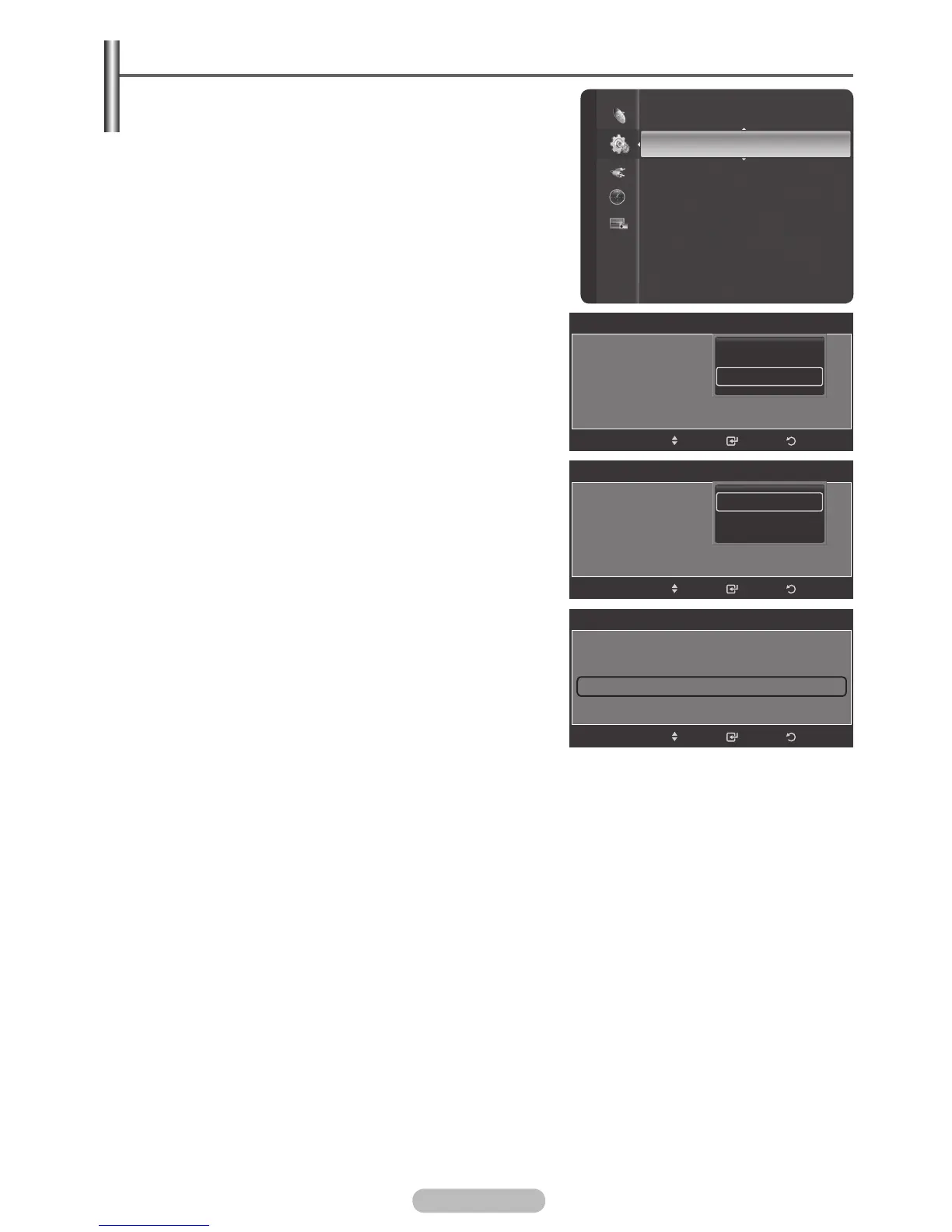
Setting the Subtitle
1 Press the MENU button to display the menu.
2 Press the ▲ or ▼ button to select Setup, then press the
ENTER/OK button.
3 Press the ▲ or ▼ button to select Subtitle, then press the
ENTER/OK button.
4 Select On by pressing the ENTER/OK button.
5 Press the ▲ or ▼ button to select required menu (Subtitle,
Subtitle Mode, Subtitle Language) then press the
ENTER/OK button. The options of the selected menu
are displayed.
6 Press the EXIT button to exit.
➢
The Subtitle Language availability depends on your
country,if the signal does not include subtitle language,
the function is not active.
Setup
Timer 3 : Inactivated
Child Lock
Subtitle
Game Mode : Off
Parental Lock
Menu Transparency : Medium
Energy Saving : Off
PC
Home theatre PC : Off
HDMI Black Level : Normal
Subtitle
Subtitle : On
Subtitle Mode : Normal
Subtitle Language
ReturnEnter
Off
On
Move
Subtitle
Subtitle : On
Subtitle Mode : Normal
Subtitle Language
ReturnEnter
Normal
Hard of Hearing
Move
Subtitle
Subtitle : On
Subtitle Mode : Normal
Subtitle Language
►
ReturnEnter
Move
BN68-01314A-00Eng.indd 39 2007-07-26 ¿ÀÈÄ 11:40:35




 To Next Page