Supplies and accessories_ 105
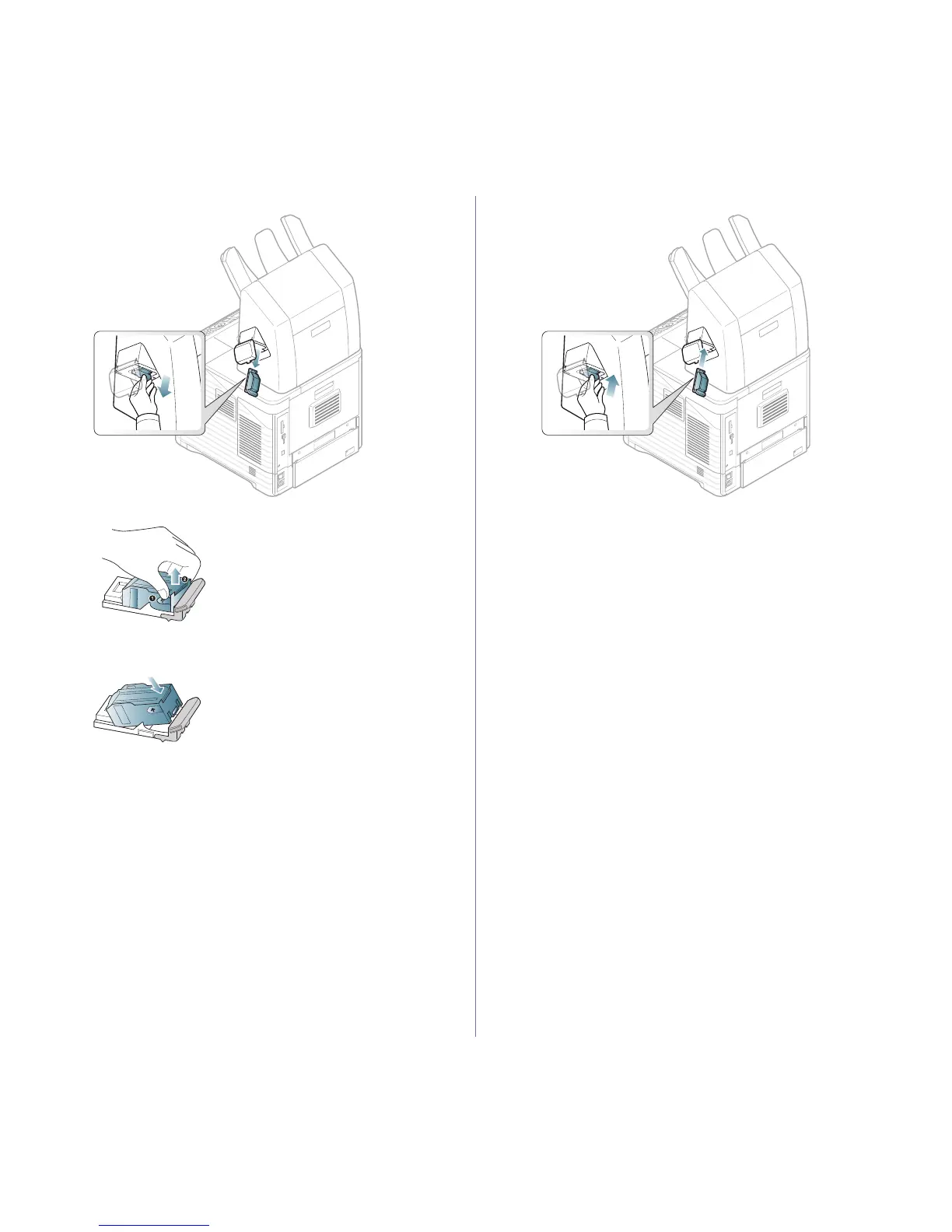
2. Pull the stapler unit out.
3. Lift the empty staple cartridge from the stapler unit.
4. Unpack the new staple cartridge. Make sure that all tape and packing
materials are removed from inside the staple cartridge.
5. Place the sta
ple cartridge back into the stapler unit.
6. Slide the stapler unit in until it locks in place.
7. Close the stapler cover.


 To Next Page
 Loading...












