English Englis_ English _161
ATTENDANCE
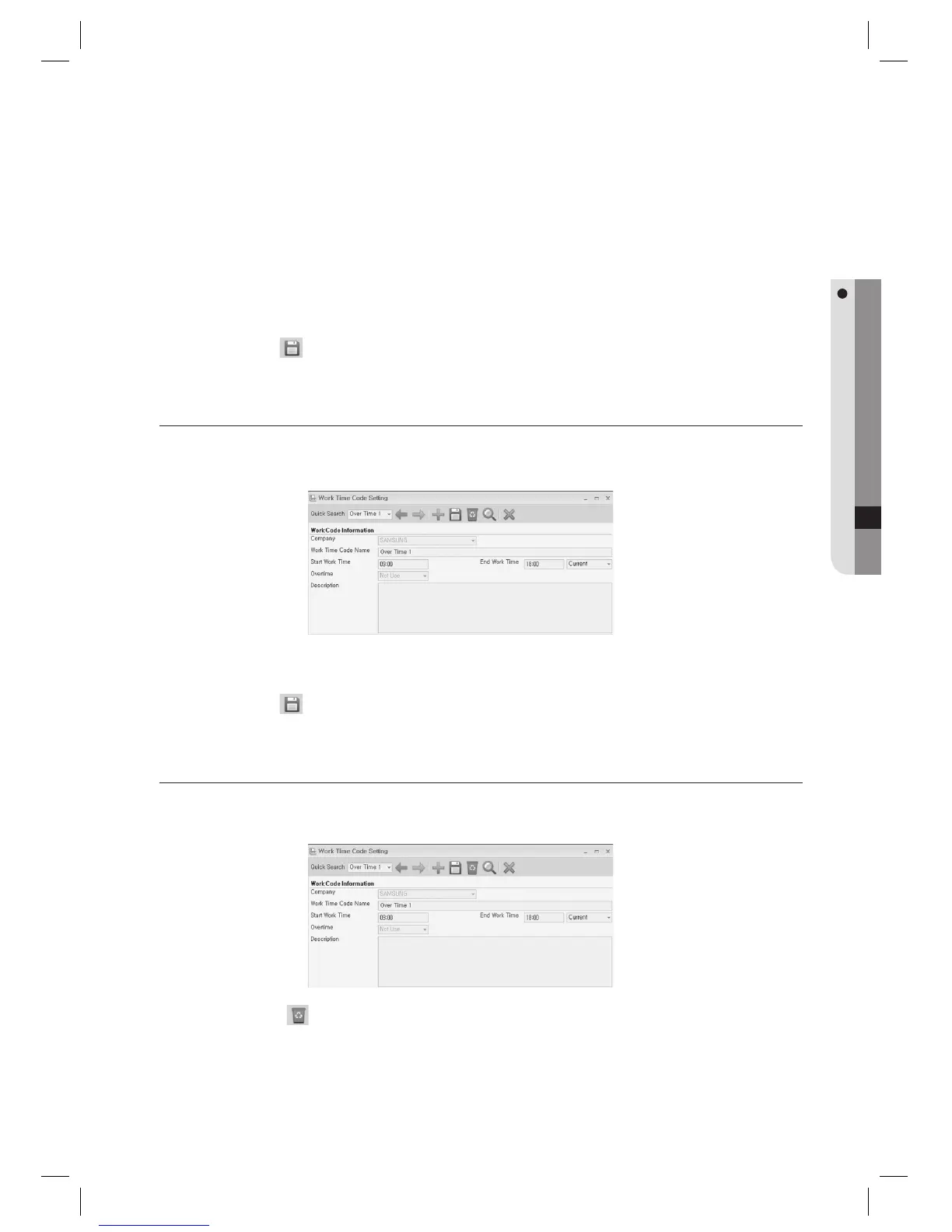
Provide the time for each of [Start Work Time] and [End Work Time].
Select an item in the [Overtime] option as necessary.
The work time codes are managed for an individual company, and you can select the previous day, the current or
the next day for the work start time.
Click Save < > in the tool bar.
WORK TIME CODE SETTING [EDIT]
Select an item to edit using [Quick Search] in the tool bar.
Make changes as necessary.
Click Save <
> in the tool bar.
WORK TIME CODE SETTING [DELETE]
Select an item to delete using [Quick Search] in the tool bar.
Click Delete <
> in the tool bar.
When you are prompted to delete the item, click [Yes].
4.
5.
J
6.
1.
2.
3.
1.
2.
3.



 To Next Page