86_ system management
system management
READER POINT SETTING [SEARCH]
(This is not available in SAMS Pro Lite.)
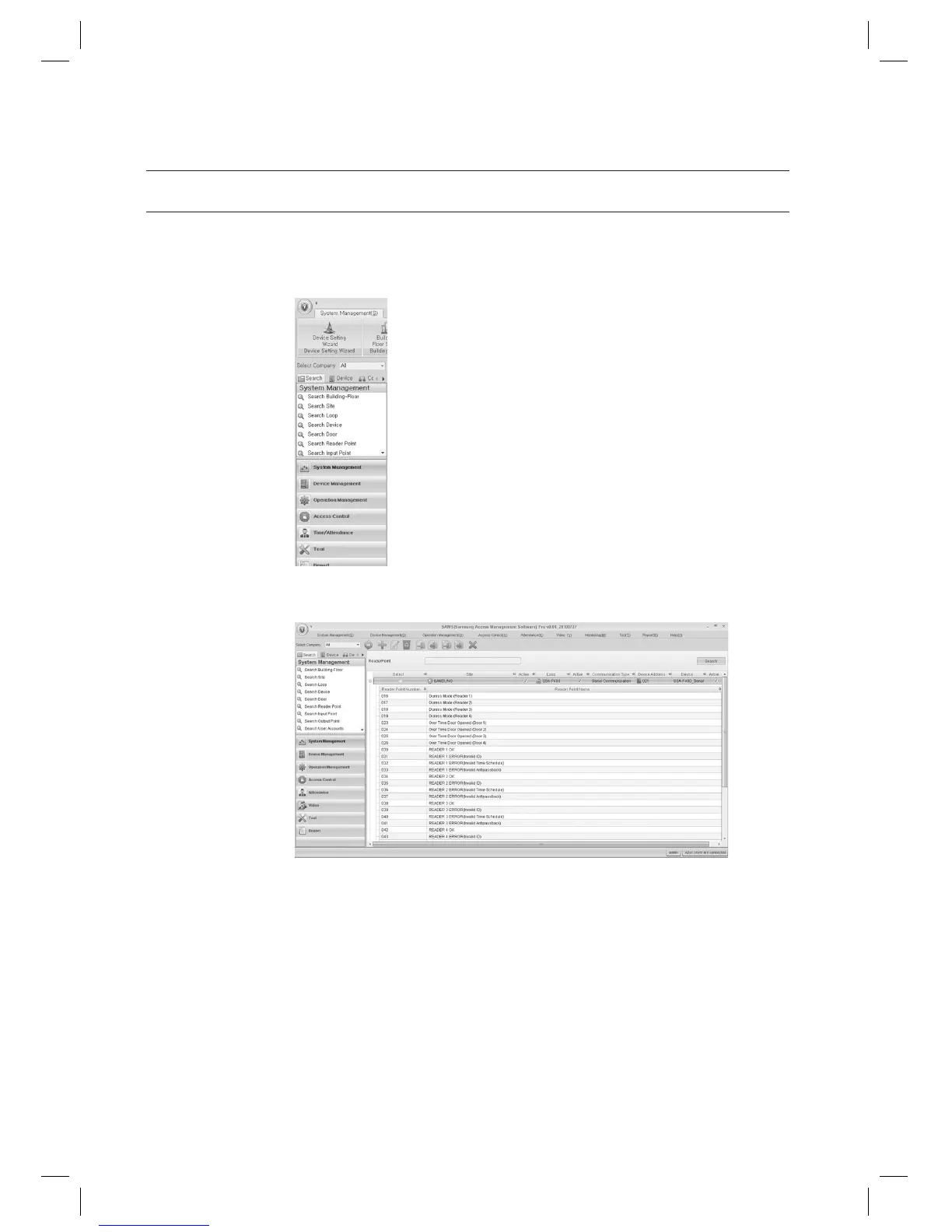
In the left [Search] tab of the main screen, select [System Management] > [Search Reader Point].
In the right pane of the main screen, the Reader Point search screen appears.
Provide the search criteria according to the item to fi nd.
Click Search to start searching.
1.
2.
3.
4.



 To Next Page