English Englis_ English _35
INSTALLATION
INSTALLING SSA-X500 FINGERPRINT SCANNER DRIVER
SSA-X500 fi ngerprint scanner should be connected to a USB port of the computer for fi ngerprint registration. And its
device driver is required to be installed on the computer.
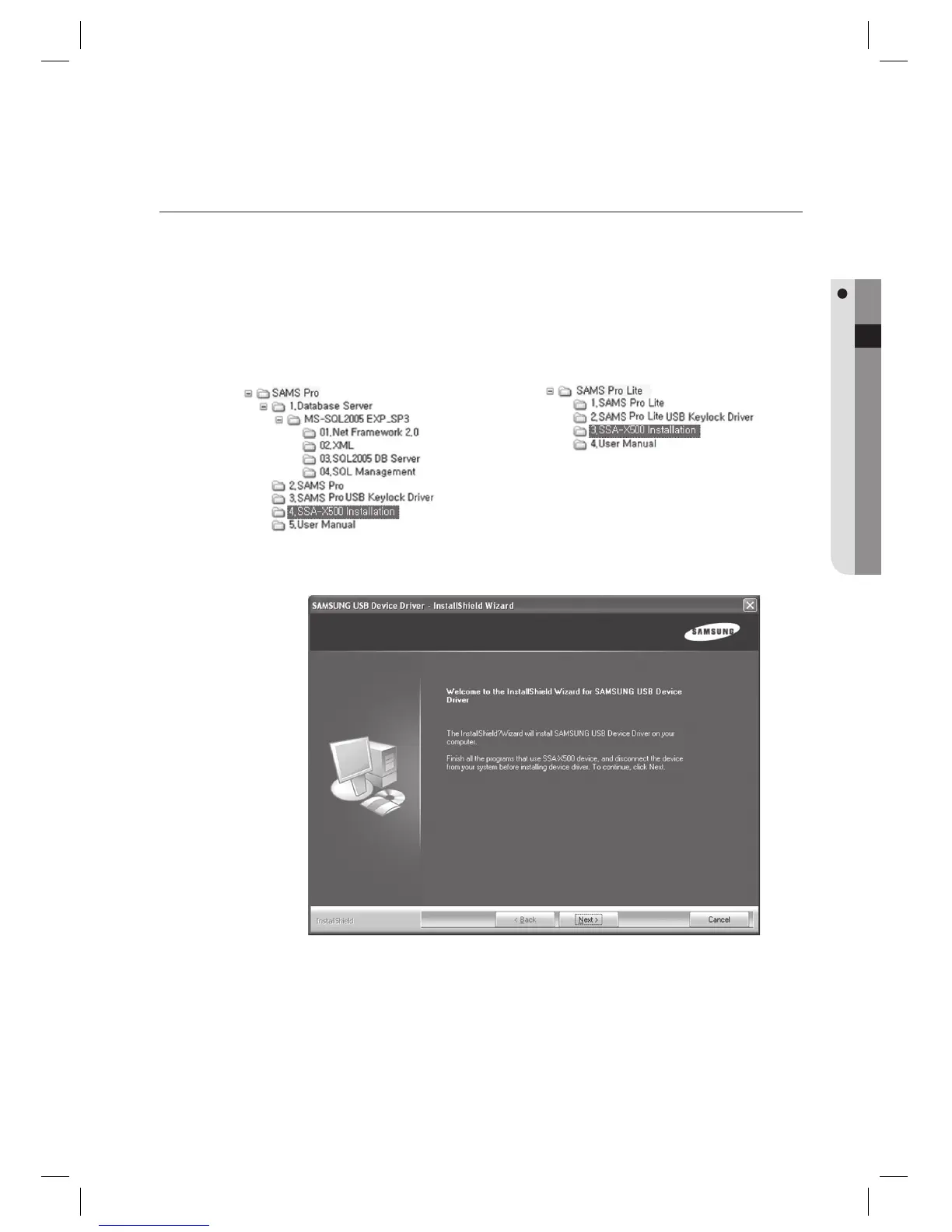
Run the SSA-X500 driver installer fi le Setup.exe from the installation CD.
Installation path is as below:
Click [Next] to proceed.
1.
J
2.
< SAMS Pro >
< SAMS Pro Lite >



 To Next Page