English Englis_ English _79
SYSTEM MANAGEMENT
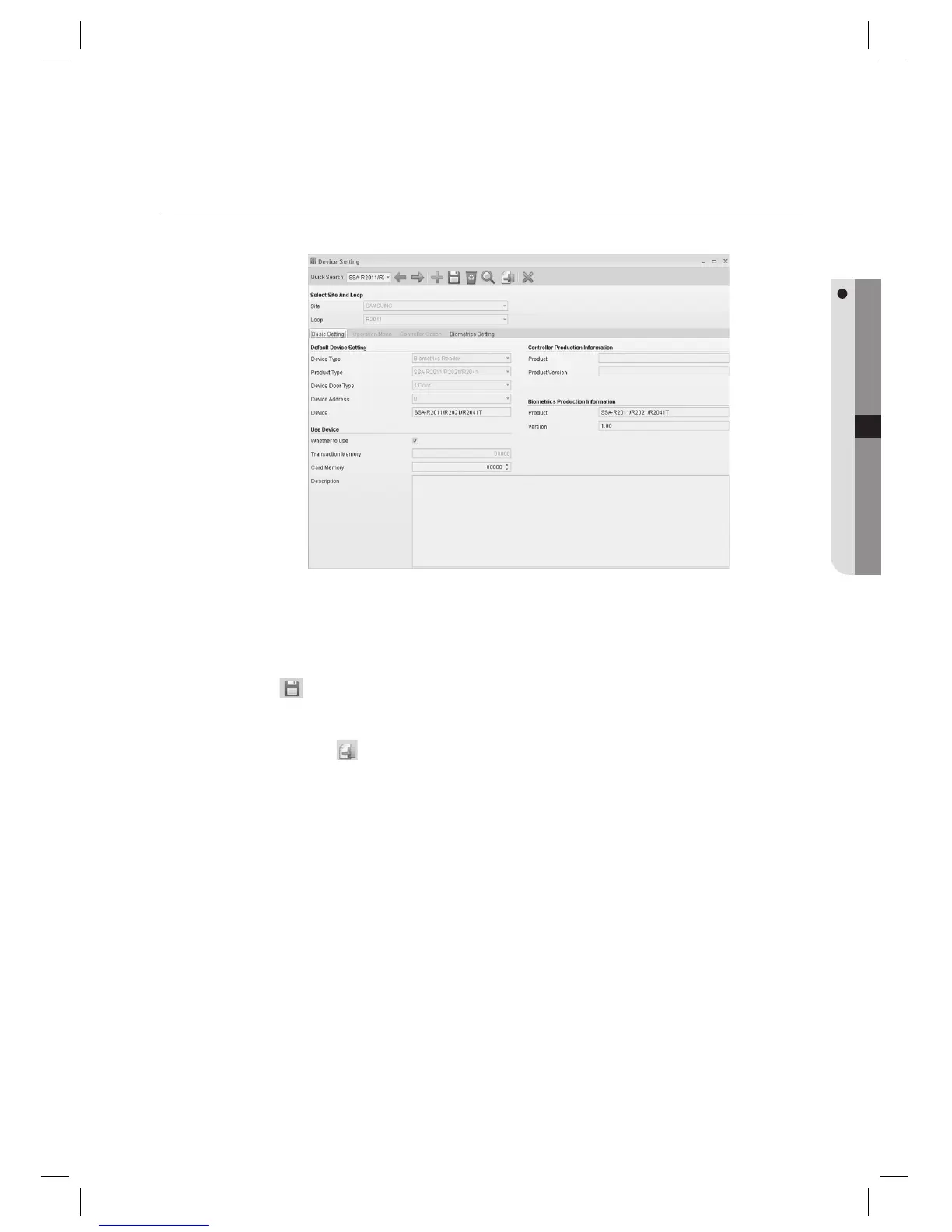
DEVICE SETTING [EDIT]
(This is not available in SAMS Pro Lite.)
Select an item to change using [Quick Search] in the tool bar.
Make changes as necessary.
Click Save <
> in the tool bar. (When a message of “Do you want to restart the communication server?”
appears, Click [Yes(Y)].)
Click Transmit button <
> in the tool bar.
To confi rm the data transmission and its result, run the [Monitoring] > [Integrated Monitoring] from the toolbar
before clicking the transmit button. The data transmission result of each item will be displayed in the [Auditing Log]
window of the integrated monitoring screen.
1.
2.
3.
4.
J



 To Next Page