English Englis_ English _53
LOGGING IN & INITIAL SETUP
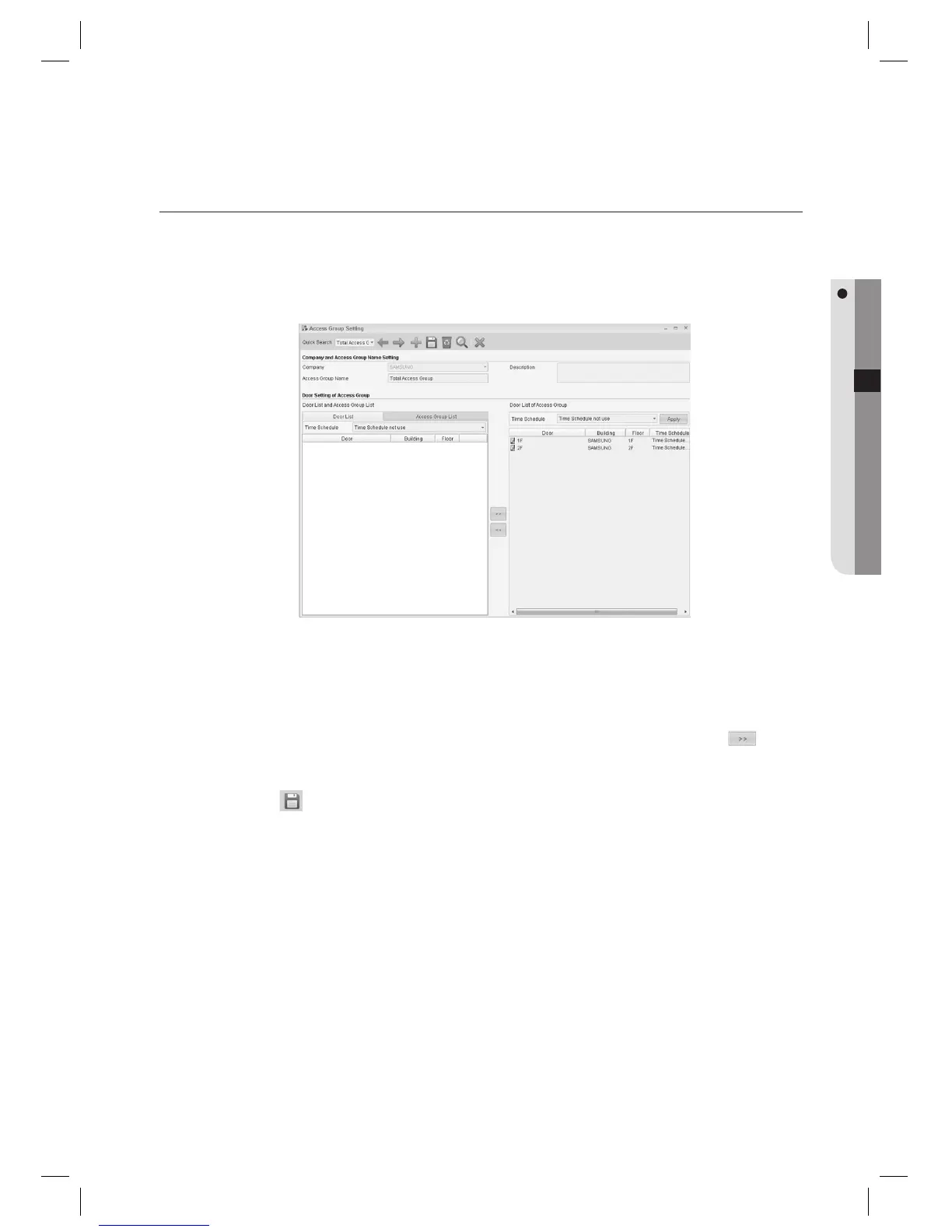
ACCESS GROUP SETTING
Doors registered in [Door Setting] can be assigned to [Access Group] as authorized for accessing.
Each individual ID can belong to [Access Group], which is a required fi eld for ID registration.
From the upper menu, select [Access Control] > [Access Group Setting].
Select a [Company].
Enter the [Access Group Name].
Select a door to be granted to the access group from the [Door List] and use the right arrow key <
> to
move to the right [Door List of Access Group].
Click Save <
> in the tool bar.
You can confi gure the time schedule of the access group for each door. Grouping multiple access groups is
supported. For further details, refer to the Access Group Setting of Access Control section of this manual.
1.
2.
3.
4.
5.
J



 To Next Page