96_ system management
system management
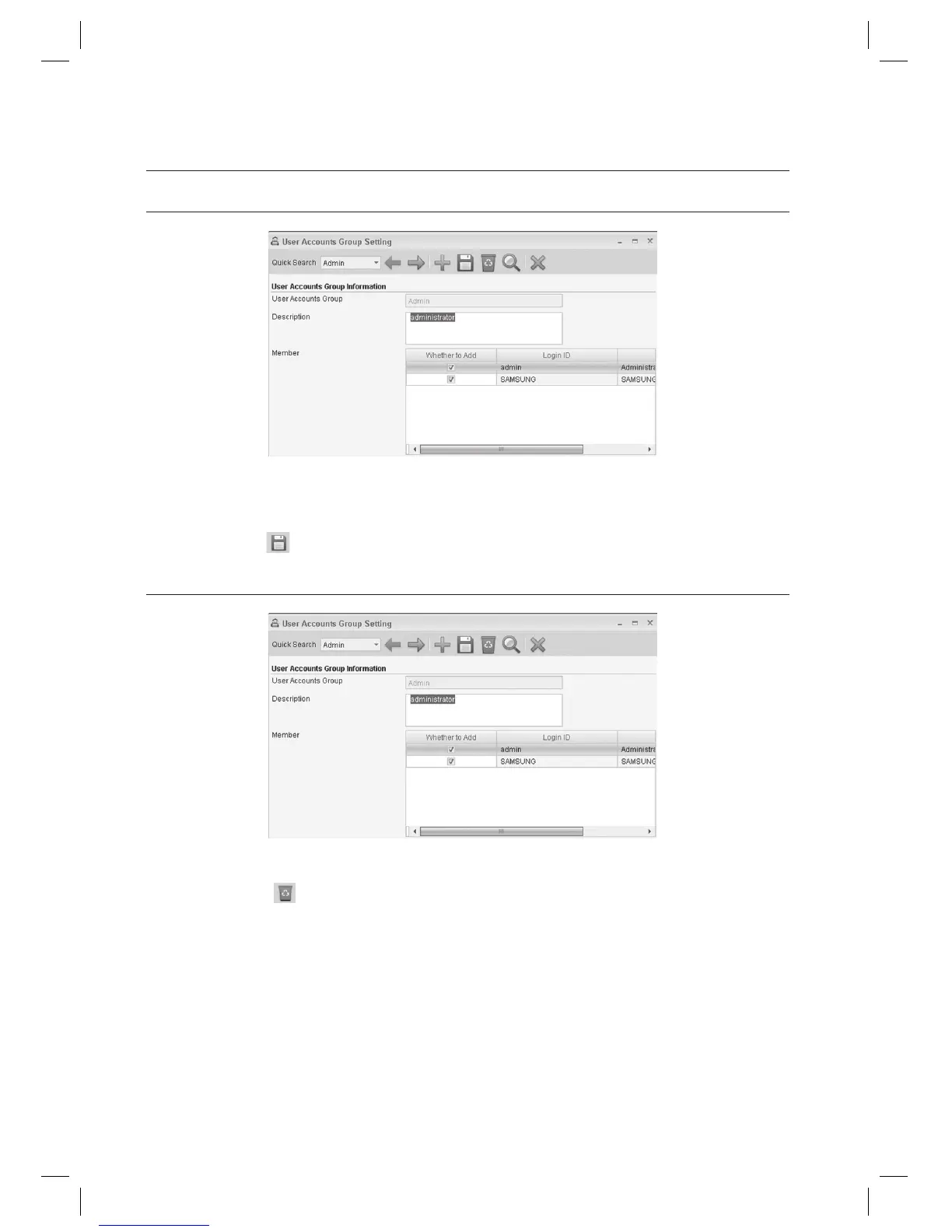
USER ACCOUNTS GROUP SETTING [EDIT]
Select an item to change using [Quick Search] in the tool bar.
Make changes as necessary.
Click Save <
> in the tool bar.
USER ACCOUNTS GROUP SETTING [DELETE]
Select an item to delete using [Quick Search] in the tool bar.
Click Delete <
> in the tool bar.
When you are prompted to delete the item, click [Yes].
1.
2.
3.
1.
2.
3.



 To Next Page