80_ system management
system management
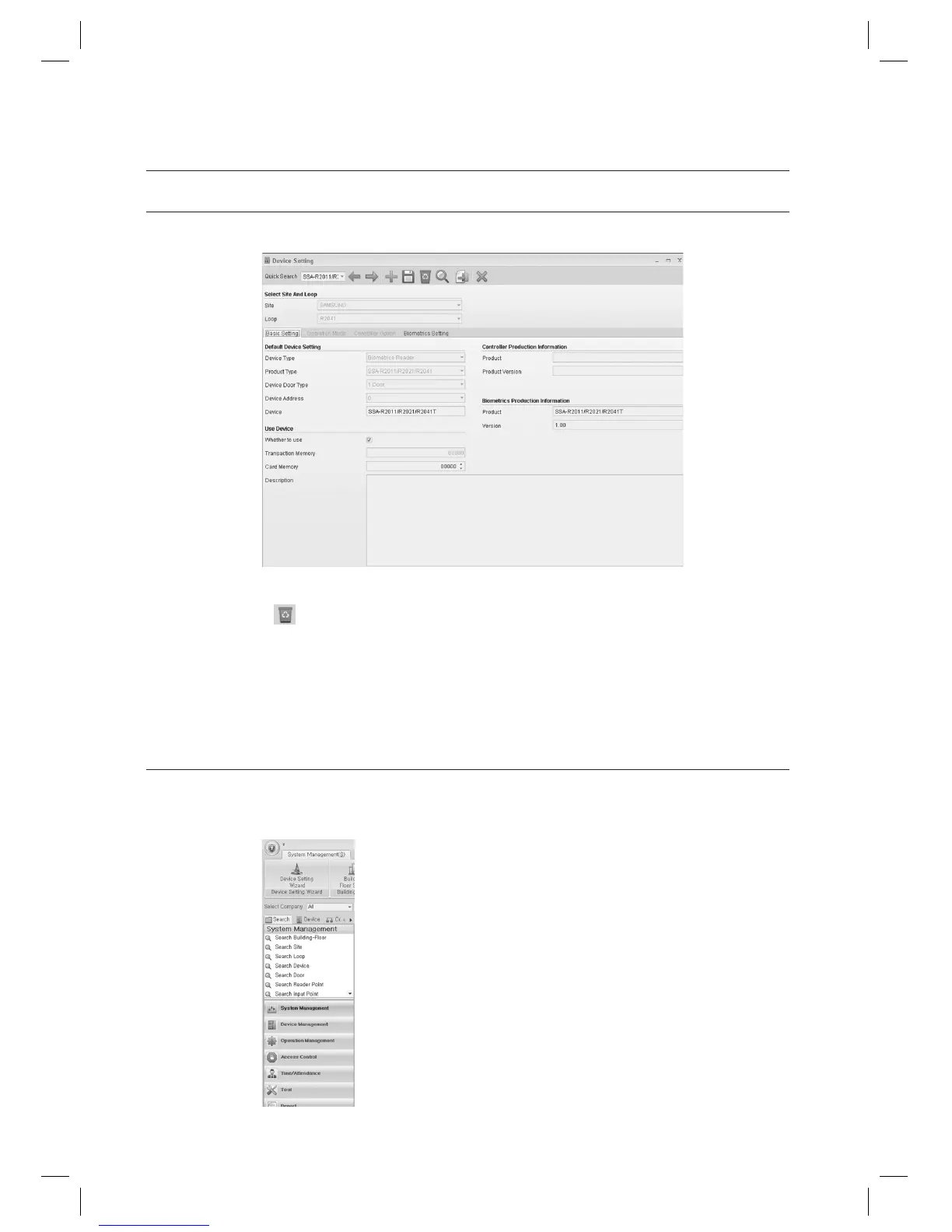
DEVICE SETTING [DELETE]
(This is not available in SAMS Pro Lite.)
Select an item to delete using [Quick Search] in the tool bar.
Click Delete <
> in the tool bar.
When you are prompted to delete the item, click [Yes]. (When a message of “Do you want to restart the
communication server?” appears, Click [Yes(Y)].)
When a device is deleted, all data dependent to the deleted device (including door, input, output information) are
deleted accordingly.
DEVICE SETTING [SEARCH]
(This is not available in SAMS Pro Lite.)
In the left [Search] tab of the main screen, select [System Management] > [Search Device].
1.
2.
3.
J
1.



 To Next Page