64_ system management
system management
BUILDING-FLOOR SETTING [SEARCH]
(This is not available in SAMS Pro Lite.)
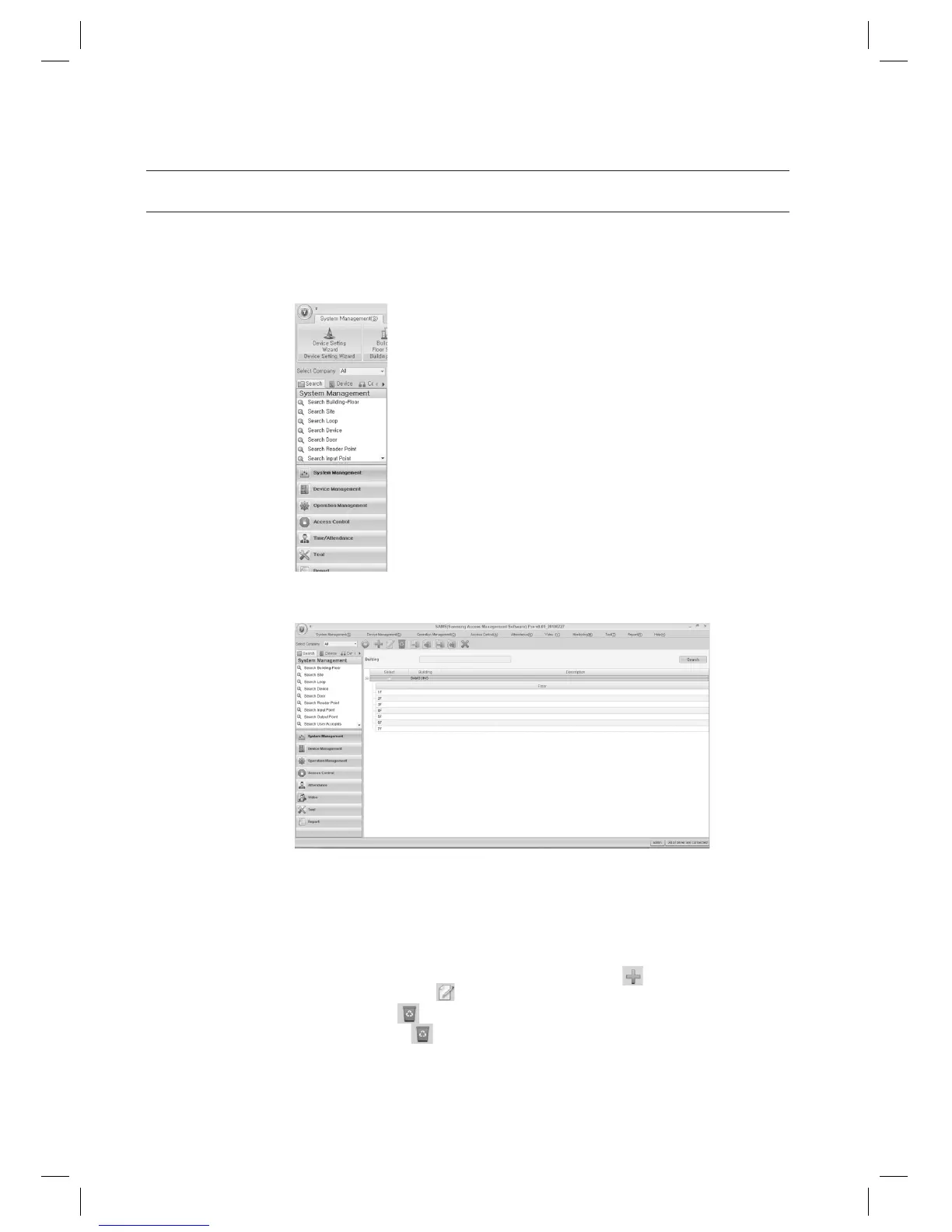
In the left [Search] tab of the main screen, select [System Management] > [Search Building-Floor].
The Building-Floor search result will be displayed in the right pane of the screen.
Provide the search criteria according to the item to fi nd.
Click Search to start searching.
In the search list, you can also add, edit or delete items. From the tool bar, click < > to move to the input
screen. Select a searched item and click <
> to move to the edit (change) screen.
Select a searched item and click <
> to delete it. If you want to delete multiple items at once, check all the items
to delete in the search list and click <
> to delete them all at once.
1.
2.
3.
4.
J



 To Next Page