52_ logging in & initial setup
logging in & initial setup
DEPARTMENT SETTING
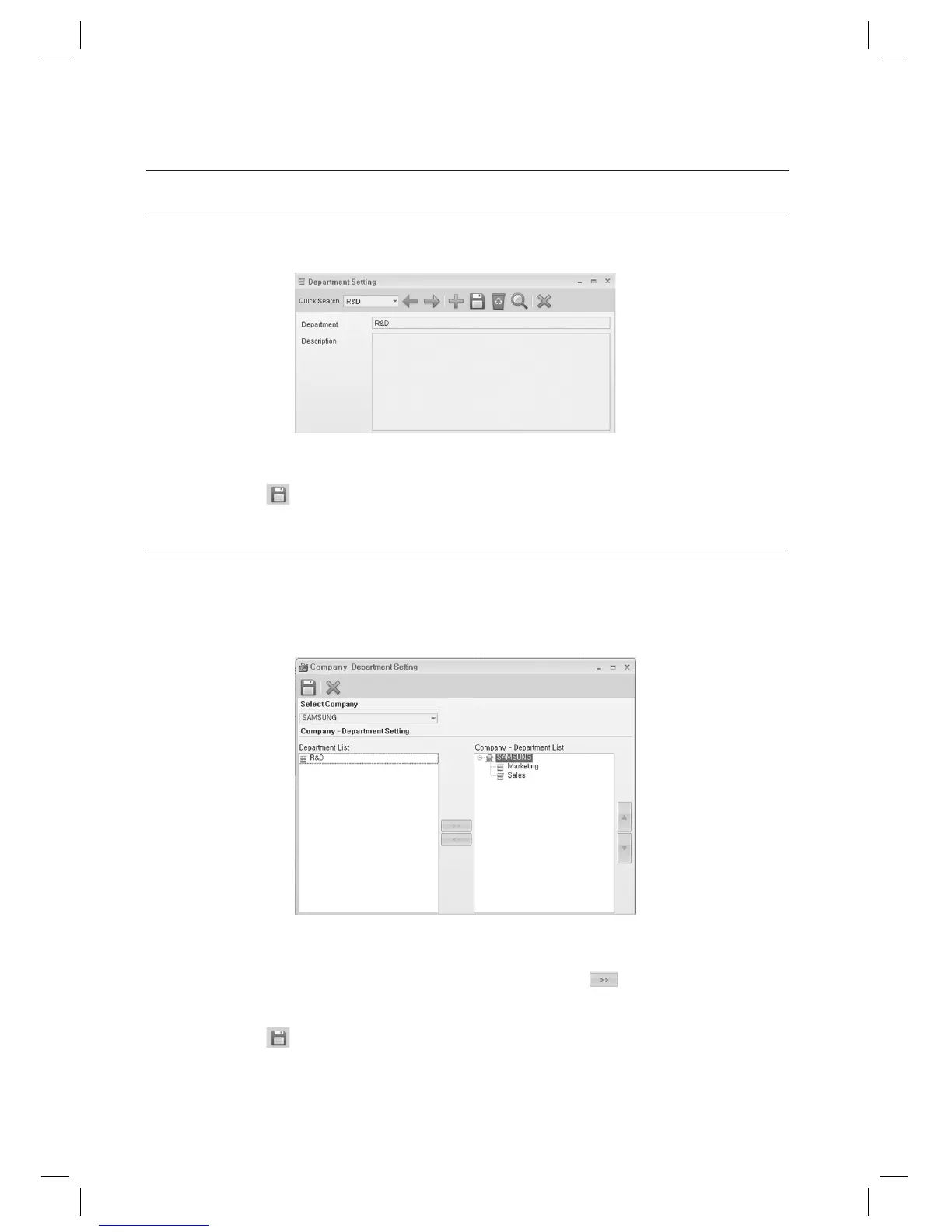
From the upper menu, select [Operation Management] > [Department Setting].
Enter the [Department].
Click Save <
> in the tool bar.
COMPANY-DEPARTMENT SETTING
Specify departments to use for each registered company.
You can select departments for each registered company as necessary.
From the upper menu, select [Operation Management] > [Company-Department Setting].
Select a company in the [Select Company] list box.
Select a department in the [Department List] and use the right arrow key <
> to move to the right
[Company-Department List].
Click Save <
> in the tool bar.
1.
2.
3.
1.
2.
3.
4.



 To Next Page