English Englis_ English _95
SYSTEM MANAGEMENT
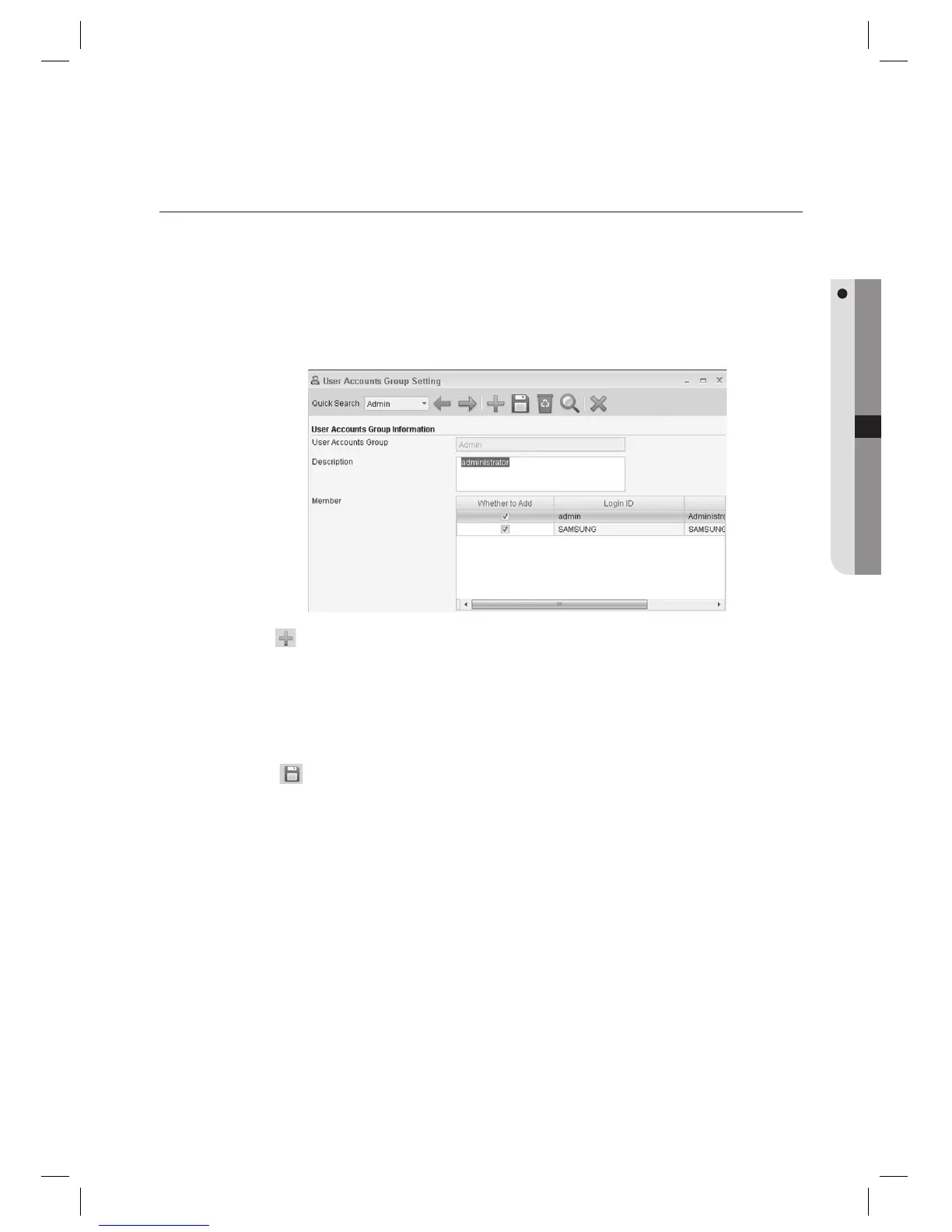
USER ACCOUNTS GROUP SETTING [ADD]
Adds a permission group to which a user belongs.
- User Accounts Group: Enter the name of the user accounts group to be added.
- Description: Enter the user group’s description.
- Member: Add member IDs to the user group to be added. (Allows multiple selection)
From the upper menu, select [System Management] > [User Accounts Group Setting].
Click Add <
> in the tool bar.
Enter the [User Accounts Group].
Select [Whether to Add] of members to be included to the user accounts group in the [Member] list.
Click Save <
> in the tool bar.
1.
2.
3.
4.
5.



 To Next Page