74_ system management
system management
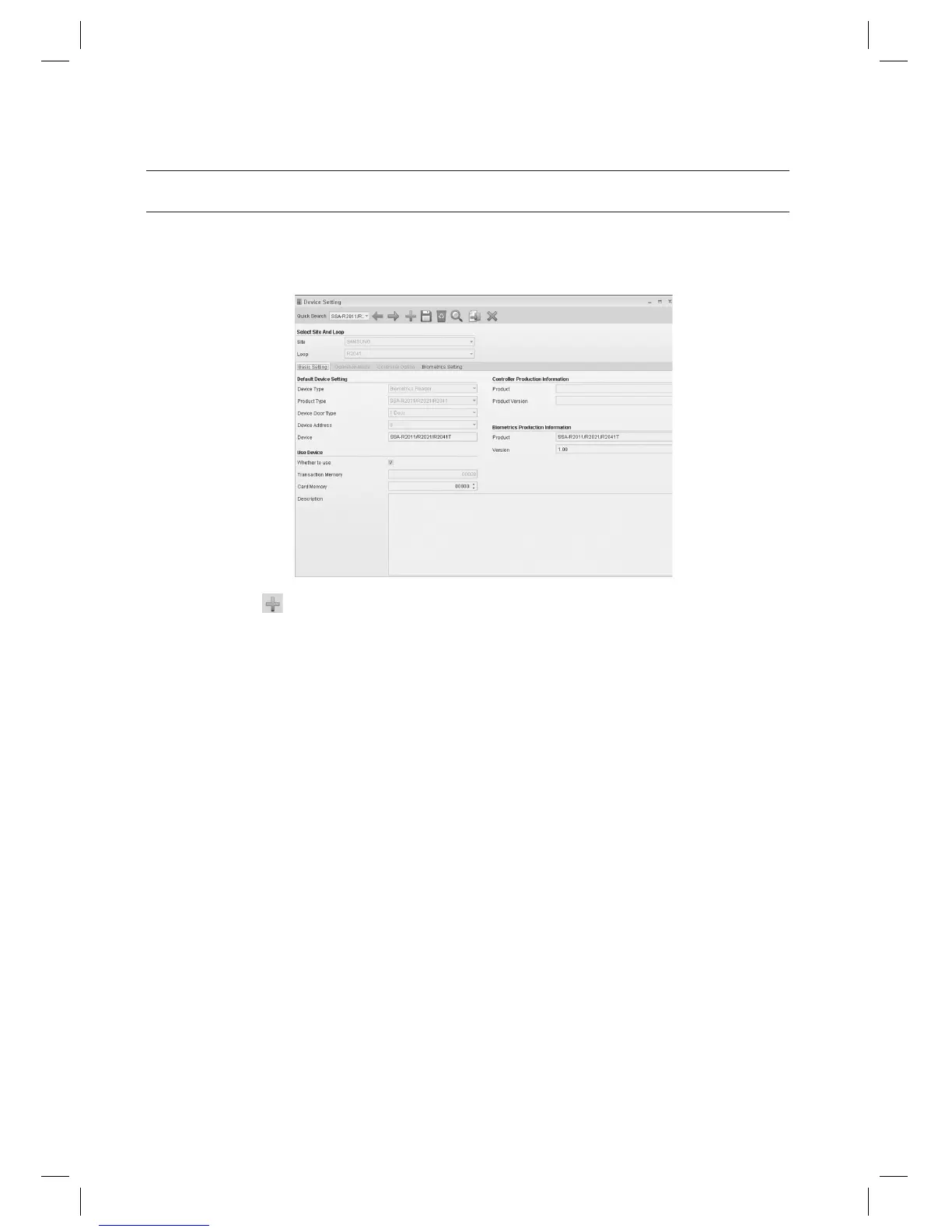
DEVICE SETTING [ADD]
(This is not available in SAMS Pro Lite.)
From the upper menu, select [System Management] > [Device Setting].
Click Add <
> in the tool bar.
Select a [Site].
Select a [Loop].
Move to the [Basic Setting] tab.
Select a [Device Type]. Select [Controller] for access controller device, or select [Biometrics Reader] for
biometrics/fi ngerprint readers.
SSA-P102, SSA-P40x, SSA-S21xx, SSA-S30xx series products are controllers, and SSA-R20xx series products are
biometrics readers.
Select the product type for the device to be confi gured in [Product Type].
Select [Device Door Type]. Door Type varies depending on the devices.
SSA-P102, SSA-S21xx, SSA-S30xx series products are 1-door type. SSA-P40x series products are 2~4 Door type.
1.
2.
3.
4.
5.
6.
J
7.
8.
J



 To Next Page