English Englis_ English _75
SYSTEM MANAGEMENT
Select the [Device Address]. Each controller has its own address for communication. Within the same loop,
devices must have different address. Devices in different loops may have the same address.
Setting the communication address differs from product to product. For setting the device’s communication address,
refer to the product documentation for further details. Note that communication addresses confi gured in SAMS Pro
and corresponding device must match for proper communication between them.
Enter the [Device]. Make sure to name a device not to duplicate already existing device name even for devices
in different loops.
Check [Whether to use]. If unchecked, the selected device will not be activated.
Set the [Card Memory].
Card memory fi eld will be activated or deactivated according to the device type. When this option is enabled, you can
set the card memory for registering to the device and its transaction memory will be automatically defi ned according
to the confi gured card memory.
- Card Memory: Number of registered IDs
- Transaction Memory: Number of contained events
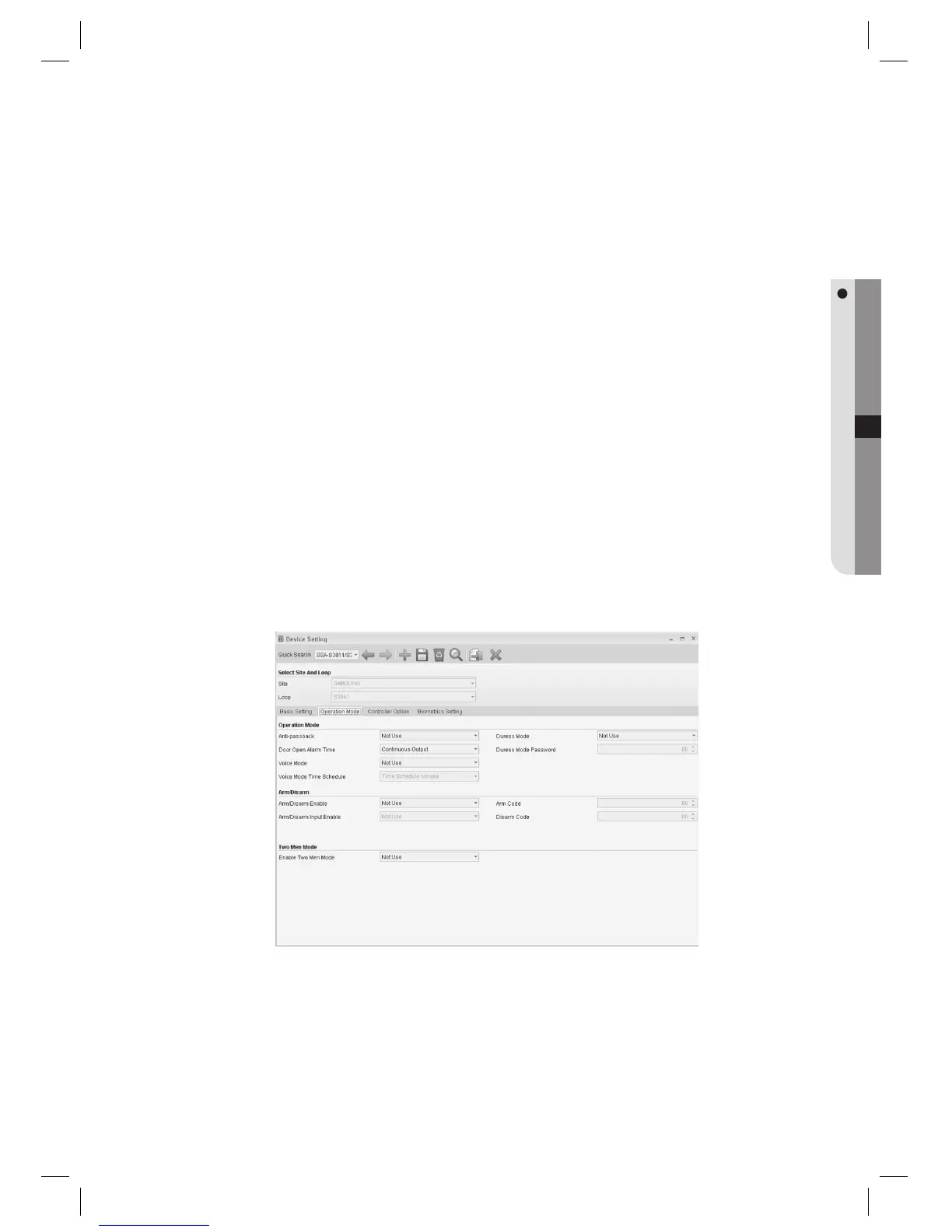
Move to the [Operation Mode] tab.
Items in the Operation Mode tab are enabled or disabled depending on whether the corresponding function is
supported by the device. These optional items require confi gurations only when necessary.
9.
J
10.
11.
12.
J
13.
J



 To Next Page