46_ logging in & initial setup
logging in & initial setup
If unchecked, devices connected to the selected loop will not communicate.
Set the interval of polling in [Polling Speed (ms)]. Use the default 200.
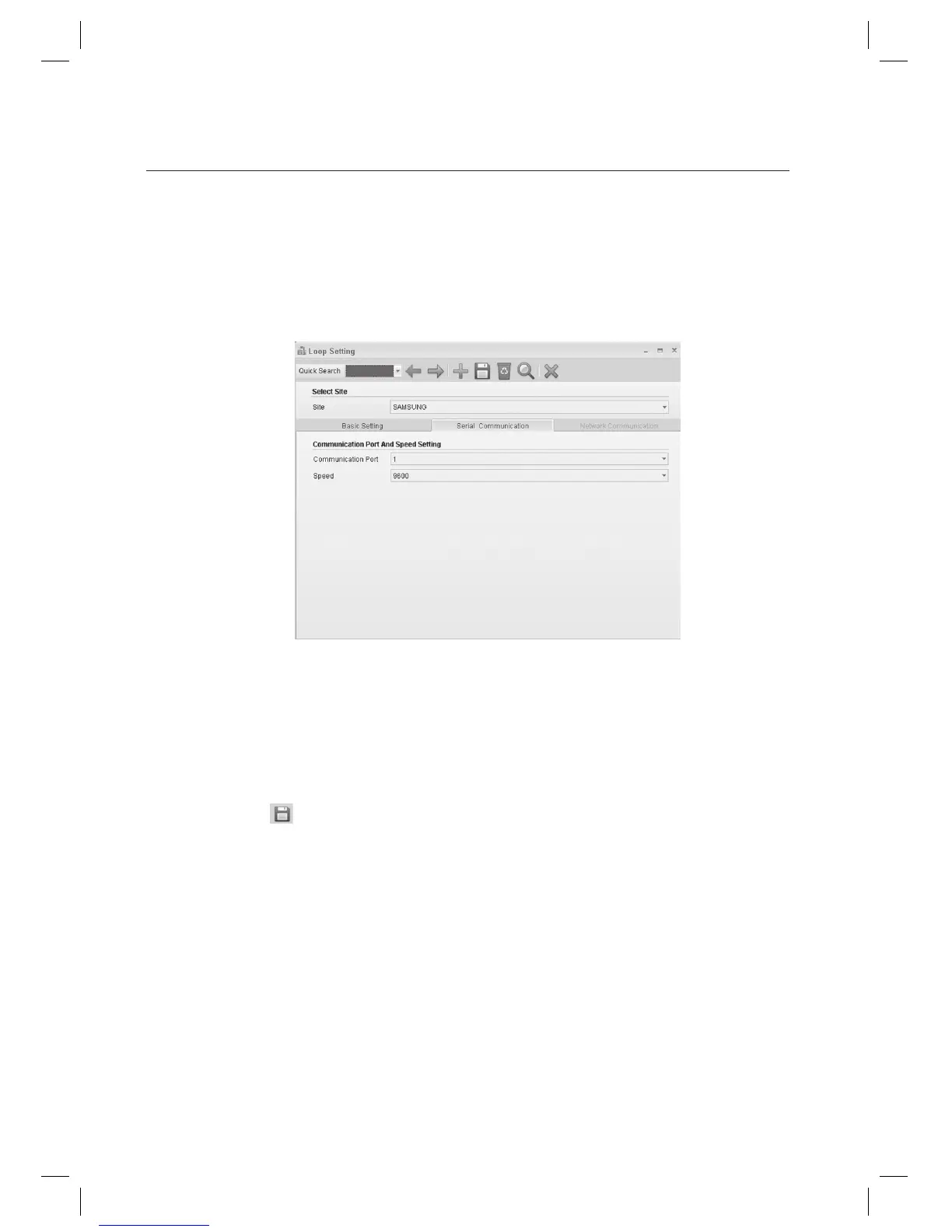
Move to the [Serial Communication] tab.
Set the [Communication Port].
Set the [Speed].
Communication speed varies depending on devices. Since the communication speed may vary depending on
devices, refer to the product documentation of each device for proper setting.
Click Save < > in the tool bar.
When “Do you want to restart the communication server?” message appears, click [Yes(Y)].
If SAMS Communication Server Pro is running and site confi guration is properly done, communication server will
restart normally. If SAMS Communication Server Pro is not running or the site information is improperly confi gured,
communication server may fail to restart.
J
6.
7.
8.
9.
J
10.
11.
J



 To Next Page