100
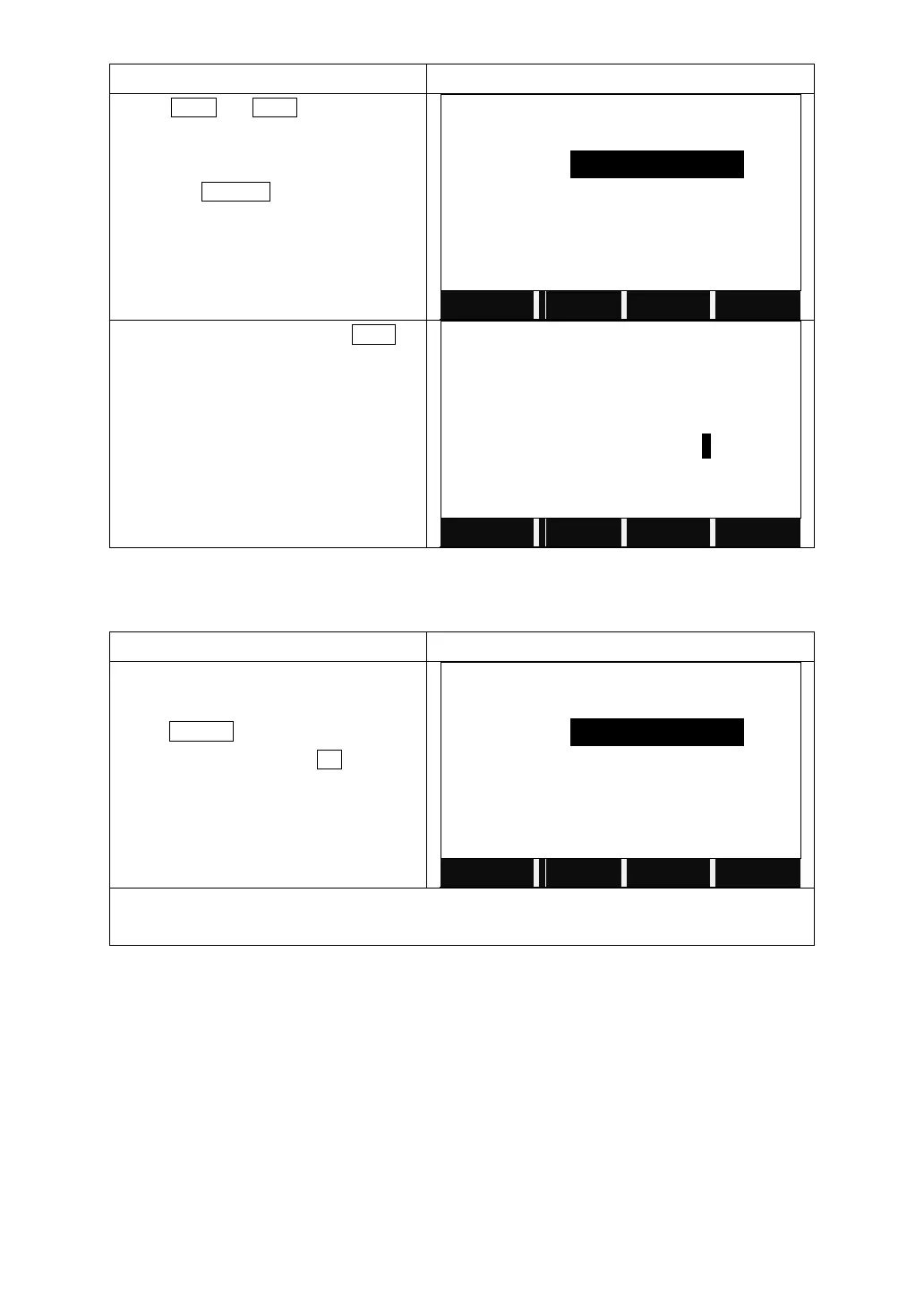
Press PREV or NEXT to choose the
vertical alignment data to edit.
You can also search for the data by
pressing SEARCH and input the
chainage.
Enter the new data and press NEXT to
save the change.
The system will display the next data.
5.12.6 Deleting Vertical Alignment Data
The vertical alignment data in internal memory can be deleted.
Choose the data you want to delete.
Press DELETE on the 2
nd
page of the
function key bar, and press OK to confirm
to delete.
Notice: All the vertical alignment data will be deleted. The system will return to Define VT AL
screen, and you can define new vertical alignment again.
5.12.7 Road Stake-Out
To stake out alignment, the alignment type should be defined first. 2 methods of
defining horizontal alignment are available: installing in the computer via the
software “SANDING SURVEY OFFICE” provided by Sanding Optic-Electric
Equipment Co., Ltd; or inputting manually in program “Road”.
The vertical alignment data is unnecessarily to be defined, unless it is required to
compute dig and fill. The method to define is similar to that of horizontal
alignment.



 To Next Page