99
5.12.4 Defining Vertical Alignment
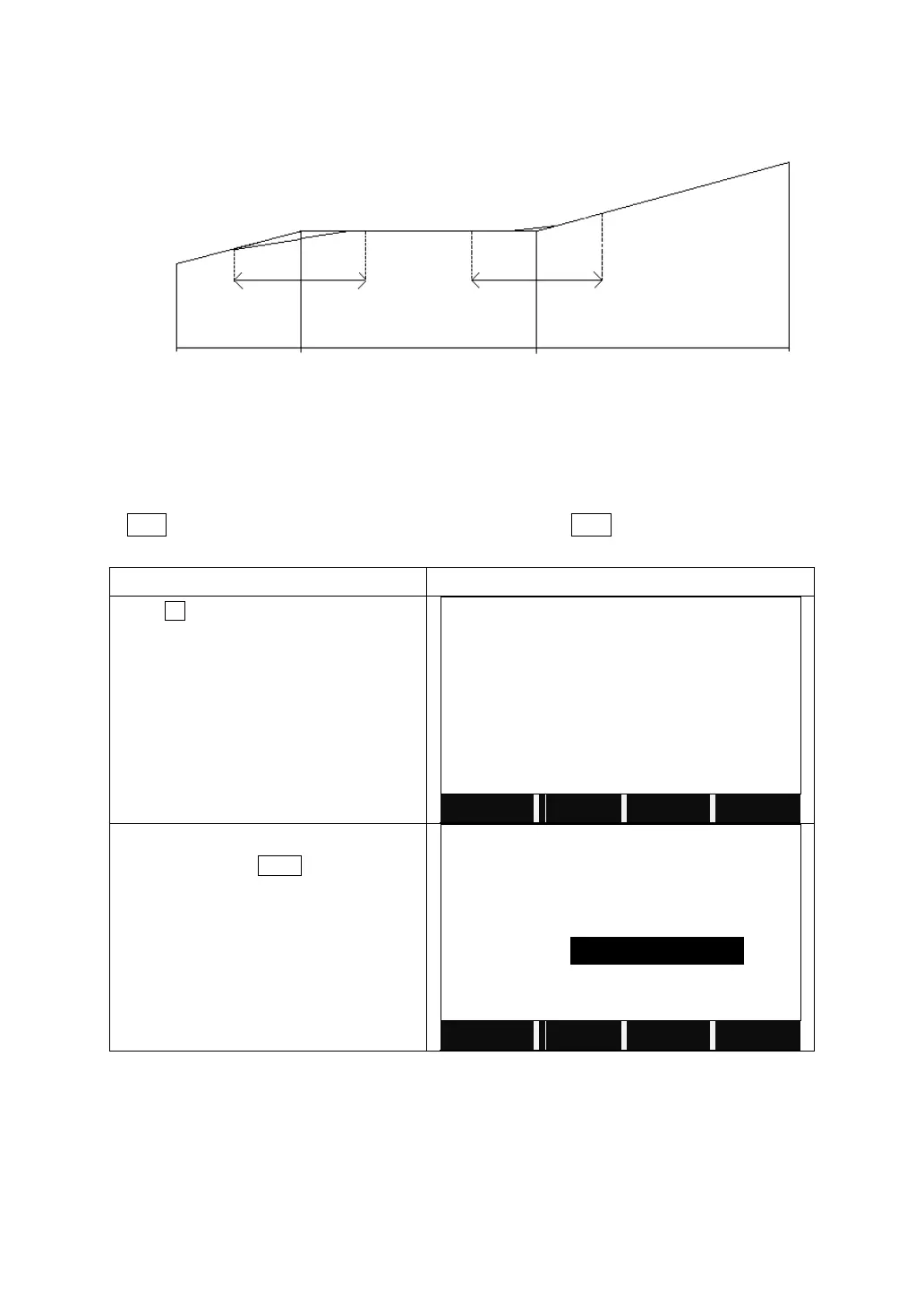
A vertical alignment consists of a series of intersections, including a chainage,
height and curve length. The length of start point and end point must be zero.
Intersections can be entered in any order. After entering one point data, press
ENT to save it and go to next inputting screen. Press ESC to quit without saving.
Press F2 to start to Define VT Alignment.
Input the chainage, elevation and curve
length. Then press NEXT.
The curve lengths of the start point and
end point should be 0.000 m.
Confirm to save the vertical alignment
data. The system will return to define the
next vertical alignment data.
5.12.5 Editing Vertical Alignment Data
It is able to be applied to edit vertical alignment data. The operation steps are
similar to that of editing horizontal alignment.



 To Next Page