98
data.
LAST [F2]: Goes to the end of the file, and displays the last alignment data.
LIST [F1]: Displays all the known points and measured data in this job in list.
This function can be applied only when the point element of horizontal alignment
data is able to be input (or edited).
It is possible to edit data by using the function keys above. After entering the data
to be edited, press [ENT] to record the edited data and enter into the inputting
screen of next point. To quit without saving data, press [ESC].
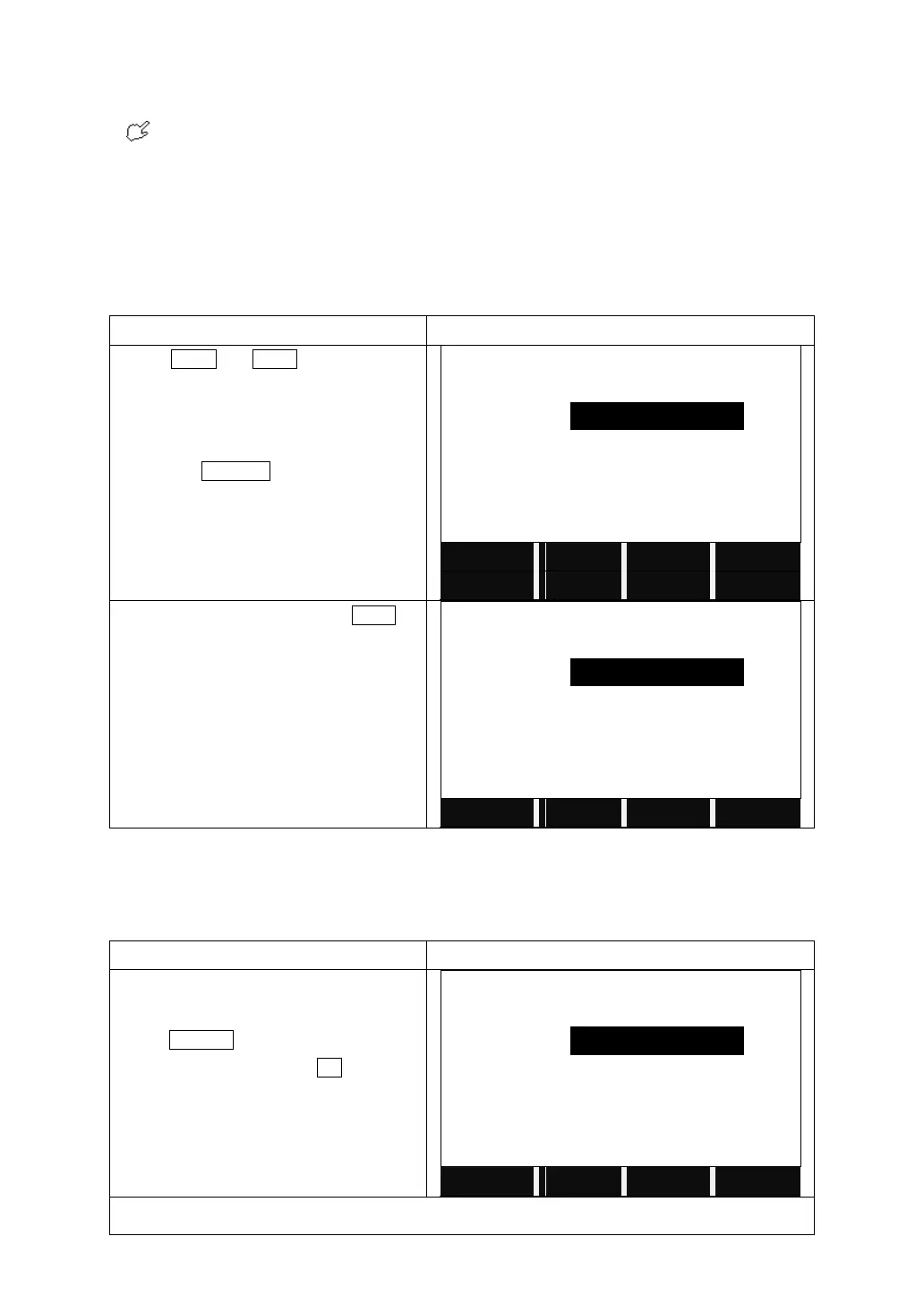
Press PREV or NEXT to choose the
horizontal alignment data to edit.
You can also search for the data by
pressing SEARCH and input the
chainage.
Enter the new data and press NEXT to
save the change.
5.12.3 Deleting Horizontal Alignment Data
The horizontal alignment data in internal memory can be deleted.
Choose the data you want to delete.
Press DELETE on the 2
nd
page of the
function key bar, and press OK to confirm
to delete.
Notice: All the horizontal alignment data will be deleted. The system will return to Define HZ AL
screen, and you can define new horizontal alignment again.



 To Next Page