97
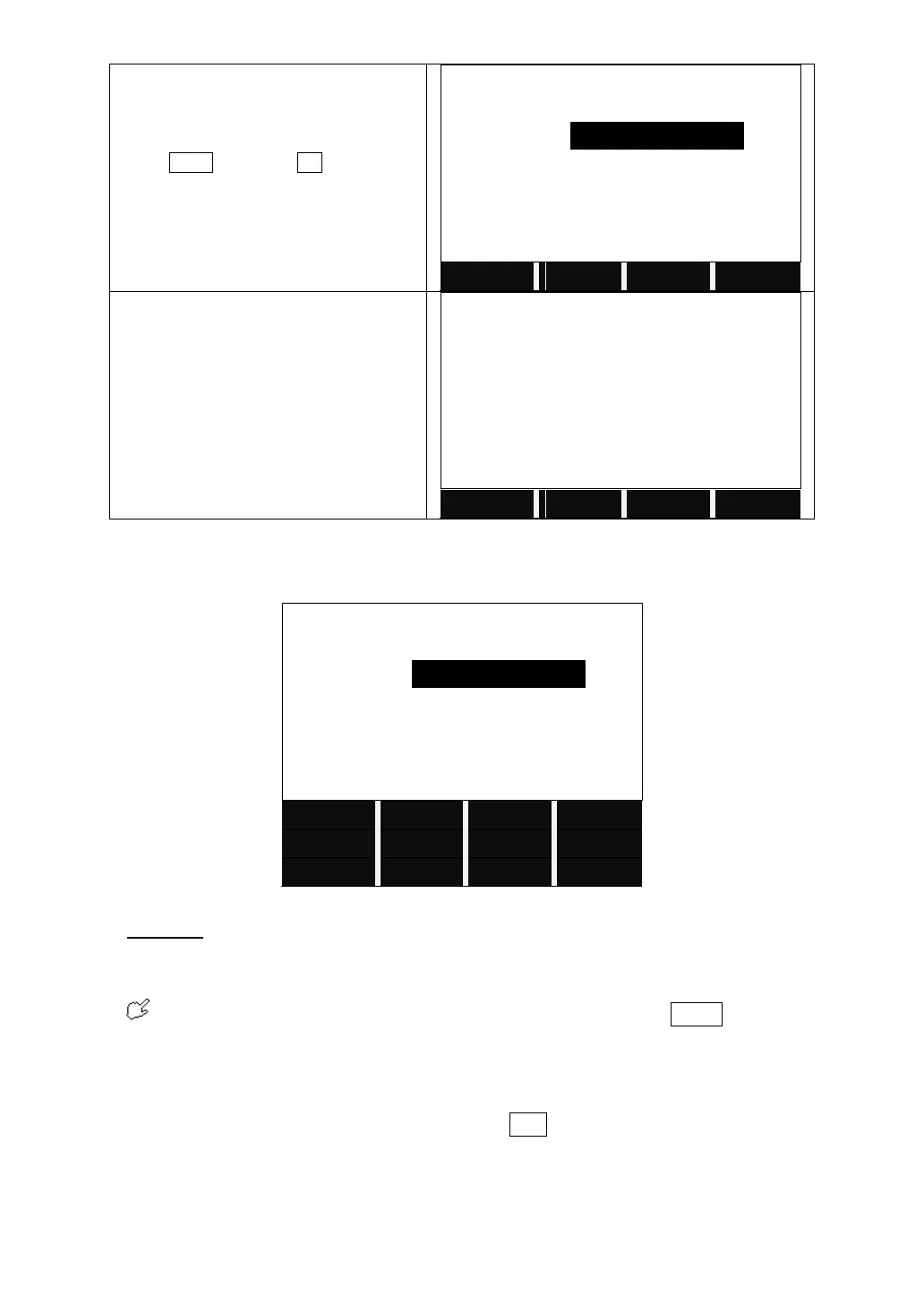
Input the coordinates N/X, Y/E, radius
and spiral parameters A1 and A2.
Press NEXT and then OK to save the
edited alignment data.
It returns to the main menu of defining
alignment. It displays the end chainage
and its azimuth.
5.12.2 Editing Horizontal Alignment Data
In the process of defining horizontal alignment, editing is available.
Soft Keys:
PREV [F1]: Displays the previous point data.
NEXT [F2]: Displays the next point data.
If the present data is at the end of horizontal alignment, press NEXT to return
to the alignment main screen, and it means to add a new alignment data.
SEARCH [F3]: Searches for data. When pressing this key, the program will
require user to insert a chainage. Then press ENT, and the data of the chainage
will be displayed.
PAGE [F4]: Goes to next page (Page 2).
START [F1]: Goes to the beginning of the file, and displays the first alignment



 To Next Page