96
It returns to the main menu of defining
alignment. It displays the end chainage
and its azimuth.
Point
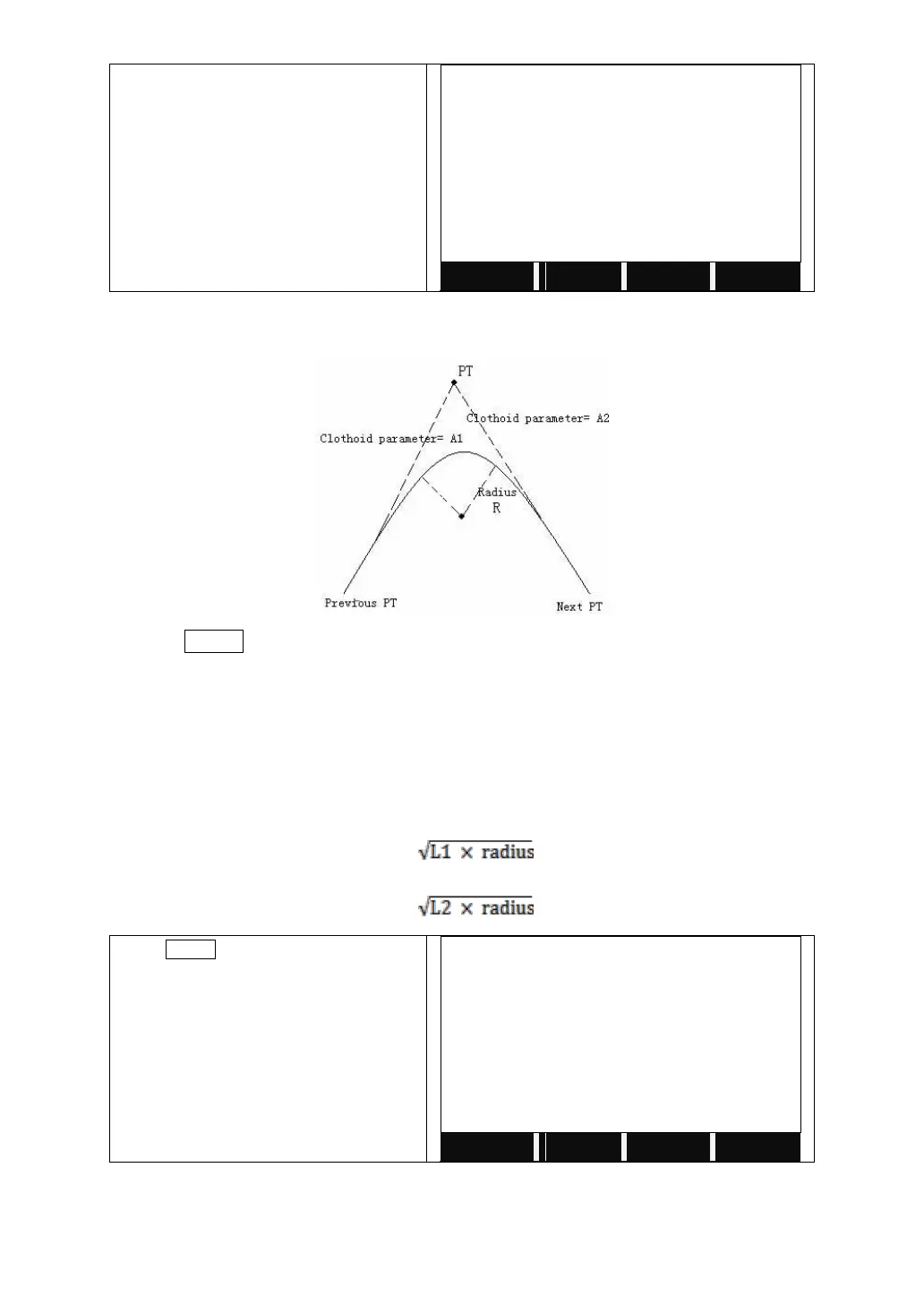
Press POINT in “HZ Alignment Type” menu to define point. A point element
consists of coordinate, radius and spiral factors A1 and A2. Radius, A1 and A2
can not be negative. As radius is entered, an arc with specified radius inserted
between current point and next point. As spiral factors A1 or A2 are entered, a
curve with specified length is inserted between line and arc.
[NOTE]: If user input A1, A2 from according to the lengths L1, L2 of spiral, the
following formulas are used to calculate A1 and A2.
A
1
=
A
2
=
Press POINT to start to define points.



 To Next Page