50
1. Setting job
2. Setting station
3. Setting orientation
4. Calling up coordinates from internal memory. These coordinates may be
measured, or input manually.
5. Staking out. Three methods of stake-out are available: Polar Stake Out,
Orthogonal Stake Out, and Coordinate Offset Stake Out.
5.5.1 Setting Stake-Out Point
5.5.1.1 Calling up Coordinates from job, or Inputting Manually
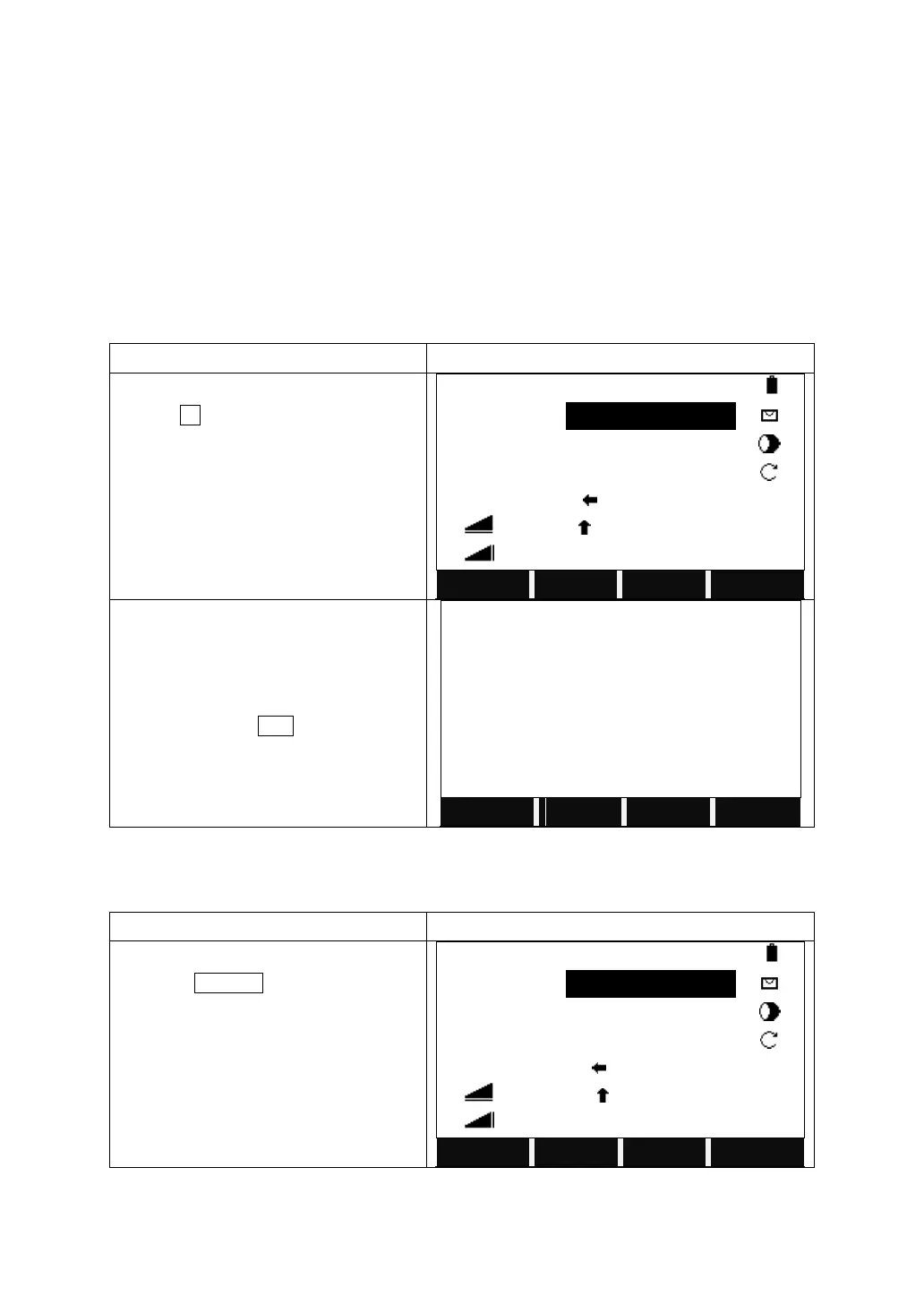
After setting job, station, and orientation,
presses F4 to start to stake out.
Input the PtID you want to stake out in the
field of “Find”, or search via wildcard “*”.
Or turn to the second page of the function
key bar, and press ENH to a new point to
stake out by inputting its coordinates.
5.5.1.2 Input a Point without a PtID without Saving the Data
Turn to the 3
rd
page of function key bar
and press MANUAL.


 To Next Page
 Loading...
