56
Then the current position of the prism is
the point to stake out. △H indicates the
distance to dig or fill.
△H is positive: to fill.
△H is negative: to dig.
5.5.5 B & D
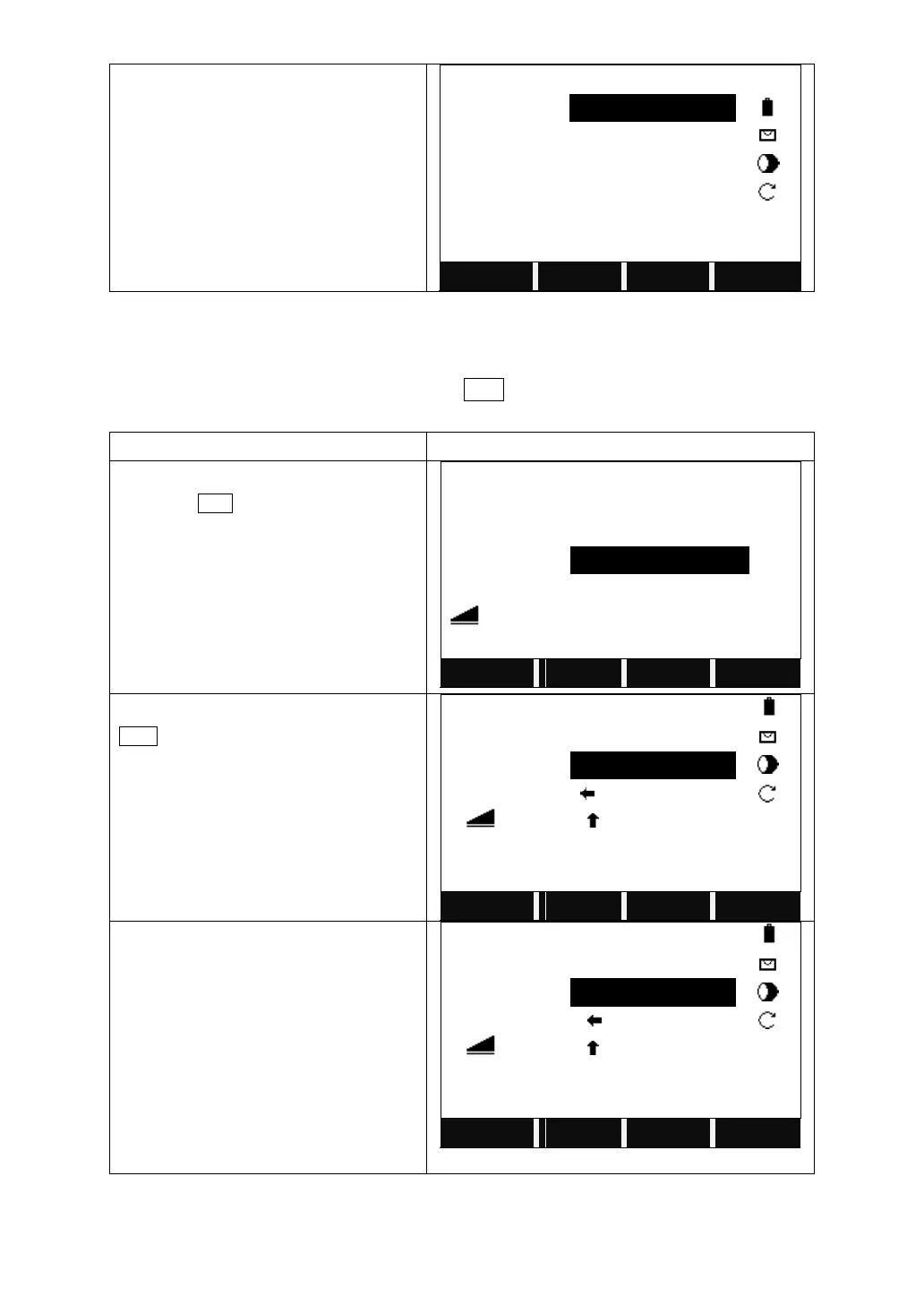
Bearing and distance stake out. Choose B&D. Input the factors of polar stake-out:
azimuth and horizontal distance.
Turn to the 3
rd
page of the function key
bar. Press B&D.
Input the PtID, azimuth and horizontal
angle to stake out.
Collimate the current prism, and press
DIST to measure. The system calculate
and display the offsets between the
measured point and the point to stake
out.
Rotate the telescope until the △Hz is
0°00′00″. Indicate the person who moves
the prism to move the prism according to
the arrows.
Set the prism at the direction on the
0°00′00″, and press DIST calculate and
display the offsets between the measured
point and the point to stake out.



 To Next Page