55
measurement point.
Turn to Page 3/3 to start Coordinates
Stake Out.
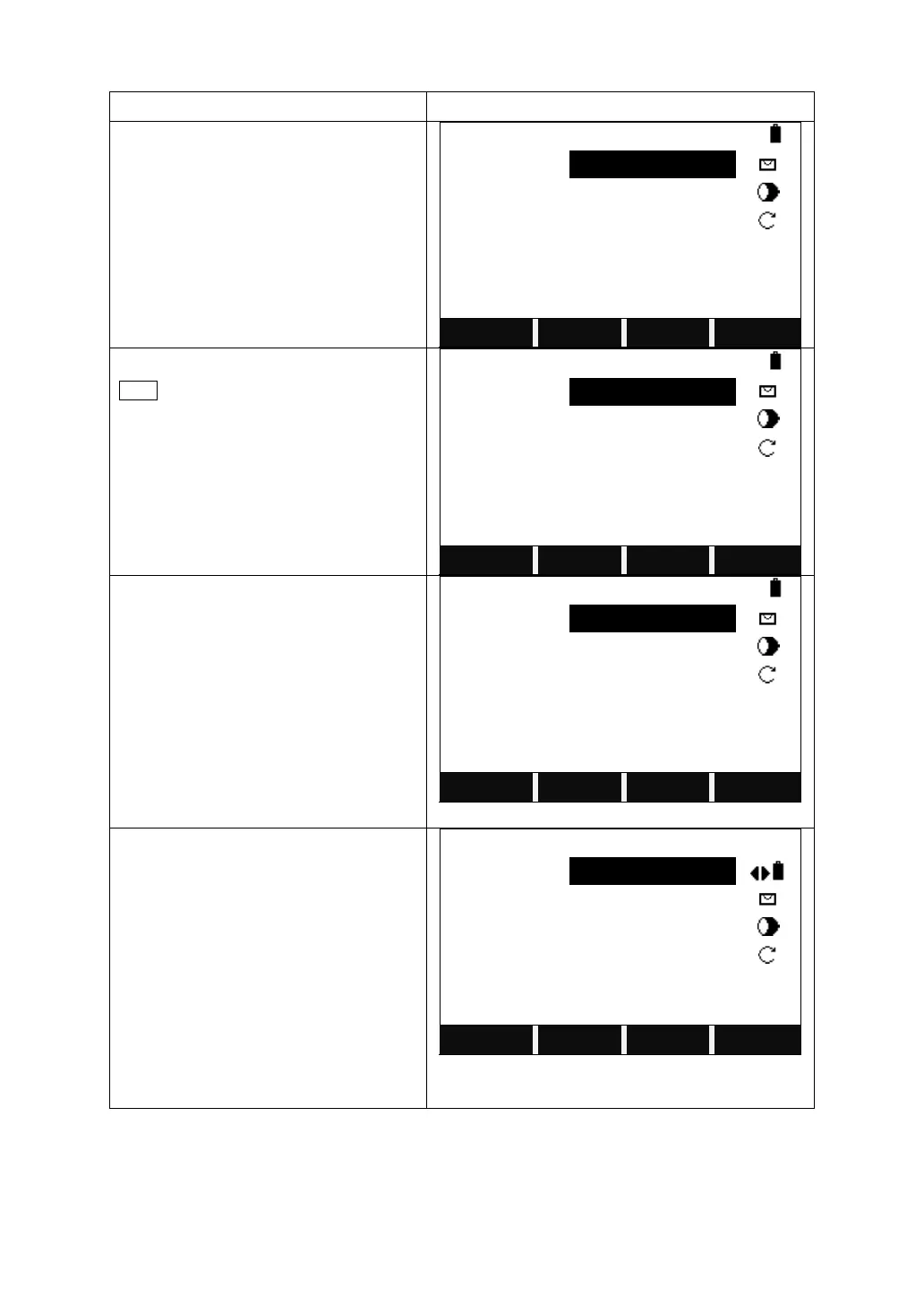
Select or input the point to stake out.
Enter the reflector height.
Collimate the current prism, and press
DIST to measure. The system calculate
and display the offsets between the
measured point and the point to stake
out.
Move the prism on E direction until the △
Y/E is 0 m.
If △Y/E value is positive, it means the
point to stake out is on the right of the
current prism. Move the prism rightward.
If △Y/E value is negative, it means the
point to stake out is on the left of the
current prism. Move the prism leftward.
Move the prism on N direction until the △
X/N is 0 m.
If △X/N value is positive, it means the
point to stake out is more far away from
the current prism. Move the prism
forward.
If △Y/E value is negative, it means the
point to stake out is close to the current
prism. Move the prism close to the
station.



 To Next Page