62
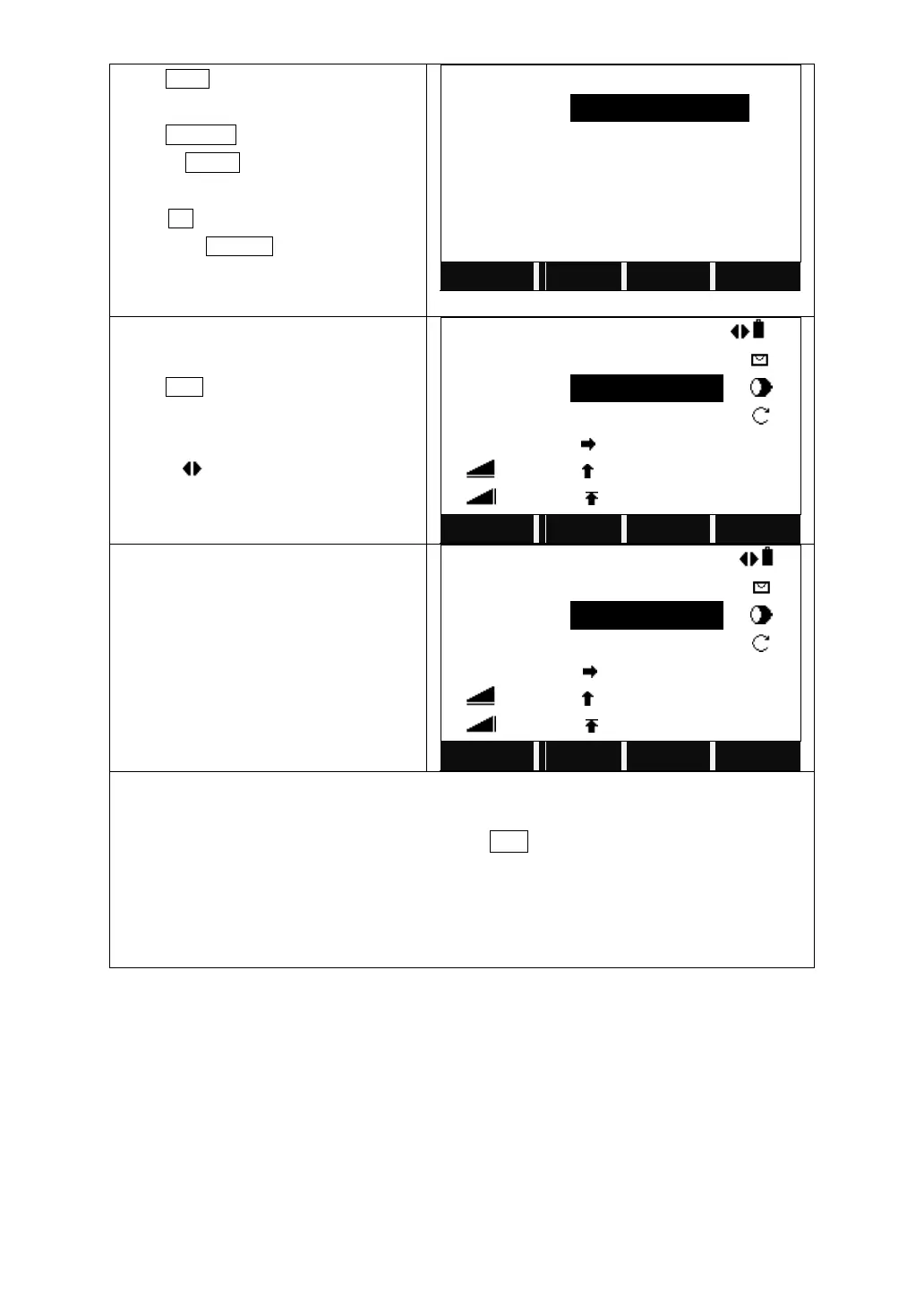
Press CALC to calculate.
Input a new PtID.
Press RECORD to save.
Or press STAKE to start stake out.
The system will ask “Record New Point?”
Press OK to save the new point to the
job. Press CANCEL to start stake out
without saving.
Entering PtID is necessary for stake out.
Collimate the prism, input the prism
height, and elevation (H/Z) if necessary.
Press DIST to start measurement.
If more than one points are to stake out,
move the cursor to the PtID field and
select by .
Rotate the telescope until the △Hz is
00°00′00″. Indicate the person to move
the prism.
△Hz is positive: The prism should be
moved rightward.
△Hz is negative: The prism should be
moved leftward.
1. If staking out directly without inputting PtID of new point, the system will display
“Invalid PtID!”.
2. If to launch Traverse function again, press ESC.
3. The Traverse result is the plane value. Therefore, in the process of stake out, if H/Z
is needed, input it separately.
4. Selecting Fine (r) or tracking measuring mode will display the factor offsets
between prism point and stake out point on real time.



 To Next Page