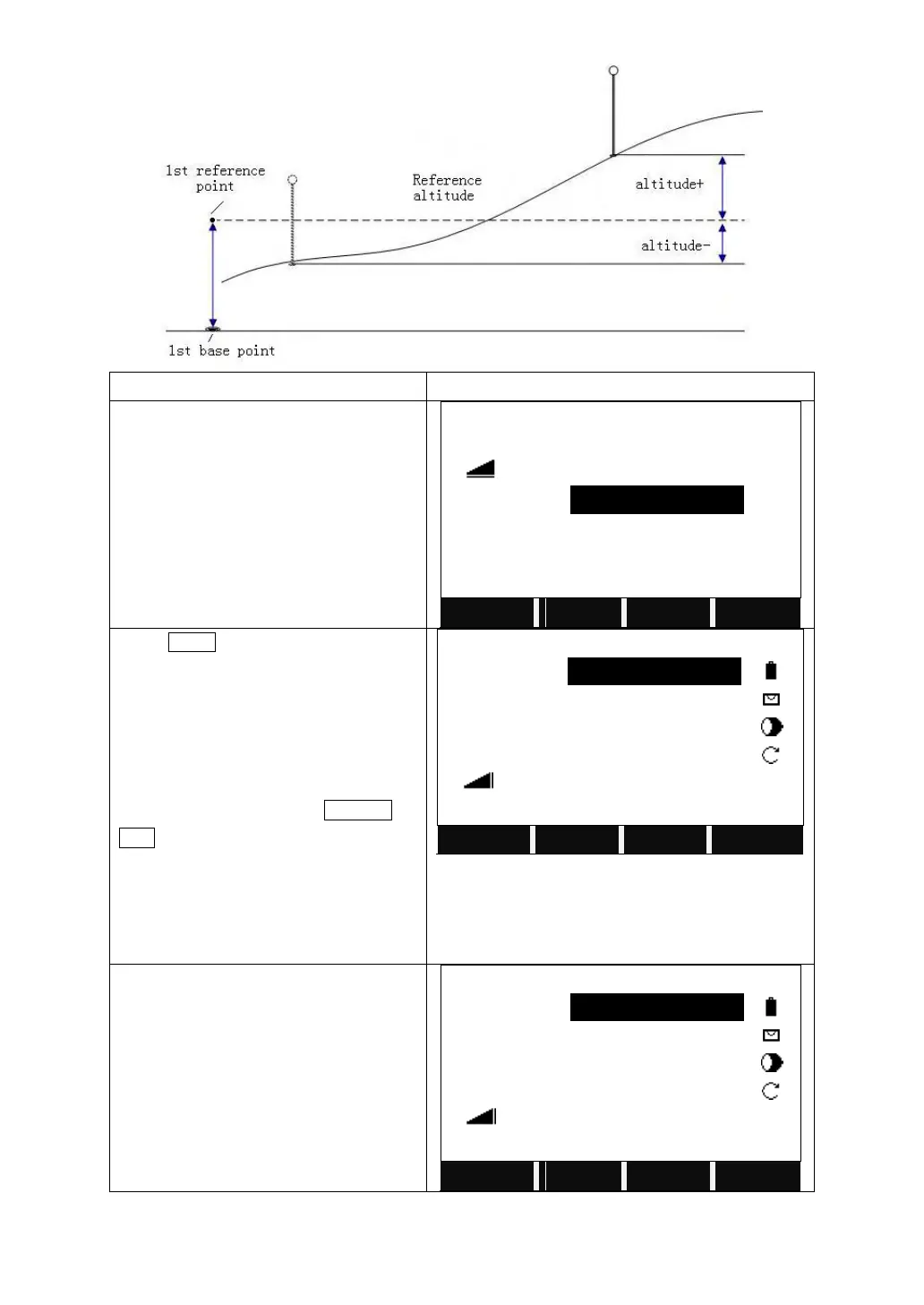
After defining the base line, input the T
offset (offset), L offset (Line), elevation
(H/Z) and the angle to rotate.
Press MEAS to start to measure the L
offset, T offset, and height different
between the point to measure and the
reference line.
Input the PtID and its prism height and
press All to start measurement. You can
also call up the point by SEARCH or
LIST, or input the coordinates of the PtID
which does not exist.
After measuring one point, collimate the
next target point to measure via the
methods above.
After measuring one point, collimate the
next target point to measure via the
methods above.
It displays the T offset and L offset
between the known point or measured
point and the reference line.



 To Next Page