81
5.11.1.4 Orthogonal Stake-Out
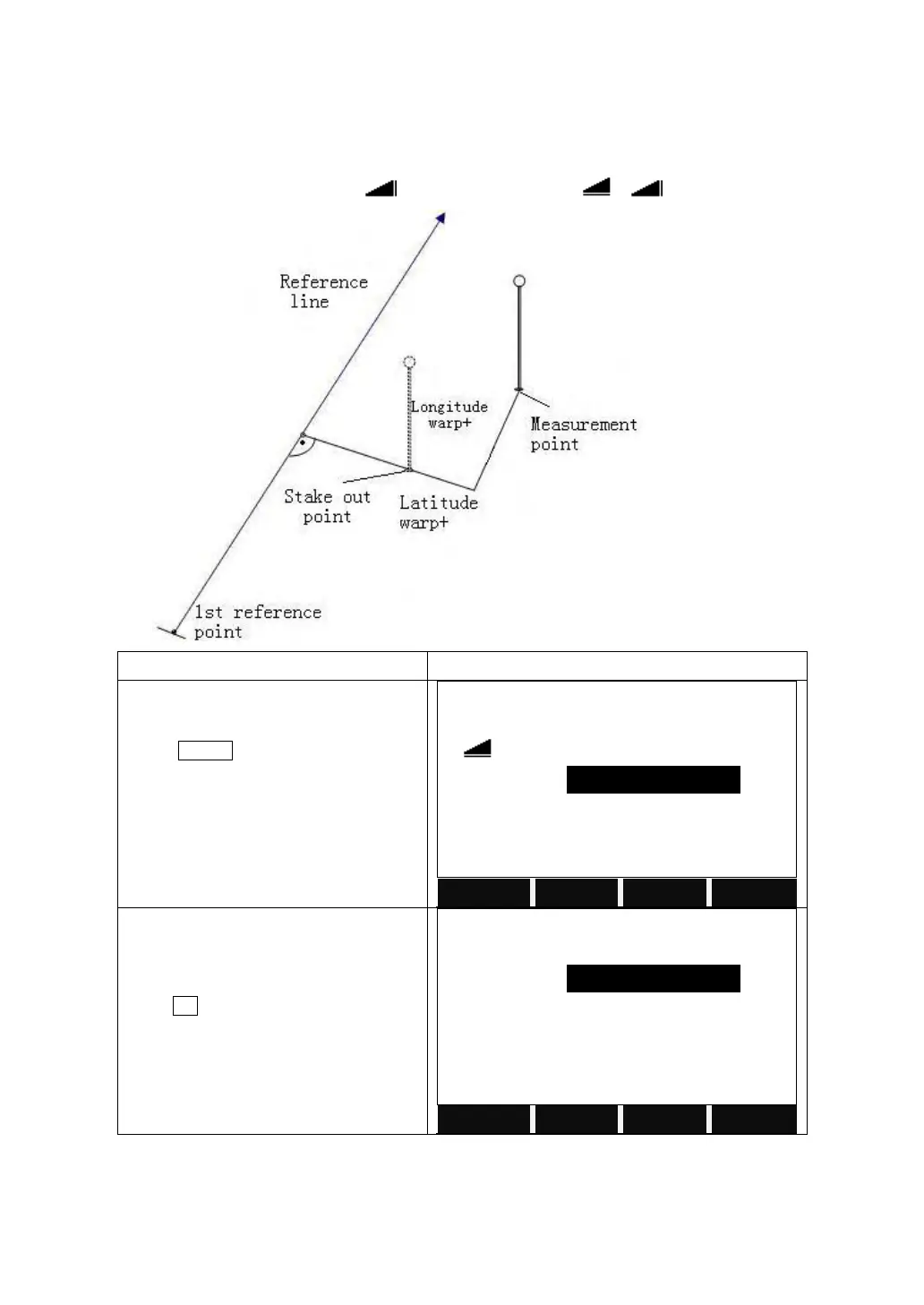
User can enter longitudinal, transverse and height offsets for the target points to
be set-out related to the reference line. The program calculates the difference
between a measured point and the calculated point. The program displays the
orthogonal (pLine, pOffset, p ) and the polar (pHz,△ ,△ ) differences.
Set the base line and reference line as
introduced above.
Press STAKE to start the Orthogonal
Stake Out.
Input the PtID and its prism height, as
well as the T offset, L offset, elevation.
Press OK to start to stake out.



 To Next Page