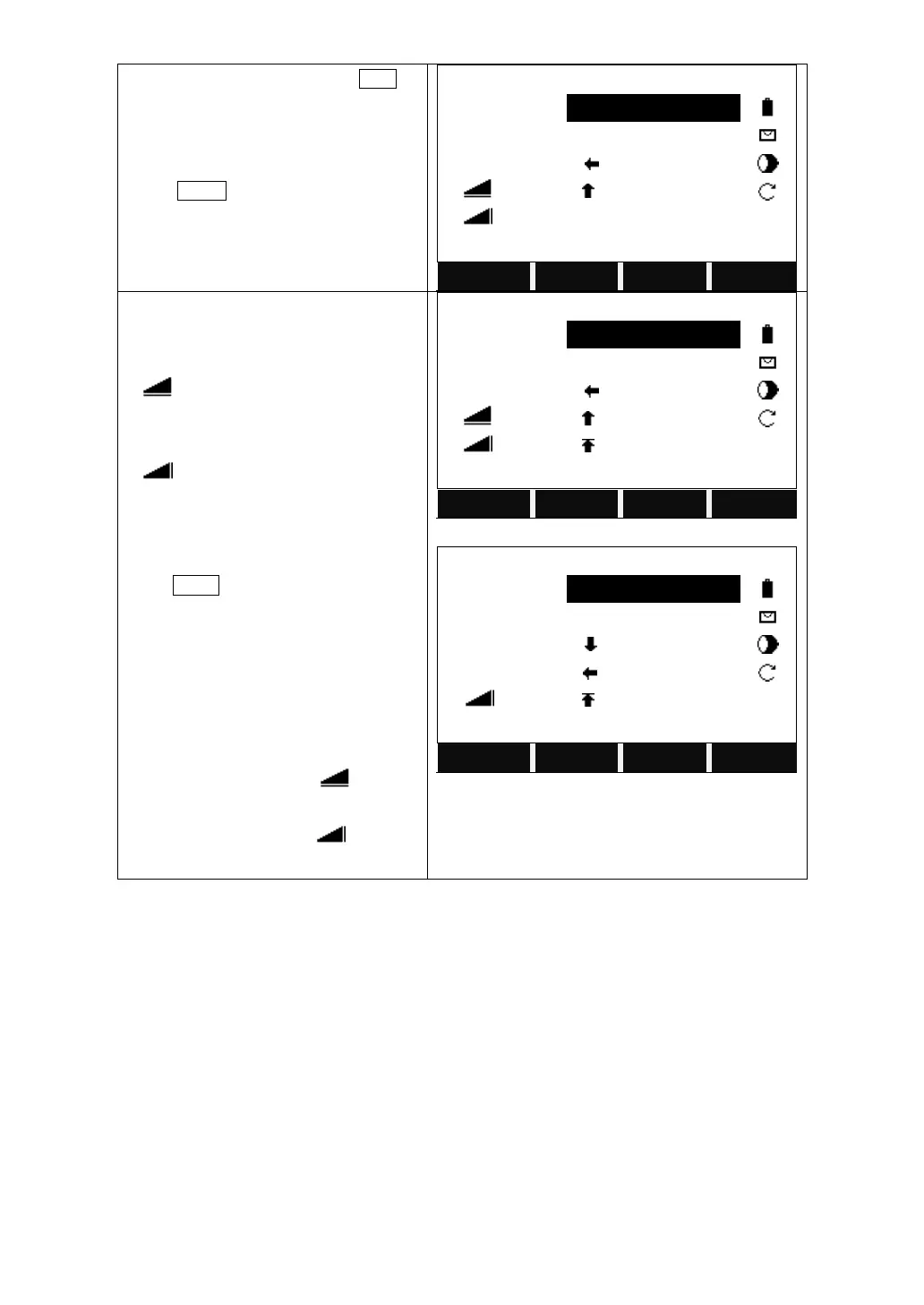
Collimate the prism and press DIST to
start measurement.
If you want to redefine the reference line,
press Ref.Ln in the 2
nd
page of the
function key bar.
It displays the result.
△Hz: Positive from clockwise to point so
take out.
△ : Positive when the point so stake
out is far ahead from the measured
point.
△ : Positive when the point to stake
out is higher than the measured point.
Press PAGE to view the other results.
△Loff: Positive when the point to stake
out is far ahead.
△Toff: Positive when the point to stake
out is to the right side of the measured
point.
when the △ Hz and △ is 0, it
means the current pint is the position of
the point to stake out. △ indicates
the distance to fill or dig.



 To Next Page