87
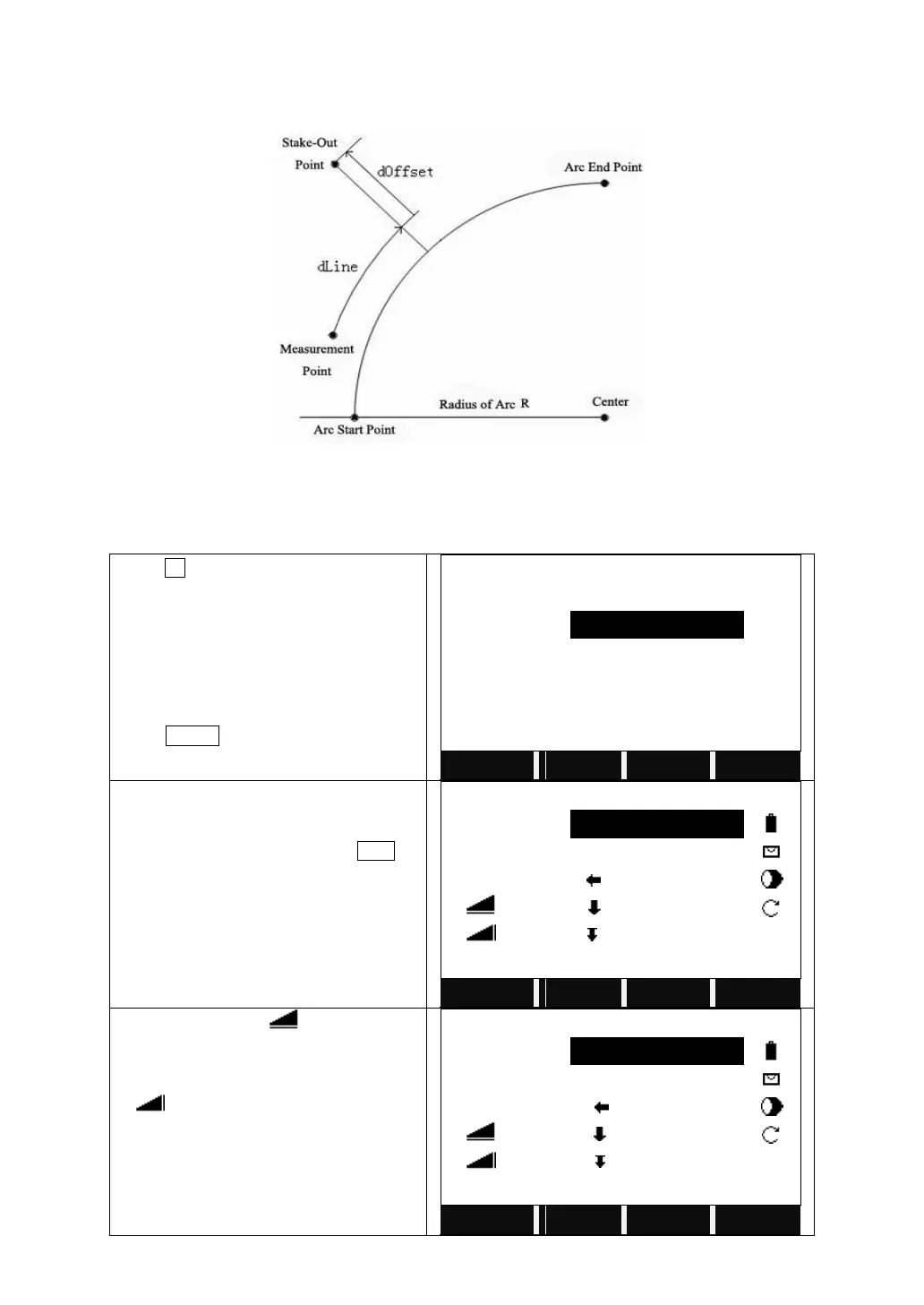
a) Stake-Out Point
Point can be staked out by entering a line and an offset value.
dOffset: The perpendicular distance from stake out points to arc sect.
dLine: The arc length from measurement point to stake-out point and vertical line
of reference arc (Line).
Press F1 to start Stake Out Point.
Input the PtID of the point to stake out,
the arc distance (Line) and the radius
(Offset).
Press STAKE to start stake out.
Input the PtID of the point to measure and
its prism height.
Collimate the prism and press DIST to
start measurement.
The system calculates and displays the
stake out offsets between the prism and
the point to stake out.
【Stake out Reference Arc】
When △Hz and △ is 0, it means
the current position of the prism is the
point to stake out.
△ means the distance to dig or fill.
【Stake out Reference Arc】



 To Next Page