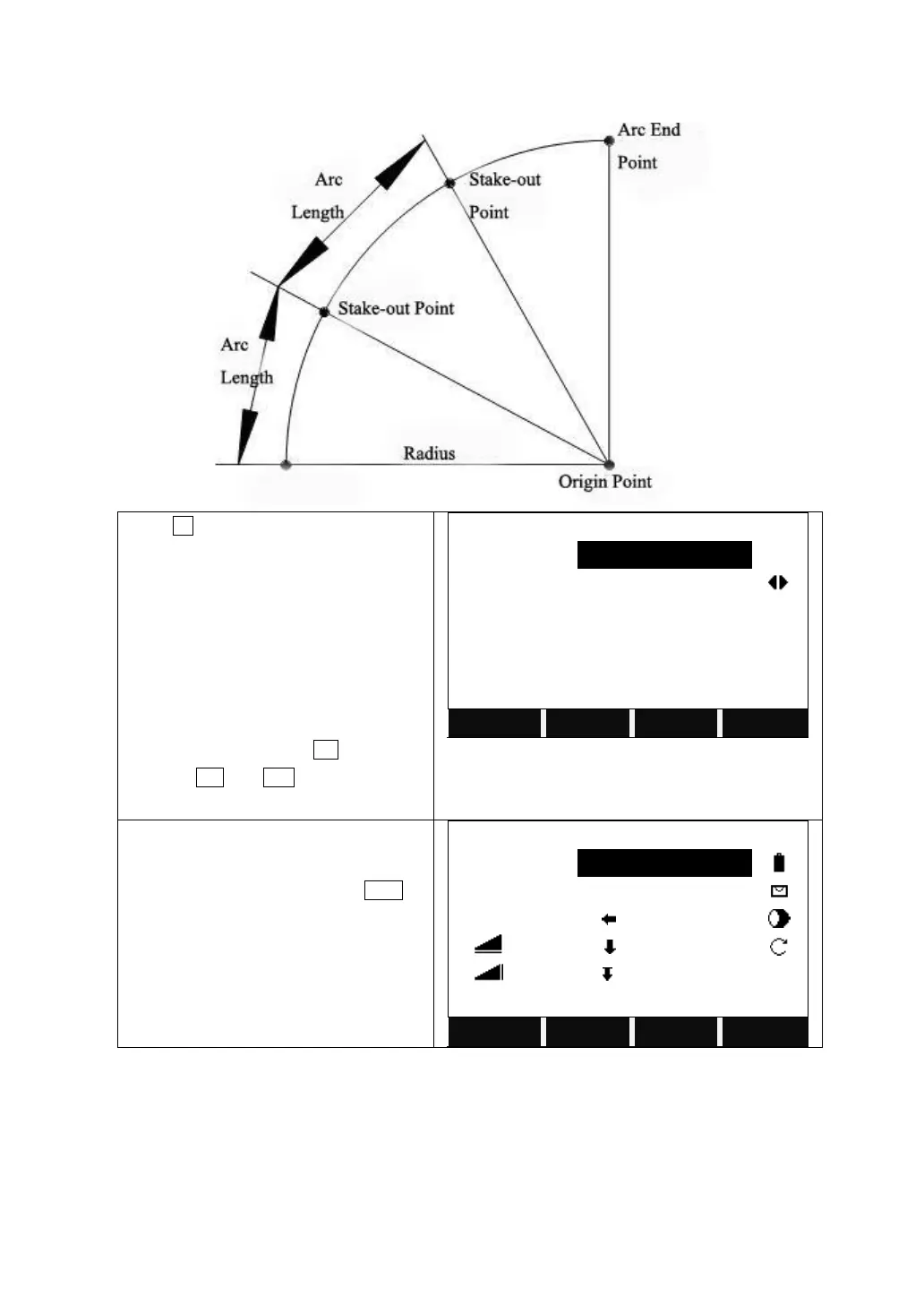
Press F2 to start Stake Out Arc.
Input the PtID of the point to stake out.
Select the distributing mode of
misclosure.
Input the length of the arc to stake out,
and the system will calculate the Line
according to the distributing mode
chosen.
Input the offset and press OK.
Pressing PT- and PT+ can display each
line of the arc to stake out.
Input the PtID of the point to measure and
its prism height.
Collimate the prism and press DIST to
start measurement.
The system calculates and displays the
stake out offsets between the prism and
the point to stake out.



 To Next Page