89
When △Hz and △ is 0, it means
the current position of the prism is the
point to stake out.
△ mean the distance to dig or fill.
【Stake out Reference Arc】
Display content:
1. Misclosure: If the entered arc length is not an integer of the whole arc, there
will be a misclosure.
User has 3 options to distribute the misclosure:
1) Start arc: All of the misclosure will be added to the first arc-section.
2) No distribution: All of the misclosure will be added to the last arc-section.
3) Equal: The misclosure will be equally distributed between all sections.
2. Arc length:Enter the length of the arc-segment to be staked out.
3. Line: Shows the line-value of the stake-out point. This is calculated by the arc
length and the selected misclosure distribution.
4. Offset: Here you can enter the offset value.
Soft keys
[F1]([0SET]): Set the value to 0.
[F2]([PT-]) and [F3] ([PT+]): Toggles through the calculated stake-out points.
[F4]([OK]): Proceed to Stake Out Measure dialog.
c) Stake out Chord
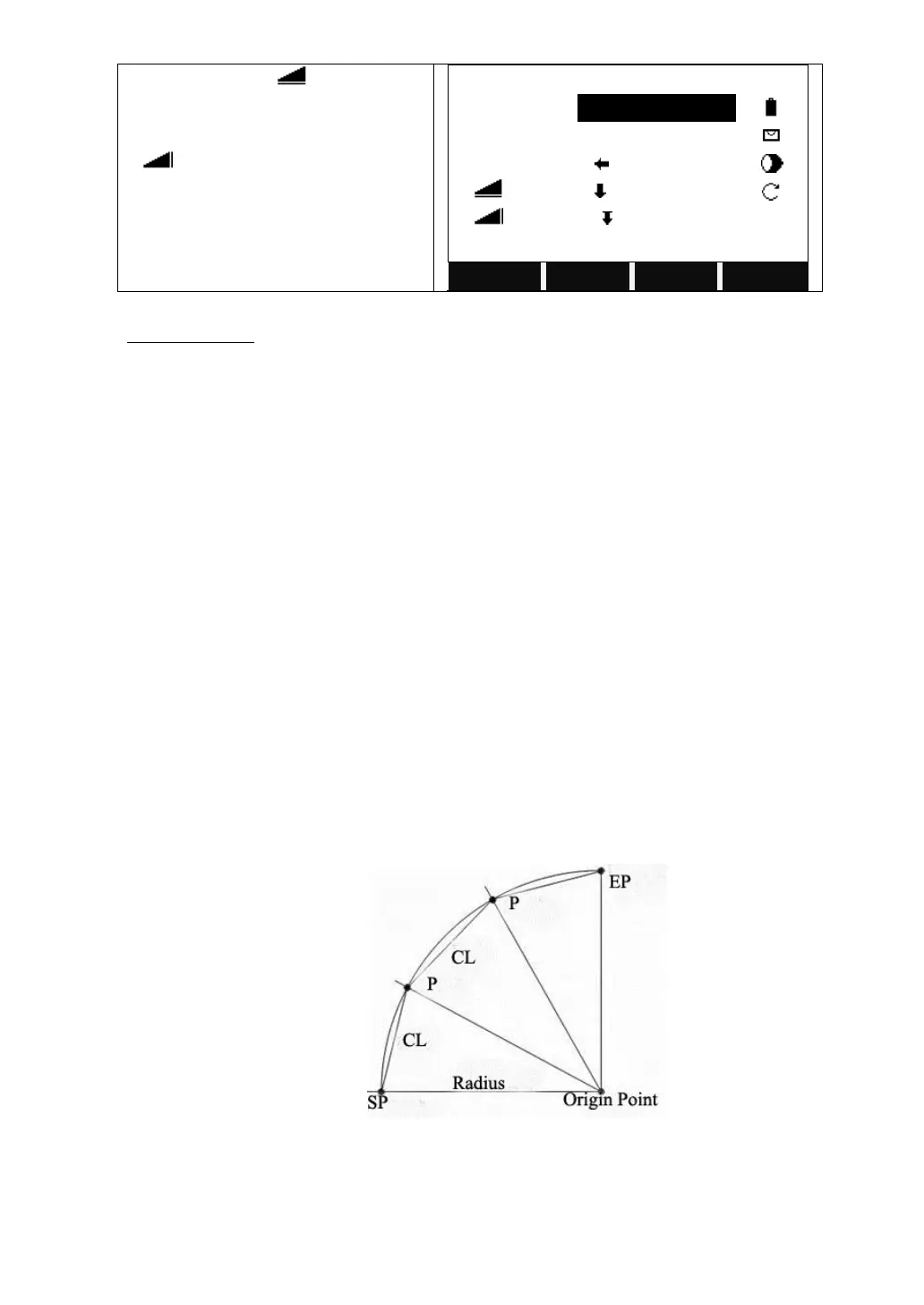
This allows taking out a series of equidistant chords along the arc.
CL: Chord length
SP: Start point of arc
EP: End point of arc
P: Point to stake



 To Next Page