90
The operation keys displayed in dialog of Ref.Arc Stake Out is in accordance
with the one of Stake Out Arc introduced previously.
d) Stake out Angle
This allows staking out a series of angles along the arc. The angels are defined
by the point on the arc. The screen contents and the buttons shown are the same
as described in “Stake out Arc” section.
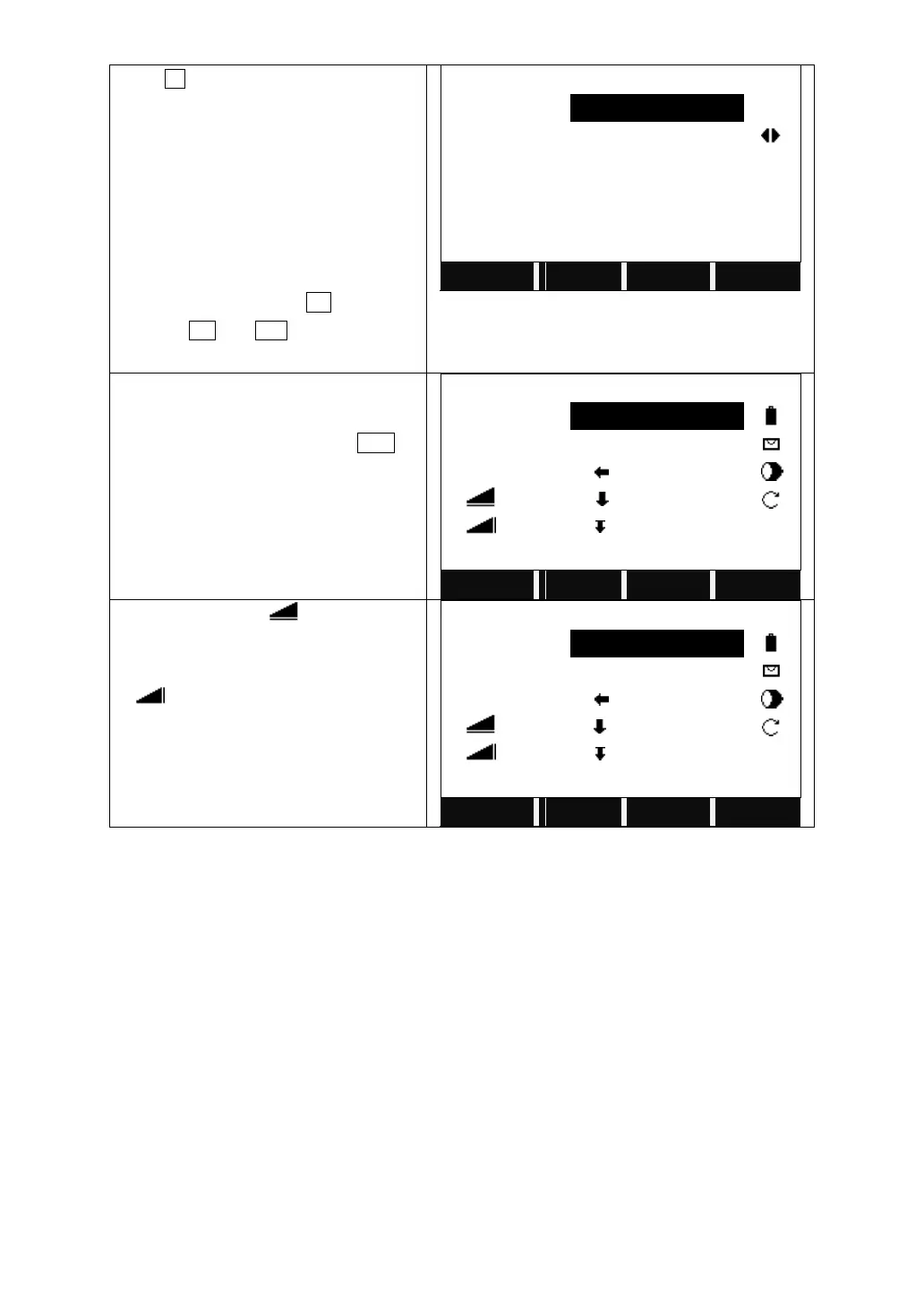
Press F3 to start Stake Out Chord.
Input the PtID of the point to stake out.
Select the distributing mode of
misclosure.
Input the length of the chord to stake out,
and the system will calculate the Line
according to the distributing mode
chosen.
Input the offset and press OK.
Pressing PT- and PT+ can display each
line of the arc to stake out.
Input the PtID of the point to measure and
its prism height.
Collimate the prism and press DIST to
start measurement.
The system calculates and displays the
stake out offsets between the prism and
the point to stake out.
【Stake out Reference Arc】
When △Hz and △ is 0, it means
the current position of the prism is the
point to stake out.
△ mean the distance to dig or fill.
【Stake out Reference Arc】



 To Next Page