SPA-100 OPERATION MANUAL
24 / 67
Sets the minimum display range of the X-axis. Move the mouse
pointer to the position you want to set, right-click, and set from
the menu.
Set X-Max:
Sets the minimum display range of the X-axis. Move the mouse
pointer to the position you want to set, right-click, and set from
the menu.
Set Peak Threshold:
Displays a horizontal axis line to set the peak detection threshold.
Set RL1 and WDL Region:
Displays the area for calculating reflection loss and insertion loss
in reflection measurement mode, and wavelength-dependent loss
in transmission measurement mode.
Set RL2 Region:
In reflection measurement mode, displays the second area for
calculating return loss and insertion loss.
Select Refractive Index Region:
Sets the range for which you want to set the refractive index.
Select Attenuation Region:
Displays the area for calculating attenuation measurements.
Set Attenuation Region:
Sets the area for calculating attenuation measurements.
Reset Attenuation Region: Resets the range of attenuation measurements.
(For details on return loss and insertion loss, see 6.4.)
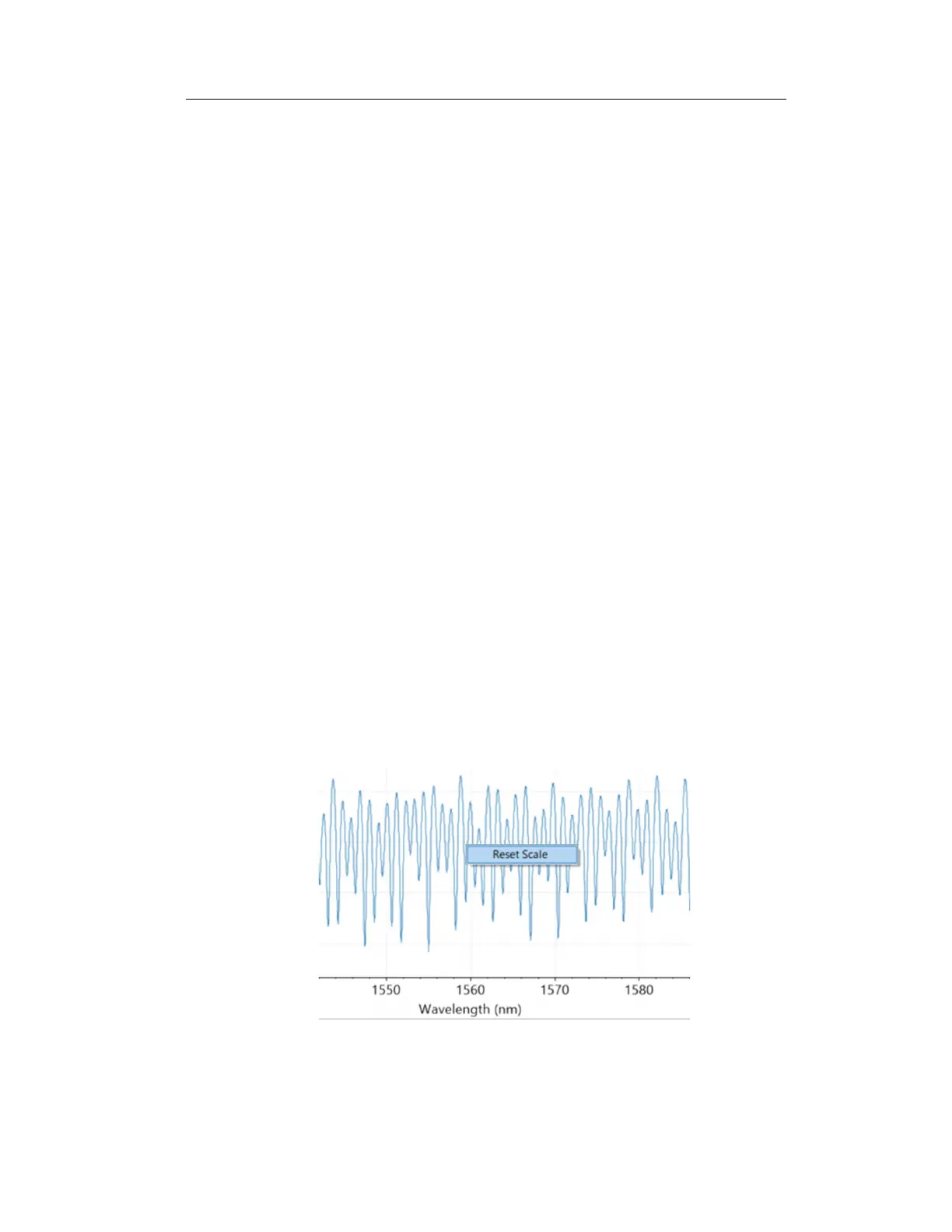
Figure 6-13



 To Next Page