Optical Backreflection Meter SPA-100
17 / 67
6. Measurement Operation
For information on installing the operating software, refer to Chapter 7.
6.1. Launching the Software
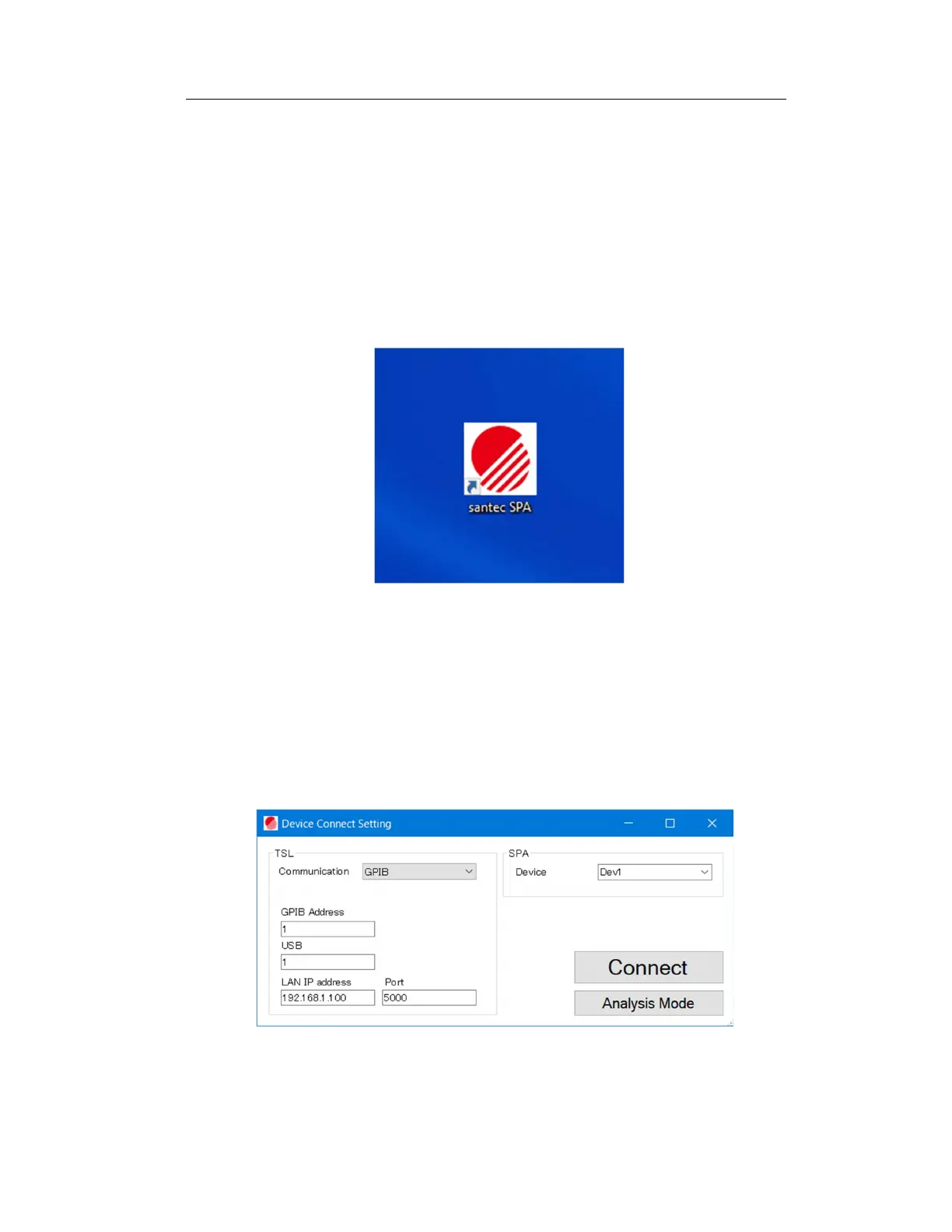
1. Click on the file "santec SPA" on your desktop to run it.
Figure 6-1 Software Icons
2. On the displayed panel (Figure 6-2), select the model name of the tunable
light source to be used, and set the communication method and
communication settings. Then select the device number of the SPA-100 and
click the Connect button. If an error occurs, check the power supply and cable
connection of the device, and restart the software.
Figure 6-2



 To Next Page