Optical Backreflection Meter SPA-100
23 / 67
6.3. How to operate the graph view
By operating the mouse, you can move and enlarge the display range of the graph.
Move the mouse pointer over the graph you want to operate and perform the
following operations.
1. Move graph (X,Y freely): Drag with the left button
2. Move in the direction of X axis: CTRL key + drag with left button
3. Move in the direction of the Y axis: SHIFT key + drag with the left button
4. Enlarge the graph (X,Y freely): Drag with the right button
5. Enlarge X axis: CTRL key + drag with right button
6. Enlarge the Y axis: SHIFT key + drag with the right button
7. Specify the magnification range: ALT key + drag with the left button,
Or drag with the middle button
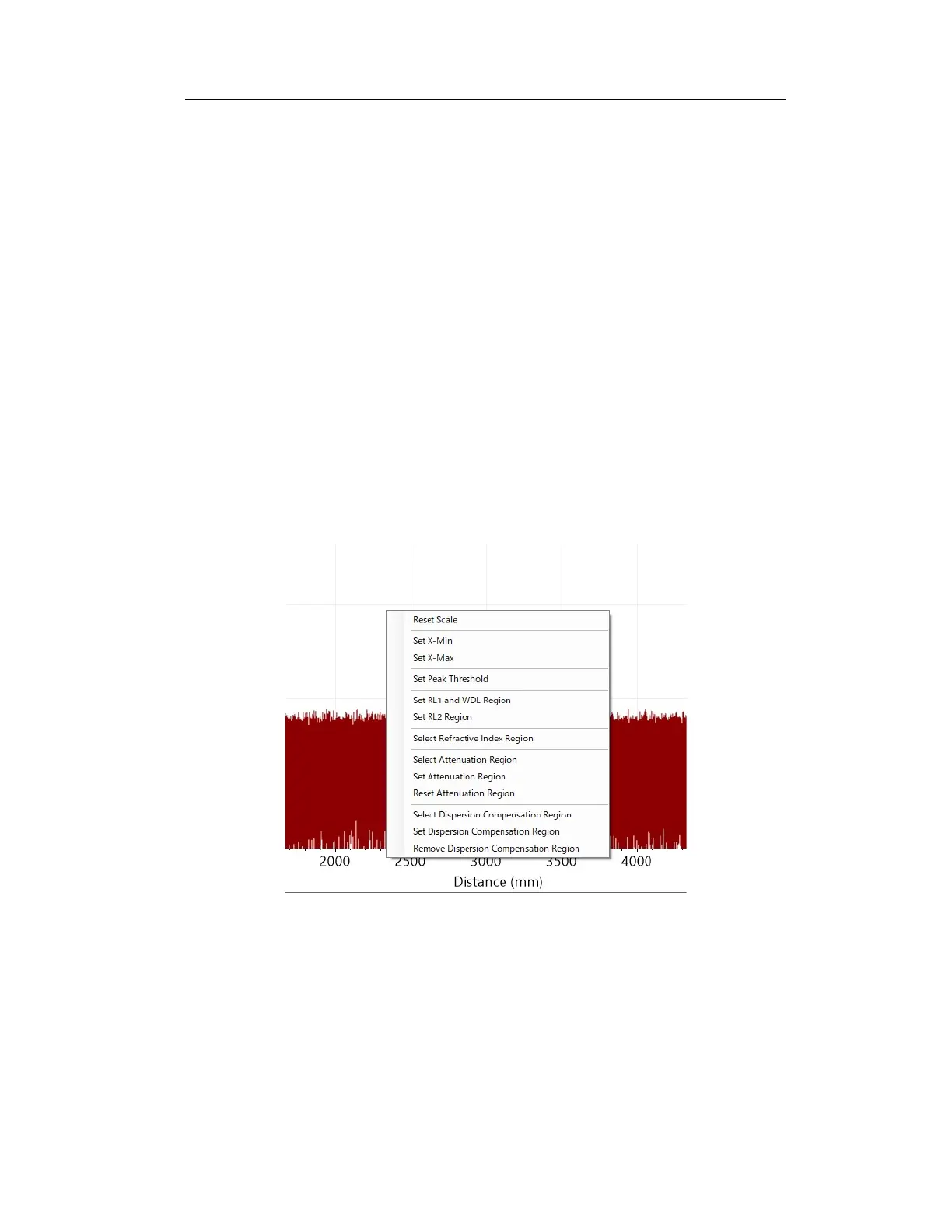
In addition, the operation menu is displayed by clicking the right mouse button.
The operation menu for the upper graph is shown in Figure 6-12 and Figure 6-13.
Figure 6-12 Right-click menu for the upper row graph
Reset Scale:
Cancels moving or zooming the graph display and returns it to the
initial display settings.
Set X-Min:



 To Next Page