SPA-100 OPERATION MANUAL
18 / 67
3. If you wish to analyze the saved data without SPA-100 or TSL connected,
click the Analysis Mode button. It will start up in a mode where only the
analysis function can be used.
6.2. Measurement of Reflection Properties (Overview)
This section describes the high-level steps required to measure reflection
characteristics. See Chapter 6.3 for detailed instructions.
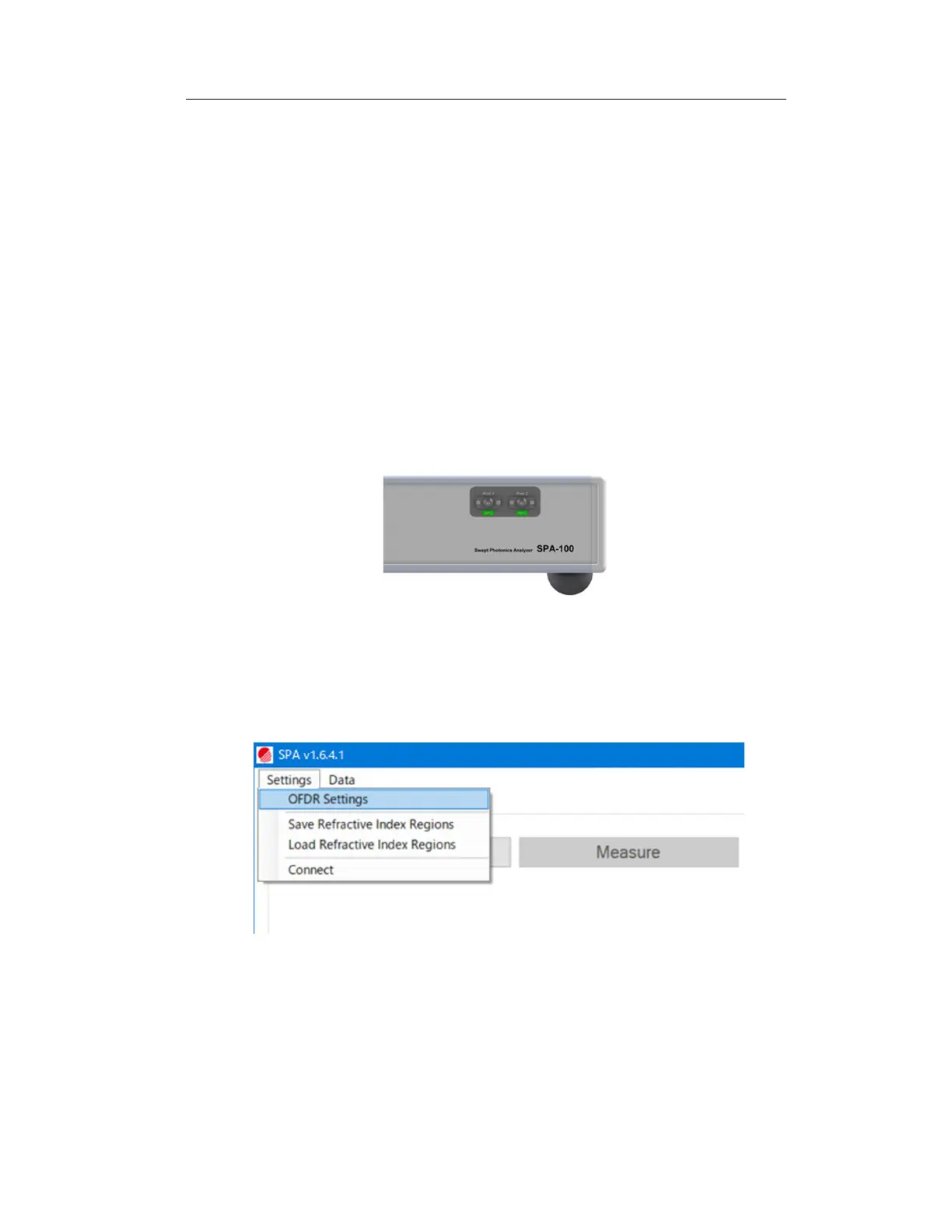
1. Disconnect the fiber from measurement ports 1 and 2 of the SPA-100. Also
remove the protective cap.
Figure 6-3
2. From the menu bar at the top left of the software screen, open “Setting” →
“OFDR Settings” and set the measurement conditions. (Figure 6-4).
Figure 6-4
Open the “Scan Setting” tab in the displayed window and set the measurement
resolution. To set the measurement resolution directly, select “Resolution Mode”
and set the measurement resolution in “Distance Resolution [um]” and the



 To Next Page