SPA-100 OPERATION MANUAL
32 / 67
6.7. Chromatic dispersion correction
By turning on the chromatic dispersion correction function, the peak will be sharpened
by performing calculations to reduce the influence of dispersion. This function makes it
possible to separate peaks at closer distances. However, since the amount of chromatic
dispersion varies depending on the fiber type and length of the device under test, a
single peak near the desired distance of the device under test is used to obtain the
correction value.
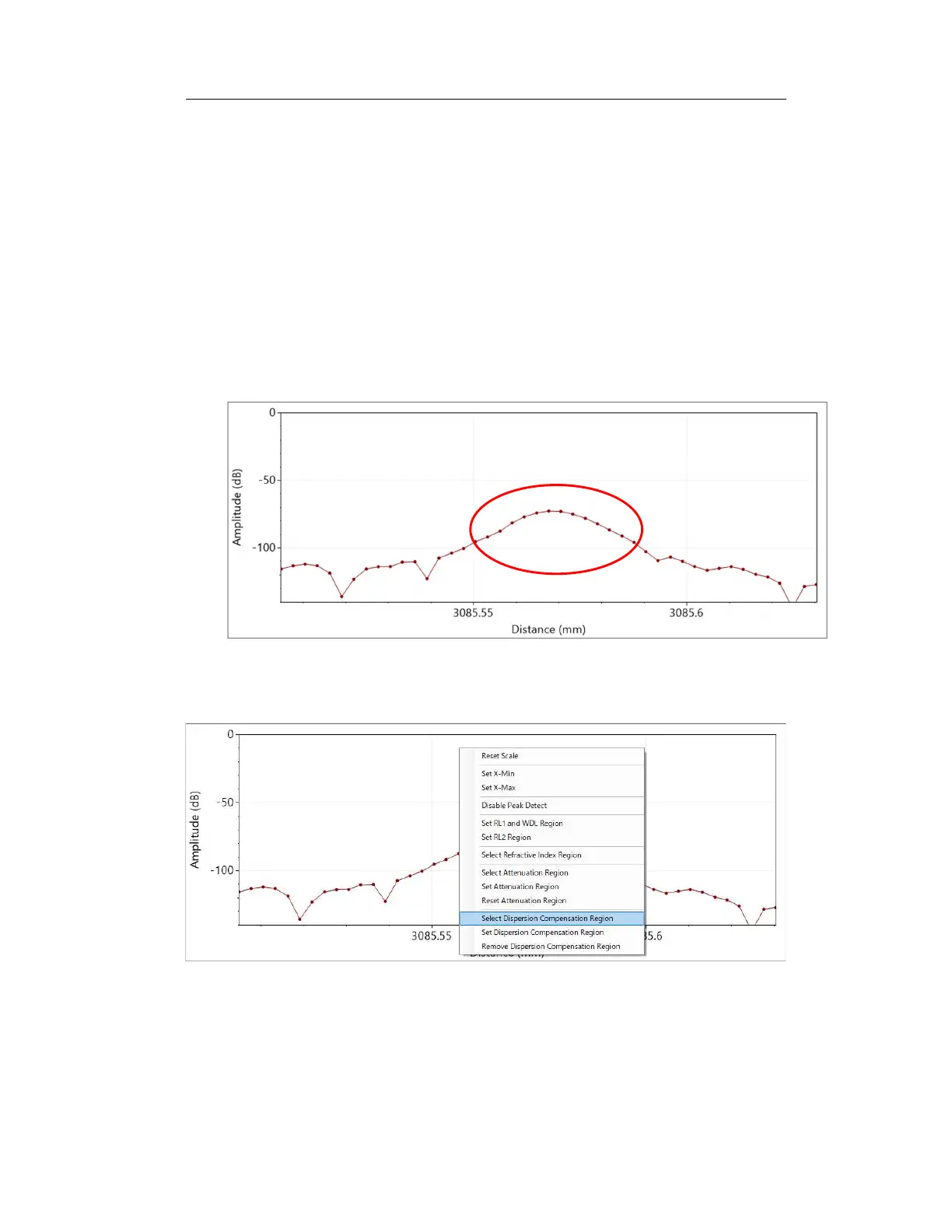
Select a single peak with the highest level possible near the distance you want to
measure. For example, in Figure 6-22, select the peak circled in red.
Figure 6-22
To set an dispersion compensation range, right-click on the graph and select “ Select
Dispersion Compensation Region” from the menu that appears.
Figure 6-23
Drag the left and right dashed lines to adjust the green area so that it corresponds to



 To Next Page