Optical Backreflection Meter SPA-100
33 / 67
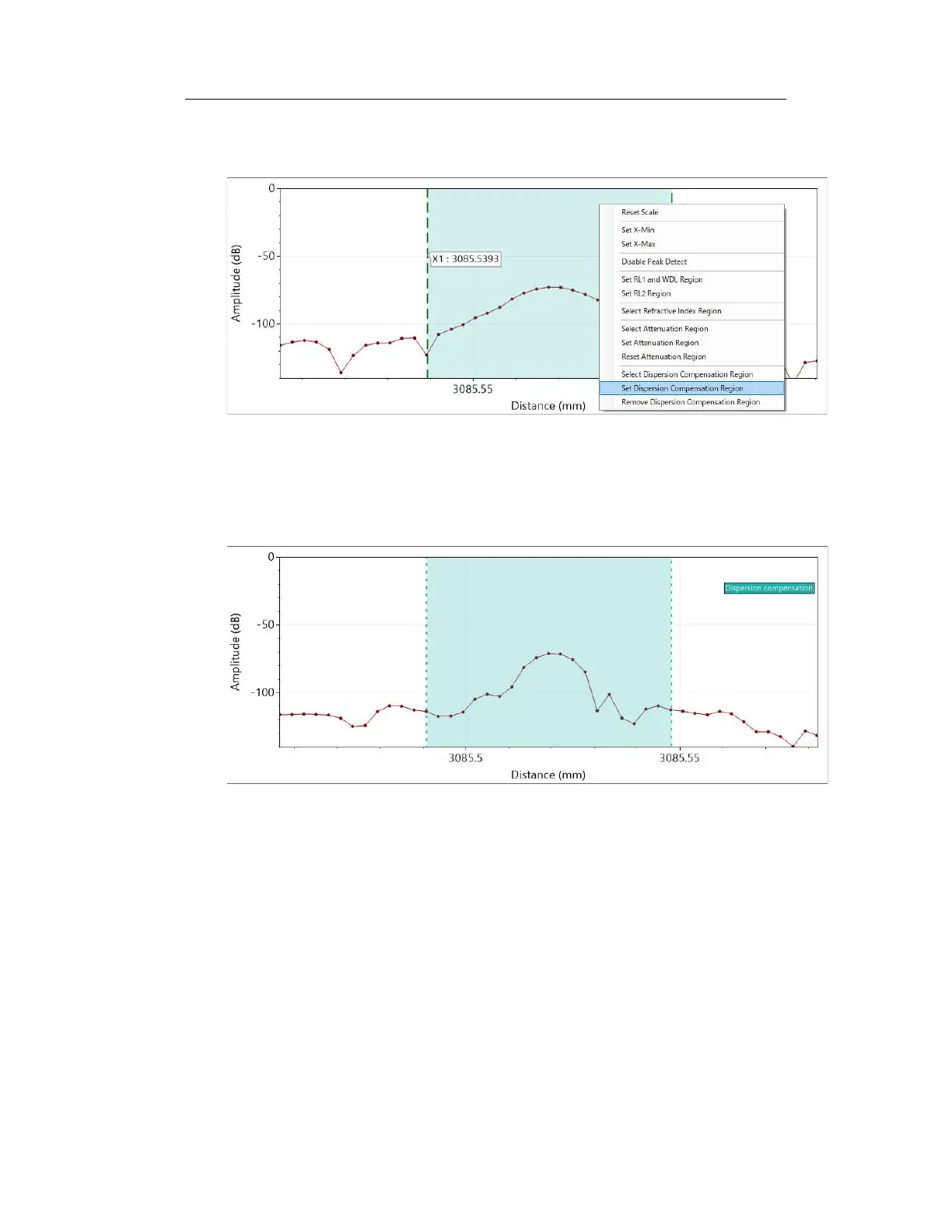
the range you want to specify the dispersion compensation. Right-click on the graph
and select " Set Dispersion Compensation Region".
Figure 6-24
Click the “Update Graph” button to apply the dispersion compensation to the specified
range and update the graph.
Figure 6-25
Check “Fixed Coefficient” on the "Graph" tab to fix the correction value so that it does
not change when the display range is changed. When “Dispersion Compensation” is
checked, compensation is applied using a fixed coefficient. To cancel the correction,



 To Next Page