Optical Backreflection Meter SPA-100
39 / 67
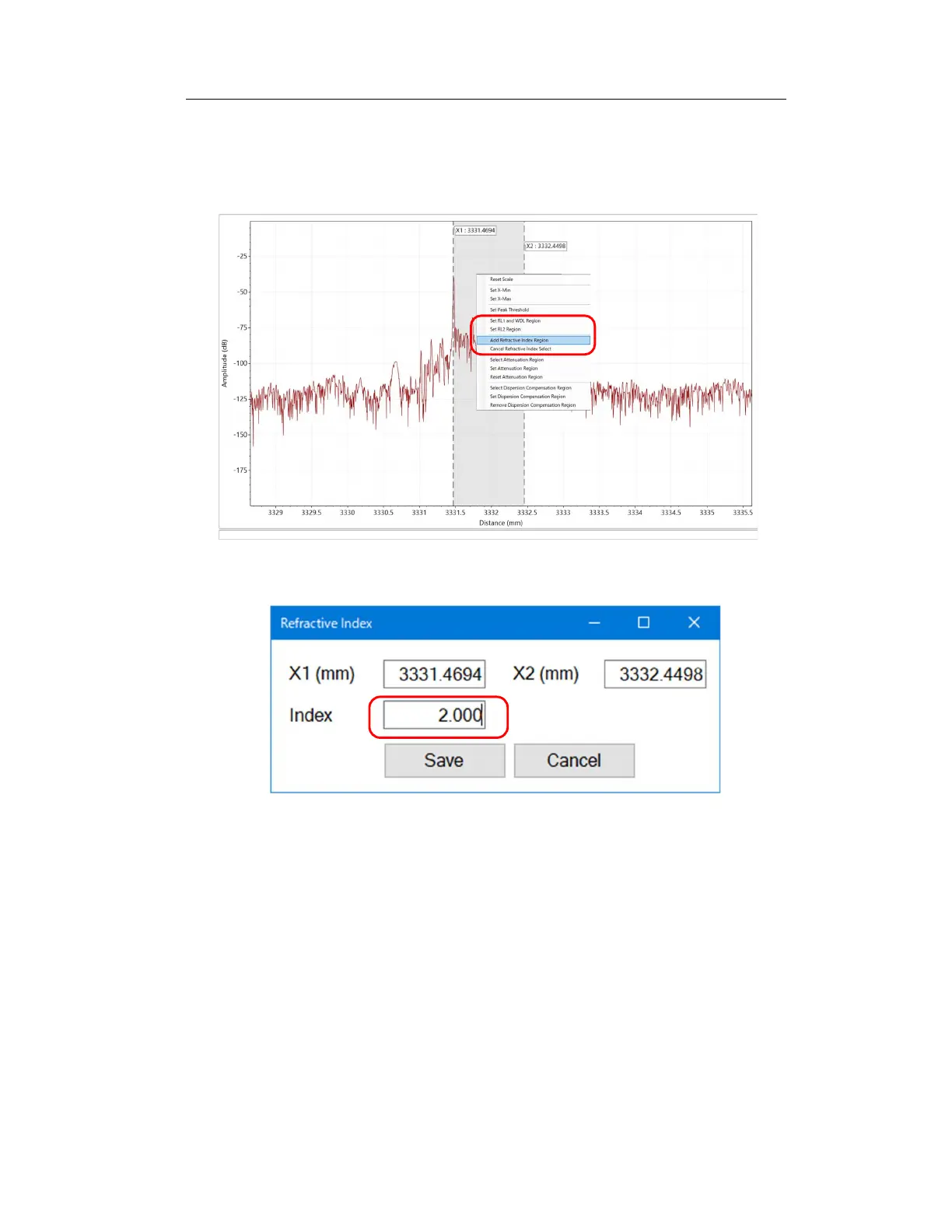
5. Right-click on the graph and select “Add Refractive Index Region”. In the
window that appears, enter the refractive index to be set in "Index" and click
the "Save" button.
Figure 6-35
Figure 6-34
6. Click the “Update Graph” button to apply the refractive index to the
specified range and update the graph.
7. Repeat steps 2 to 6 if you want to add more areas to specify the refractive
index.



 To Next Page