SPA-100 OPERATION MANUAL
44 / 67
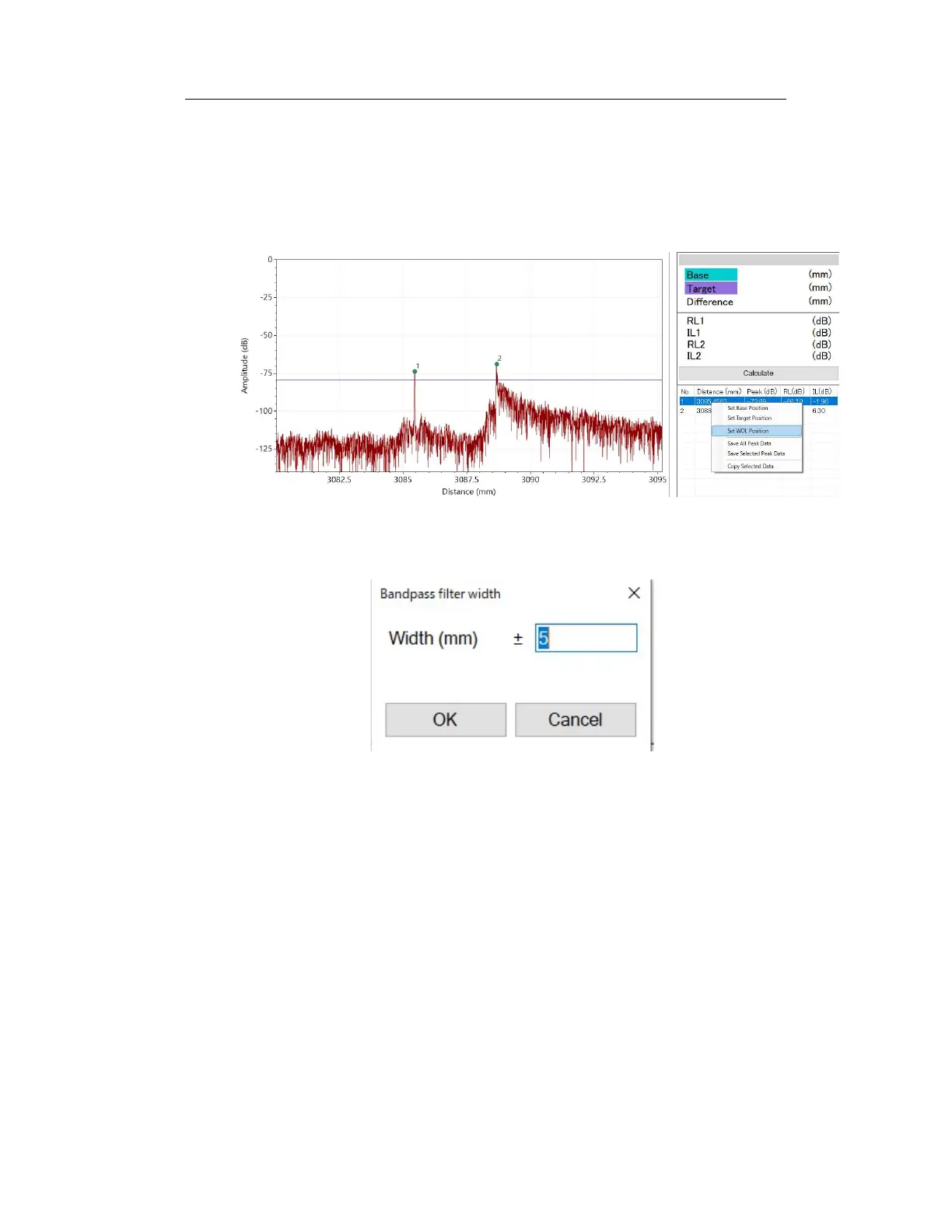
Another way to specify the WDL region is using the peak list on the right
side of the software screen. From the peak list, place the mouse pointer on
the peak data that will be the basis for distance measurement, and select
"Set WDL Position" from the menu that appears when you right-click.
Figure 6-43
In the form that appears next, determine the width of the WDL range.
Figure 6-44
3. Click the Update Graph button to display the wavelength-dependent
reflection loss of the selected area in the lower graph.
4. To make a new measurement, click the Measure button.



 To Next Page