Optical Backreflection Meter SPA-100
59 / 67
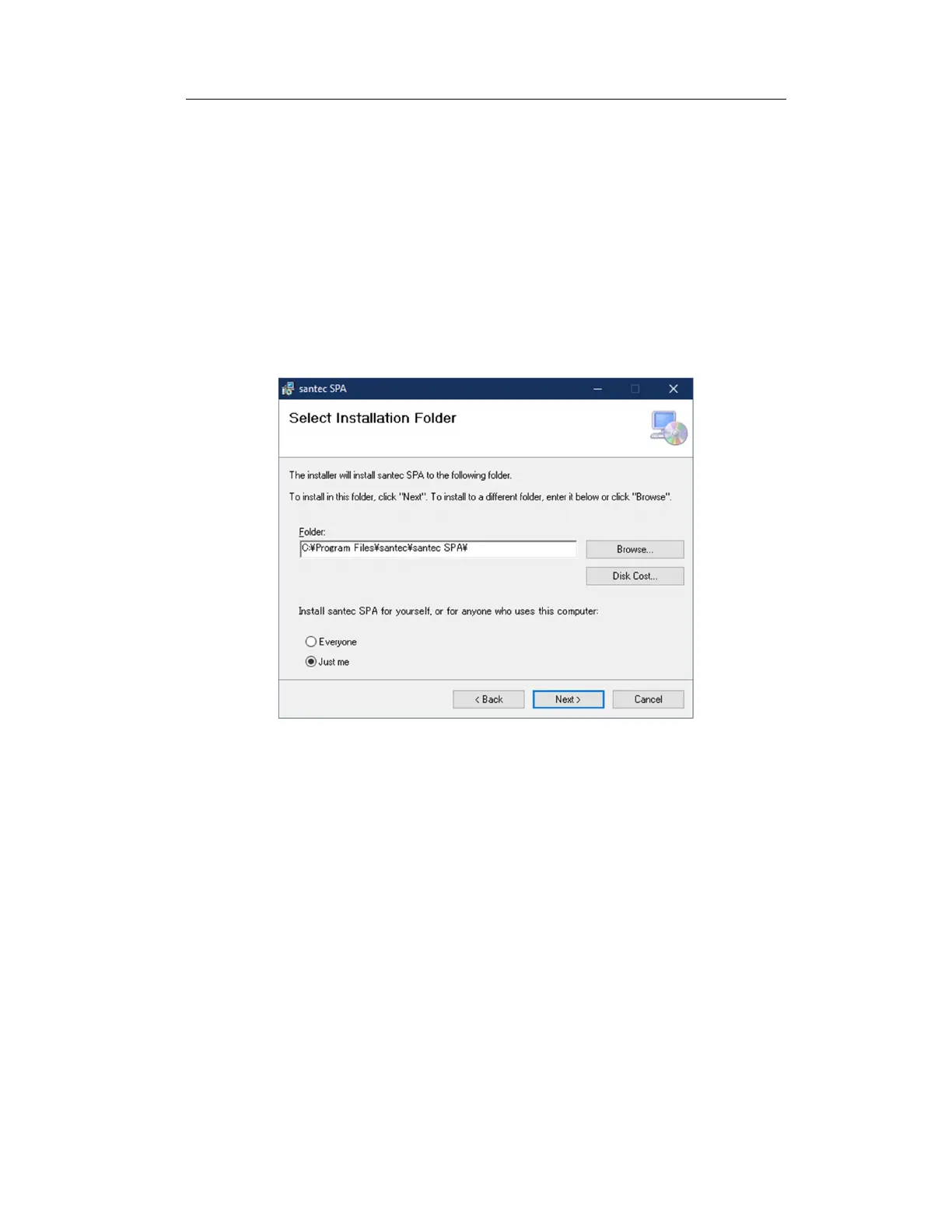
2. When you press the "Next>" button, the directory screen is displayed (Figure
7-12)
Check the installation location as shown. To change the installation location, press
"Browse...", specify the installation location, and press "Next>".
3. The Confirm Installation screen appears (Figure 7-13)
Press the "Next" button to continue.
Figure 7-12 Specifying the installation location



 To Next Page