INTEGRA SATEL
11
The letters provided on numerical keys can help to memorize the access code by associating
it with a particular word (e.g. the code "[7][8][2][7][8]" corresponds to the word "START"). The
[#] and [ok] keys are electrically connected to each other and may be used interchangeably.
Therefore, if using the [#] key is mentioned elsewhere in the following part of this manual, it
should be understood that the [ok] key may also be used instead.
6.2.3 LED indicators
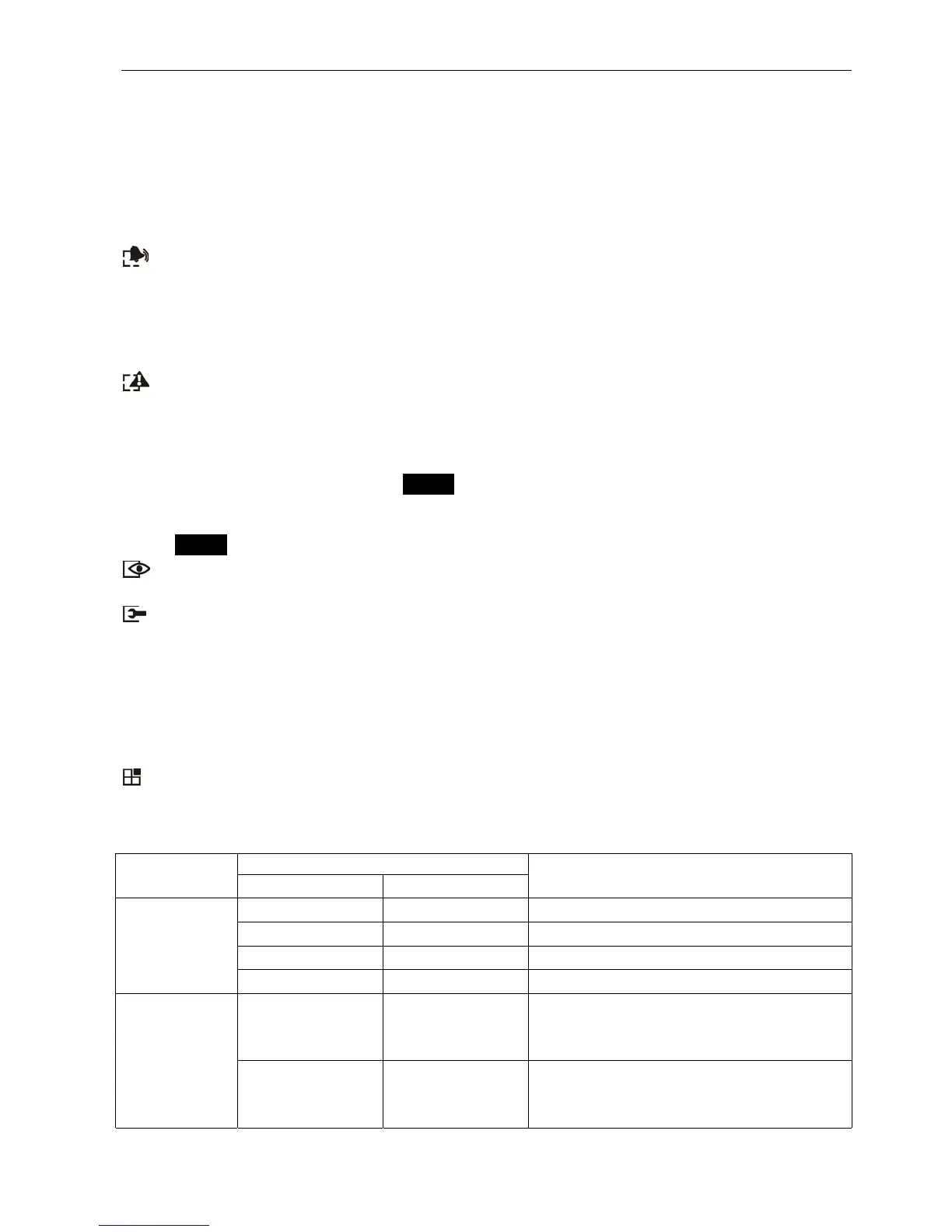
Arranged at the LCD display are 6 LEDs which indicate current status of the system.
–
ALARM
(red) – permanent lighting of the LED indicates alarm. After expiry of the alarm
time, the blinking LED means alarm memory. The LED is going off after deletion of
alarm (see: A
LARMS
).
Note: The LED may not signal alarms in the armed mode if the installer has enabled the
option D
O NOT SHOW ALARM IF ARMED
, as required by the CLC/TS 50131-3 standard.
–
TROUBLE
(yellow) – blinking light indicates that a technical trouble has occurred in the
system. Emergency situations causing this LED to light up are described further in this
Manual (see Description Of User Functions
ÆT
ROUBLES
). The LED goes temporarily
off when the LCD keypad is in partially armed mode (at least one partition accessible
to the given LCD keypad is armed) or in fully armed mode (all partitions accessible to
the LCD keypad are armed) PROG. The LED is blinking until the troubles are viewed
and the trouble memory is reset (the option T
ROUBLE MEMORY UNTIL REVIEW
enabled) or
until the trouble cause stops (the option T
ROUBLE MEMORY UNTIL REVIEW
disabled)
PROG.
–
ARMED
(green) – the LED is blinking when some partitions are armed and lights
steadily when all partitions operated by the keypad are armed.
–
SERVICE
(green) – the LED is blinking when the control panel is in the service mode
(function only available to the user having a service code).
Note: The service mode limits normal operation of the control panel. Alarms from most
zones (except for the following types: PANIC, 24
H
C
ASH MACHINE
, and 24
H
V
IBRATION
)
as well as tamper alarms are not signaled. To restore normal operation of the control
panel, you should exit the service mode, because the control panel will not
automatically return to its normal operating mode.
–
GROUP
(two green LEDs) – used in graphic mode functions to indicate which data set
is currently displayed. The LEDs can show the number of zones or outputs, or indicate
the corresponding expander bus. (See: Description of user functions ÆB
YPASS ZONES
;
T
ESTS
).
LED
INDICATION
left side/upper right side/lower
DESCRIPTION
OFF OFF group 1; numbers 1–32 (n)
OFF ON group 2; numbers 33–64 (32+n)
ON OFF group 3; numbers 65–96 (64+n)
ZONES/
OUTPUTS
ON ON group 4; numbers 97–128 (96+n)
OFF OFF
first expander bus
bus 1 numbers (addresses) 0-31 (DEC)
system addresses 00–1F (HEX)
EXPANDER
BUSES
OFF ON
second expander bus
bus 2 numbers (addresses 0-31 (DEC)
system addresses 20–3F (HEX)
n – number of LCD keypad field












 To Next Page