INTEGRA SATEL
15
• user name: the user name is entered by means of numeric keys which in this case
change their meaning and enable text data (letters) to be entered into the control panel.
Table 2 contains characters accessible from the keypad. By pressing the numeric key
again will cyclically change the available characters. The new user name is entered by
changing the factory-entered name. You may delete the old name by pressing the S
arrow key (each single press deletes the character at the left side of the cursor). Press the
T arrow key to enter space at the left side of the cursor; use the W and X arrow keys to
move the cursor under the user name to highlight the position which can be changed. To
change the character at the position indicated by the cursor, repeatedly press the key with
the proper digit until the proper character appears. Then, move the cursor to the next
position and repeat the procedure.
Pressing [#] accepts the entered data.
Key Characters accessible after key pressing
1 1 ! ? ' ` " { } $ % & @ \ ^ |
#
2 A a B b C c 2
3 D d E e F f 3
4 G g H h I i 4
5 J j K k L l 5
6 M m N n O o 6
7 P p Q q R r S s 7
8 T t U u V v 8
O
9 W w X x Y y Z z 9
0 0 . , : ; + -
/ = _ < > ( ) [ ]
Table 2. Characters accessible in the text mode of data entering.
6.3.3 Graphic mode
The functions regarding selection of partitions, zones and outputs provide also another way
of multiple selection from the list (for example, selection of partitions for arming). It is the so-
called graphic mode. When the selection list is already open, you can enter this mode by
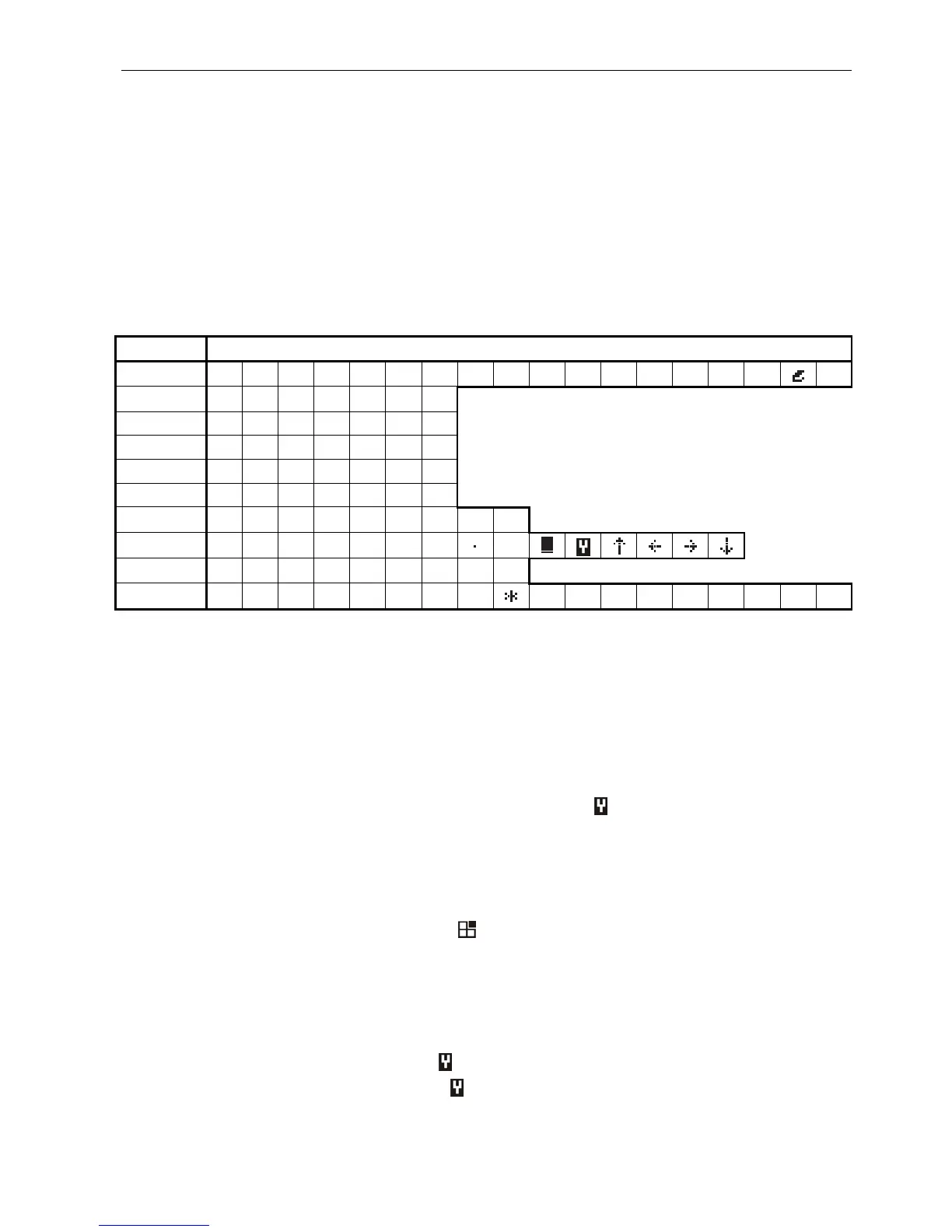
pressing the X or W keys. Dots will appear on the keypad display under the number of each
accessible partition (numbers 1–32 around the display). The dash under the dot (cursor)
indicates which item can be selected. Use the X and W keys to move the cursor to the
required item. Pressing any numeric key causes the symbol to appear at the item selected.
Press the numeric key again to deselect the item. By pressing S or T the previous display
mode (with name) will be restored.
Likewise, when selecting zones or outputs, the dots stand for the available zones or outputs,
but if their number exceeds 32, they are displayed in groups, 32 items in each group (up to 4
groups with 32 zones/outputs each for INTEGRA 128). The number of the currently displayed
group is indicated by two lit LEDs labeled [GROUP] (see description of the LEDs, p. 11).
To calculate the number of the zone/output indicated by the cursor, add, respectively, 32, 64
or 96, depending on the number of displayed group, to the number placed on the keypad
glass next to the cursor.
In the graphic mode, the keys 0, 1 and 2 have special editing functions assigned to them.
Pressing one of them three times results in:
[0][0][0] – deletion of all selected items ( symbol OFF)
[1][1][1] – selection of all available items ( symbol ON)
[2][2][2] – negation of state of all available fields (inversion of selection)












 To Next Page