User Manual INTEGRA
20
Notes:
• If the given partition is armed, and the keypad is also used to operate the electromagnetic
door lock, then entering [CODE][
*
] will disarm the partition and open the door - unless the
partition is temporarily blocked.
• Entering [CODE][
*
] will not disarm the partition, if the option C
ODE
+
*
DOES NOT DISARM
is
enabled for the expander. Nevertheless, the door can be opened, if the option A
CCESS IF
ARMED
is enabled in the expander.
Likewise the LCD keypad, the user who wants to start the above mentioned functions must
have access to the given partition as well as appropriate authority level. In addition, he must
be authorized to use the given keypad by the master user or by the installer (service).
Notes: Entering a wrong (not recognize) code three times may:
− trigger an alarm PROG;
− block a keypad for 90 sec. After this time each next wrong code entering will block
the keypad PROG.
Other functions accessible from the partition keypad (without entering any code) include:
[0][#] quick partition arming,
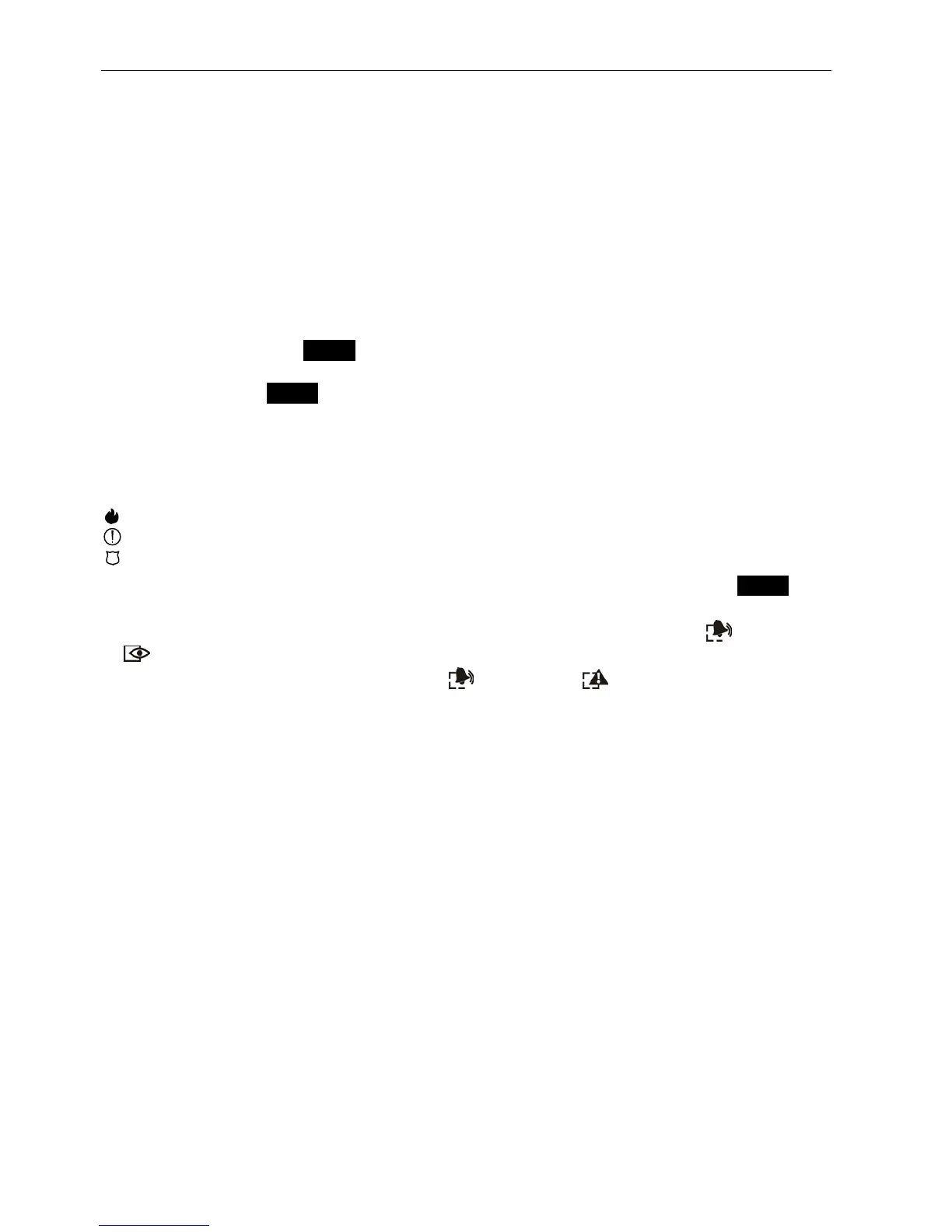
and functions of calling special alarms started by holding down (for approx. 3 seconds) the
key labeled:
– FIRE alarm,
– AUXILIARY alarm (calling for medical aid),
– PANIC alarm.
Another function of the partition keypad is the option of code change by the user PROG. The
user code change is performed as follows:
• Press and hold down (for approx. 3 seconds) the key with digit 1 (labeled [
ALARM
]
and
[
ARMED
]
LEDs – red and green – start blinking alternately).
• Enter the old CODE and press [#] (the [
ALARM
]
and [
TROUBLE
]
LEDs – red and
yellow – start blinking alternately).
• Enter the new CODE and press [#] (the LEDs will stop blinking and the module will
generate a signal to confirm execution of the function).
The control panel cannot accept the change of code (which is signaled with two long beeps)
in the following four cases
1. the new code is too short or too long (acceptable are codes 4 to 8 digits long);
2. the new code is too simple (the function of rejecting simple codes is activated);
3. the new code is identical with that of another user of the alarm system (someone else's
code was "hit"),
4. change of the code has been blocked because another user "hit" this code at an attempt
to change his own code. If the function of prompting about the necessity to change the
code is activated, each use of such a "hit" code will be signaled with three double beeps.
In such a case the change of the code will be only possible by means of the LCD keypad
– and confirmation of the code change will be required (see: description of the C
HANGE
OWN CODE
function) by the object master user. This feature makes impossible "capture" of
the code by a user who accidentally "hit" the code.
Note: With a large number of users it is advisable to use longer, at least 5-digit codes, to
reduce the chance of "hitting" another user's code. The CLC/TS 50131-3 standard
requires that 6-digit codes be used.












 To Next Page