INTEGRA SATEL
59
• using partition numbers – in the graphic mode described below.
This is the mode for the user who exactly knows the numbers of partitions in the alarm system, or the user, who
wants to quickly check how many partitions are not armed yet.
X W These keys are used to select partitions in the graphic mode.
S T These keys are used to select partitions in the basic mode (using partition names).
It is possible to toggle between modes as many times as necessary
.
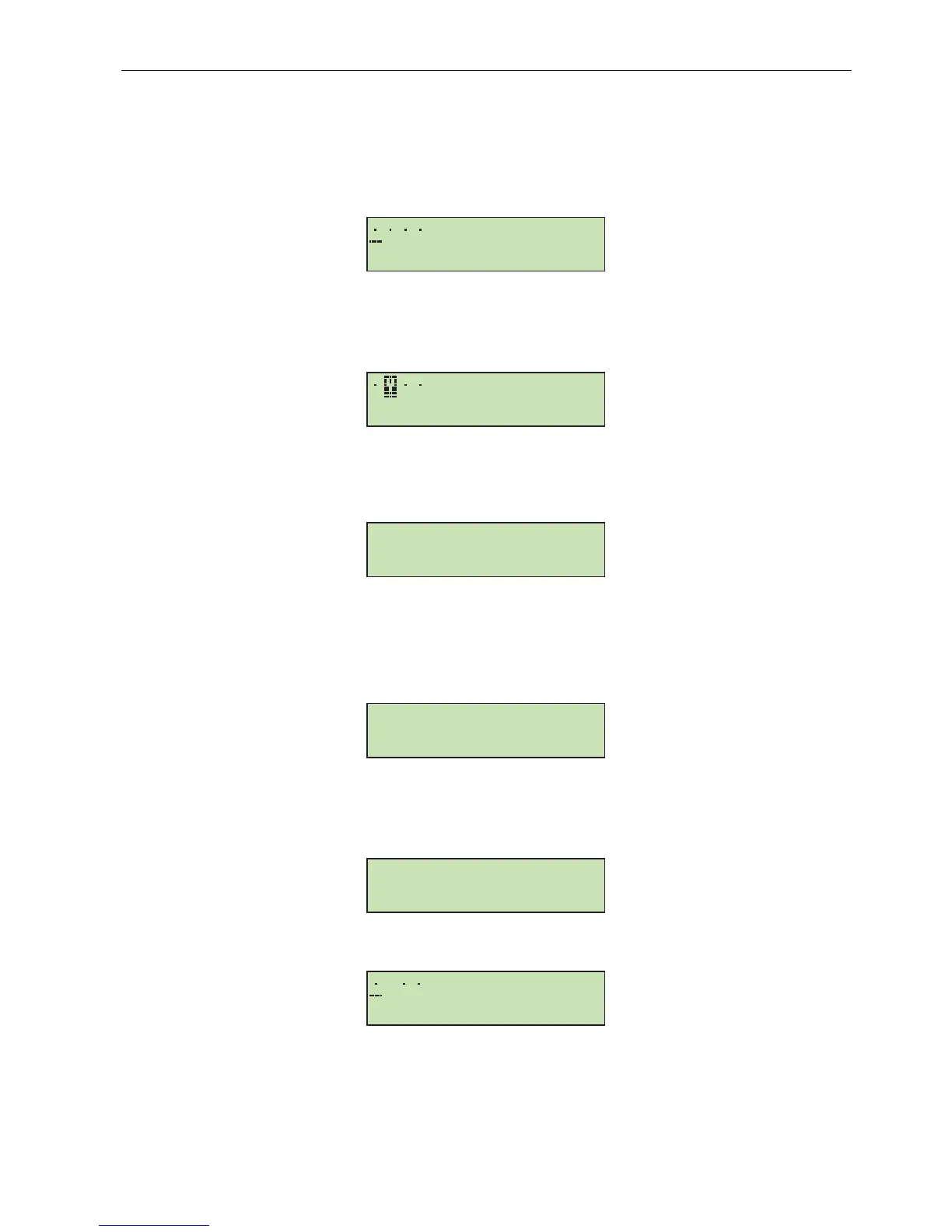
Dots next to numbers 1
–
32 indicate partitions,
which may be armed (1, 2, 3 and 4). The cursor under a dot
allows to select the
partition
, which may be marked for arming.
X Move cursor under Partition 2 field.
[3] Mark the
partition
for arming using any numeric key.
Pressing the [#] key after selection is made will arm the
partitions
, independently of the display mode.
ARMING (part II: [CODE][
*
])
[1][1][1][1][
*
] Enter code – calling the user function menu.
[#] or X
Select the function indicated with arrow – you will be moved to the stage of partition selection for
arming as described in detail in the first part of this example
.
Note: When all partitions accessible to you are armed, the Arm function will not be shown in the menu (on the
keypad display). If some partitions in the object are already armed, the following texts will appear on the
display:
In this situation, do the following:
T Indicate the Arm function.
[#] or X
Select the function indicated with arrow – you will be moved to the stage of partition selection for
arming, as described in detail in the first part of this example
.
Assuming (for this example) that Partition 2 (Book-keeping) has been already armed, then, after calling the Arm
function again and entering the graphic mode of partition selection, the keypad display will be as shown below:
It is possible now to arm Partitions 1, 3 and 4.
Example 2: DISARMING (part I: [CODE][#])
- Partition No. 2 named “Book-keeping", belonging to Object 1; user – the object master.
Note: The function is only available to the user when at least one of partitions accessible to him is armed.
Á
Arm
Change own code
Á
D












 To Next Page