229
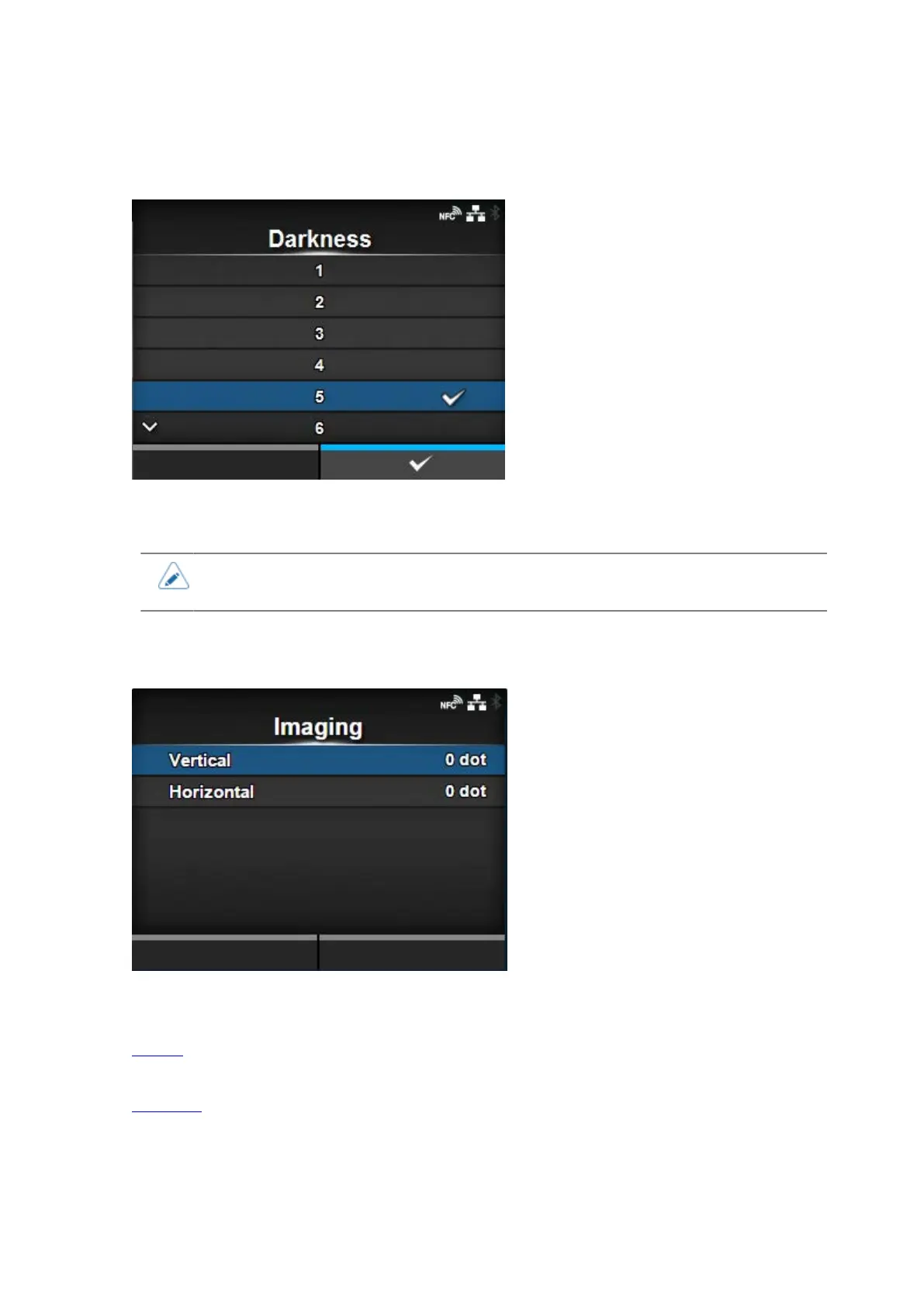
[Darkness]
Specify the print darkness from 10 steps.
The setting range is from 1 to 10. 1 is the lightest and 10 is the darkest.
• To further fine tune the print darkness, set the items in [Printing] > [Advanced] >
[Adjustments] > [Darkness Adjust].
[Imaging]
Set the print reference position in the vertical and horizontal directions.
The setting items are as follows:
Vertical
Adjust the print position in the vertical (feed) direction.
Horizontal
Adjust the print position in the horizontal direction.





 To Next Page